
Flunkey
A voice-first desktop productivity assistant for Windows that captures spoken ideas, sends queries to an LLM via Groq API, and manages transcripts with keyboard shortcuts.
At a Glance
About Flunkey
Flunkey is a lightweight, voice-first desktop productivity tool for Windows built by 17-year-old developer Rohan Sharvesh over five to six months. It launched in beta as version 0.1.0 — described on the homepage as free, unlimited, and completely local. The app is built with Tauri (Rust) + React + TypeScript, and follows a bring-your-own-key (BYOK) model using the Groq API.
What It Is
Flunkey sits as a compact overlay on Windows, letting users press a hotkey to dictate a question or thought and immediately get an LLM response — without switching tabs or breaking focus. The creator describes the core motivation as wanting "a question to have somewhere to go" without context switching. It functions as a voice-to-LLM shortcut layer rather than a full-featured AI assistant suite, keeping the UI minimal and keyboard-driven.
Core Features and Workflow
The app centers on two primary hotkeys:
- F8 — push-to-dictate voice transcription
- F9 — send the transcribed query to an LLM
Beyond those, Flunkey includes a lightweight chat interface, transcript history manager, and a compact popup overlay window. The UI is intentionally low-distraction and designed to stay out of the way during normal work.
Architecture and Technical Choices
Flunkey uses Tauri with a Rust backend for native Windows integrations, chosen specifically because it is lighter and faster than Electron-style desktop stacks. The frontend is React + TypeScript + Vite. The BYOK model means users supply their own Groq API key, keeping the model connection transparent and under user control. The creator notes the goal is an app that "can run comfortably on more computers" due to its low resource footprint.
Open-Source and Solo-Built
The MVP repository is publicly available on GitHub under the FlunkeyManager account. The project has no formal OSI license specified. It was designed, coded, and visually branded by a single developer — including the logo, posters, and motion pieces. The GitHub repository was created in July 2026 and last updated in August 2026.
Update: Flunkey 0.1.0 Beta Launch
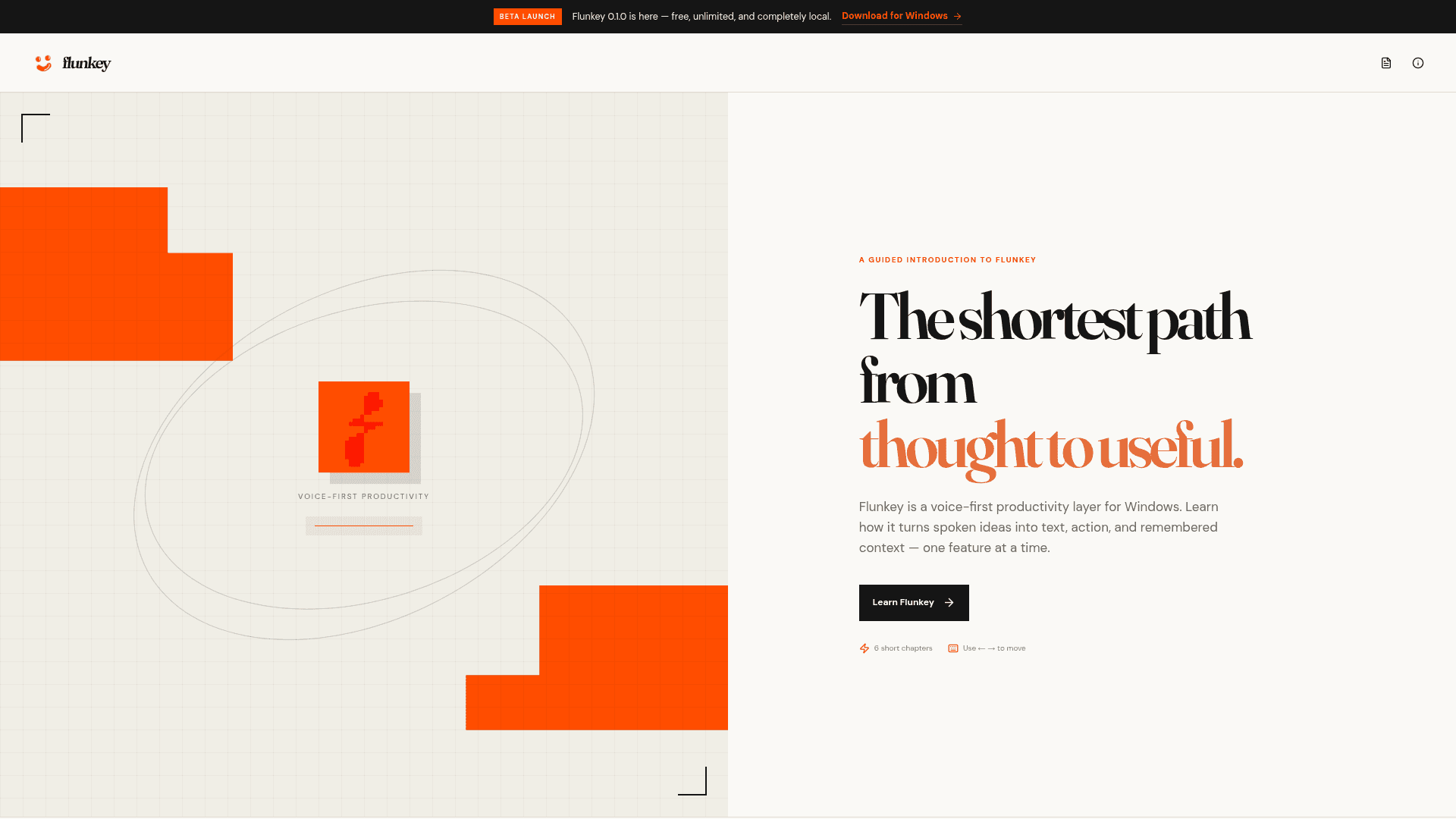
Version 0.1.0 is the current release, described as the initial beta. The homepage announces it as free, unlimited, and completely local. The repository shows active development with the last push in July 2026 and last update in August 2026, signaling an early but actively maintained project stage.
Community Discussions
Be the first to start a conversation about Flunkey
Share your experience with Flunkey, ask questions, or help others learn from your insights.
Pricing
Free
Free, unlimited, and completely local. Download for Windows.
- Push-to-dictate voice transcription (F8)
- LLM query submission (F9)
- Compact overlay window
- Lightweight chat interface
- Transcript history manager
Capabilities
Key Features
- Push-to-dictate voice transcription via F8 hotkey
- LLM query submission via F9 hotkey
- Compact overlay window for low-distraction use
- Lightweight chat interface
- Transcript history manager
- Bring-your-own-key (BYOK) model with Groq API
- Keyboard shortcut-driven workflow
- Context-aware help while working
- Runs locally on Windows