
Forge Code
AI pair programmer that runs in your terminal, integrating with any IDE and supporting multiple AI providers for code assistance.
At a Glance
About Forge Code
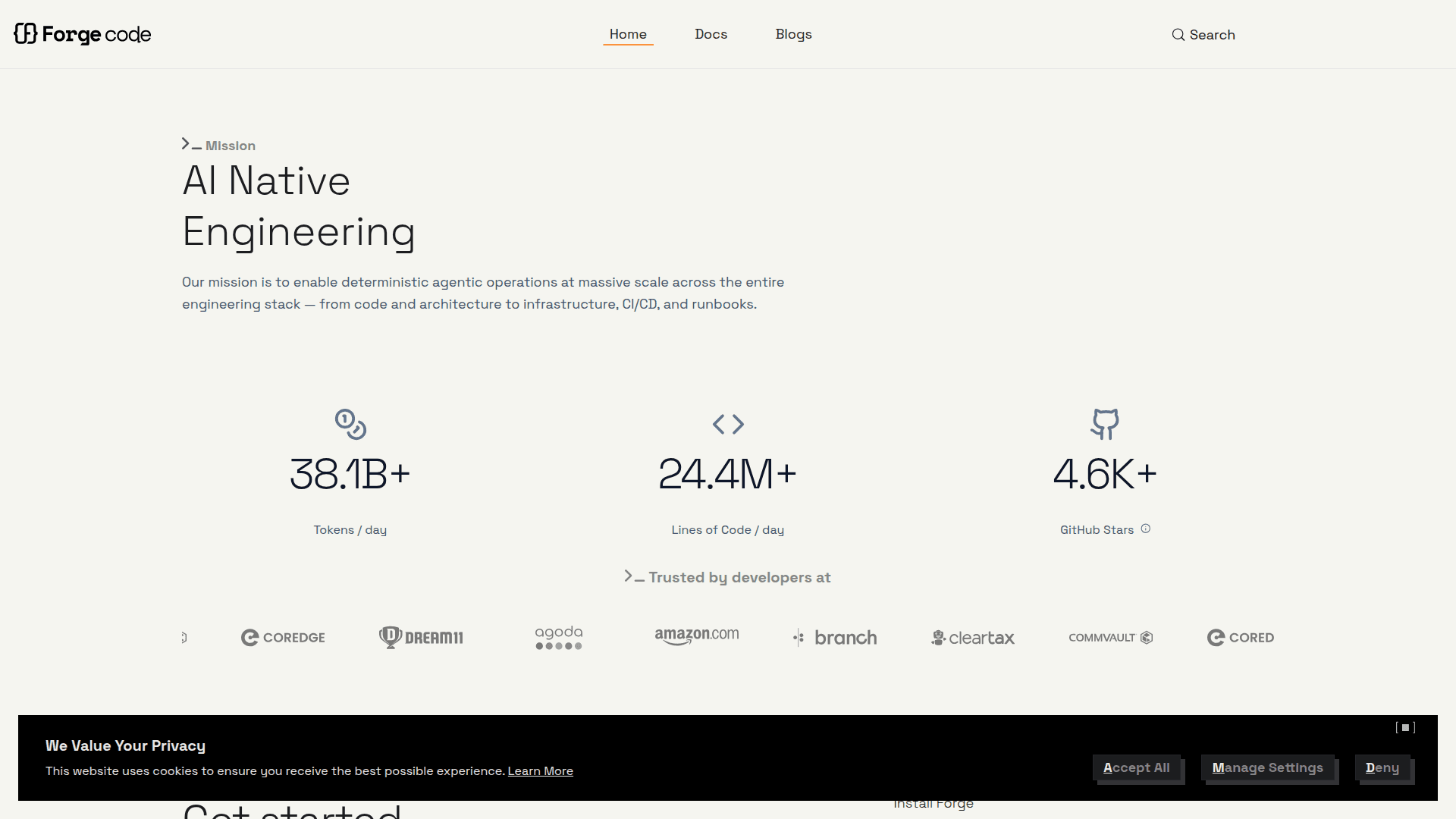
Forge Code is an AI-powered pair programming assistant that operates directly in your terminal, enabling developers to leverage AI capabilities without switching from their preferred IDE. Processing over 9.5 billion tokens and 6.1 million lines of code daily, Forge integrates seamlessly with VS Code, Xcode, Neovim, IntelliJ, Android Studio, and any other development environment through your shell.
-
IDE-Agnostic Integration allows you to work with your favorite development environment while Forge operates natively through your CLI, accessing all existing tools and displaying the same logs and output you would see running commands directly.
-
Flexible Model Selection lets you pick the right AI model for each task—use thinking models for complex planning, fast models for quick code changes, and large context models for working with extensive files. You can even mix models within a single workflow.
-
Multi-Provider Support works with your existing AI provider API keys and credits, giving enterprise teams complete control over where code is processed. Supports OpenAI, Anthropic, Google, xAI, Meta, Mistral, and Deepseek models.
-
Custom Agent Creation enables building and sharing specialized agents for specific use cases like Frontend, Backend, or DevOps tasks, which can be distributed across team members.
-
Large-Scale Refactoring handles codebase migrations and massive refactors with built-in task management, progress tracking, and intelligent context management without losing context.
-
File Tagging System uses
@[filename]syntax with tab completion to reference project files, including specific line ranges with@[filename:startLine:endLine]for precise context targeting. -
VS Code Extension provides quick code selection and reference copying with
Ctrl+Ufor instant file path and line number formatting. -
MCP Integration supports Model Context Protocol for advanced configuration and custom integrations.
To get started, install Forge globally using npx forgecode@latest and begin using AI assistance in your terminal immediately. The tool runs entirely on your local machine using your own API keys, ensuring your code never leaves your computer for complete privacy and security.
Community Discussions
Be the first to start a conversation about Forge Code
Share your experience with Forge Code, ask questions, or help others learn from your insights.
Pricing
Free
Basic AI model access with local processing
- Basic AI model access
- Community support
- Local processing
Pro
Premium AI models with 500 prompts per month
- Everything in Free
- Premium AI models (GPT-4, Claude-4, Grok-3, Gemini-2.5)
- 500 prompts per month
- Additional prompts: 250 for $10 USD
- Priority support
Max
Unlimited requests with latest AI models and advanced features
- Everything in Pro
- Unlimited requests
- Latest AI models (Sonnet4, Gemini-2.5 pro, Grok-4, Gpt-4 series)
- 24/7 priority support
- Advanced analytics
- Custom integrations
Capabilities
Key Features
- Terminal-based AI pair programming
- IDE-agnostic integration
- Multiple AI model support
- Custom agent creation and sharing
- File tagging with @ syntax
- Line range code references
- Large-scale refactoring support
- Task management and progress tracking
- Context compaction
- Shell command execution
- Auto-complete functionality
- Project guidelines configuration
- Agent sandbox
- MCP integration
- VS Code extension
- Local processing with API keys