Main Menu
  • Tools
  • Developers
  • Topics
  • Discussions
  • News
  • Blogs
  • Builds
  • Contests
Create
Sign In
    EveryDev.ai
    Sign inSubscribe
    Home
    Tools

    1,711+ AI tools

    • New
    • Trending
    • Featured
    • Compare
    Categories
    • Agents891
    • Coding869
    • Infrastructure377
    • Marketing357
    • Design302
    • Research276
    • Projects271
    • Analytics266
    • Testing160
    • Integration157
    • Data150
    • Security131
    • MCP125
    • Learning124
    • Extensions108
    • Communication107
    • Prompts100
    • Voice90
    • Commerce89
    • DevOps70
    • Web66
    • Finance17
    Sign In
    1. Home
    2. Tools
    3. IntelliSense for PowerShell (Experimental)
    IntelliSense for PowerShell (Experimental) icon

    IntelliSense for PowerShell (Experimental)

    Command Line Assistants

    Experimental VS Code feature that provides intelligent code completion suggestions in the integrated terminal for PowerShell commands.

    Visit Website

    At a Glance

    Pricing

    Free

    Get started with IntelliSense for PowerShell (Experimental) at no cost with Free version available.

    Engagement

    Available On

    Windows
    macOS

    Resources

    WebsiteDocsGitHubllms.txt

    Topics

    Command Line AssistantsAI Coding AssistantsIDE Plugins

    Alternatives

    Amazon Q DeveloperForge CodeGitHub Copilot CLI

    Developer

    MicrosoftOne Microsoft Way, Washington 98052-7329Est. 1975$30B raised

    Updated Feb 2026

    About IntelliSense for PowerShell (Experimental)

    IntelliSense for PowerShell is an experimental feature in Visual Studio Code that brings IDE-style code completion capabilities directly to the integrated terminal when working with PowerShell. This feature enhances the terminal experience by providing context-aware suggestions for commands, parameters, variables, and other PowerShell elements as you type, similar to the intelligent completion experience available in code editors. The tool leverages the PowerShell session's native completion API to provide relevant, context-specific suggestions that adapt to your current environment and command context. IntelliSense for PowerShell aims to bridge the gap between traditional command-line interfaces and modern development environments, making terminal work more efficient and reducing the cognitive load of remembering exact command syntax.

    What distinguishes IntelliSense for PowerShell is its seamless integration of advanced code completion directly within the terminal environment, maintaining the efficiency of command-line operations while adding the benefits of intelligent assistance. Unlike traditional command-line experiences that rely on basic tab completion, this feature provides rich, contextual suggestions in real-time as you type, complete with additional information about commands and parameters when available. The system is powered by PowerShell''s native completion API, allowing it to understand the current state of your PowerShell session, including available modules, custom functions, and variables that have been defined during your session. The feature integrates with VS Code''s shell integration system, enabling it to understand the terminal context and provide appropriate suggestions based on the current command position and surrounding text. IntelliSense for PowerShell also includes built-in completions for common CLI tools like Git and VS Code commands, further enhancing productivity for common developer workflows. The implementation is designed to be non-intrusive, appearing only when needed and allowing for keyboard-driven selection and acceptance of suggestions, maintaining the flow and speed advantages of command-line work. While still marked as experimental, this feature represents an important evolution in terminal interfaces, bringing the intelligence of modern code editors to command-line environments without sacrificing the power and flexibility that make terminals essential tools for developers.
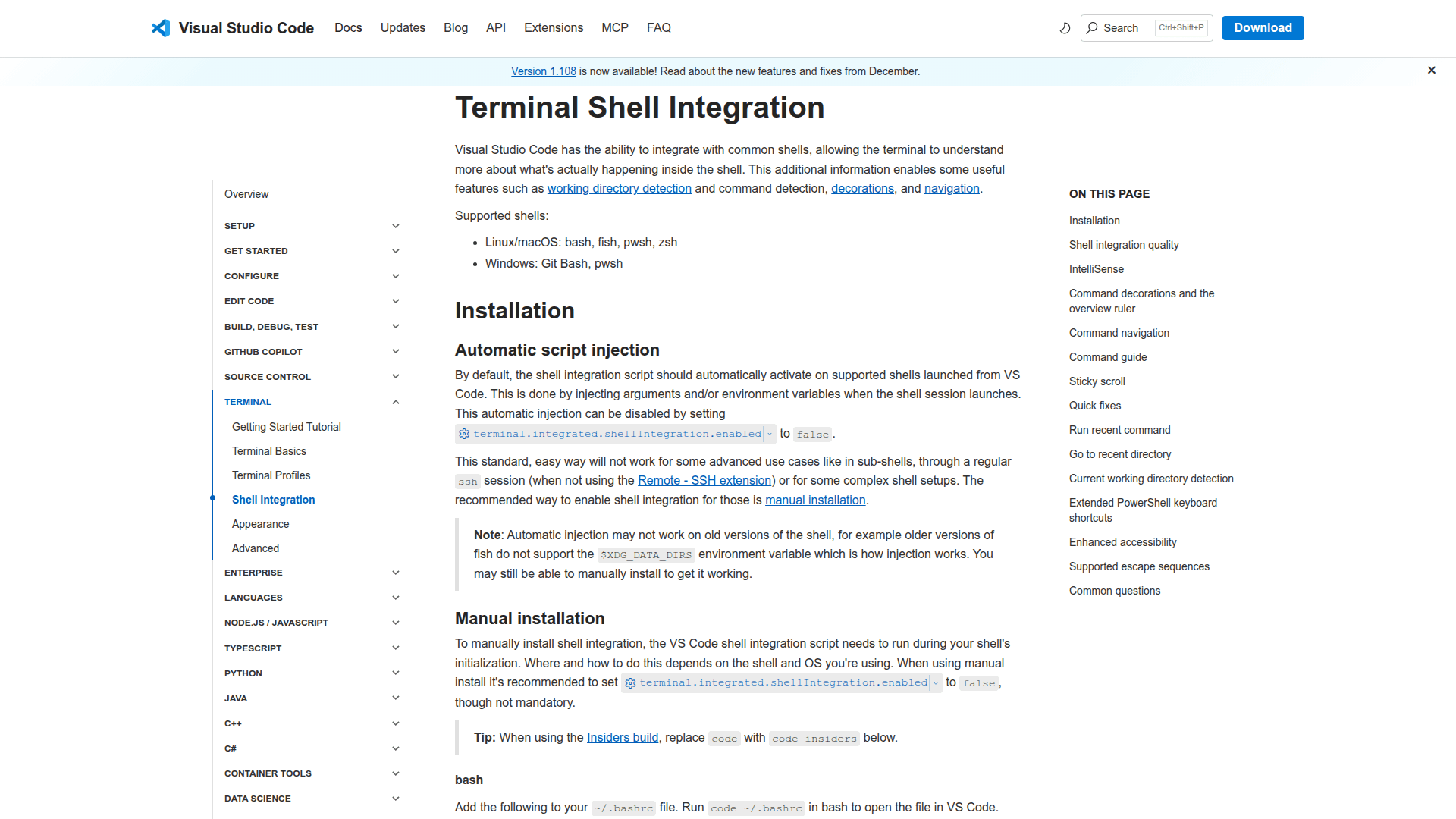
    IntelliSense for PowerShell (Experimental) - 1

    Community Discussions

    Be the first to start a conversation about IntelliSense for PowerShell (Experimental)

    Share your experience with IntelliSense for PowerShell (Experimental), ask questions, or help others learn from your insights.

    Pricing

    FREE

    Free Plan Available

    Get started with IntelliSense for PowerShell (Experimental) at no cost with Free version available.

    • Free version available
    View official pricing

    Capabilities

    Key Features

    • Real-time command completion in PowerShell
    • Context-aware suggestion filtering
    • Parameter suggestion for commands
    • Variable name completion
    • Module and function discovery
    • Git command completion
    • VS Code command completion
    • Keyboard-driven selection interface

    Integrations

    Visual Studio Code
    PowerShell v7+
    Git command line
    VS Code CLI commands
    Zsh shell (limited support)
    Bash shell (limited support)
    Fish shell (limited support)
    Windows Terminal (when used with VS Code)

    Reviews & Ratings

    No ratings yet

    Be the first to rate IntelliSense for PowerShell (Experimental) and help others make informed decisions.

    Developer

    Microsoft

    Microsoft is a multinational technology company that develops and supports software, services, devices, and solutions including Visual Studio Code, Azure AI Services, and developer tools.

    Founded 1975
    One Microsoft Way
    $30B raised
    228,000 employees

    Used by

    Nearly 70% of the Fortune 500 use…
    More than 85% of the Fortune 500 use…
    Disney
    Dow
    +10 more
    Read more about Microsoft
    WebsiteGitHubX / Twitter
    7 tools in directory

    Similar Tools

    Amazon Q Developer icon

    Amazon Q Developer

    AWS generative AI assistant that helps understand, build, extend, and operate applications and workloads on AWS.

    Forge Code icon

    Forge Code

    AI pair programmer that runs in your terminal, integrating with any IDE and supporting multiple AI providers for code assistance.

    GitHub Copilot CLI icon

    GitHub Copilot CLI

    GH Copilot graduated into its own CLI. Not a rename—an upgrade. It’s now an agent that can understand your repo, propose edits, run commands, and even open PRs—with approvals.

    Browse all tools

    Related Topics

    Command Line Assistants

    AI-powered command-line assistants that help developers navigate, search, and execute terminal commands with intelligent suggestions and context awareness.

    92 tools

    AI Coding Assistants

    AI tools that help write, edit, and understand code with intelligent suggestions.

    332 tools

    IDE Plugins

    AI-enhanced plugins for integrated development environments.

    23 tools
    Browse all topics
    Back to all tools
    Explore AI Tools
    • AI Coding Assistants
    • Agent Frameworks
    • MCP Servers
    • AI Prompt Tools
    • Vibe Coding Tools
    • AI Design Tools
    • AI Database Tools
    • AI Website Builders
    • AI Testing Tools
    • LLM Evaluations
    Follow Us
    • X / Twitter
    • LinkedIn
    • Reddit
    • Discord
    • Threads
    • Bluesky
    • Mastodon
    • YouTube
    • GitHub
    • Instagram
    Get Started
    • About
    • Editorial Standards
    • Corrections & Disclosures
    • Community Guidelines
    • Advertise
    • Contact Us
    • Newsletter
    • Submit a Tool
    • Start a Discussion
    • Write A Blog
    • Share A Build
    • Terms of Service
    • Privacy Policy
    Explore with AI
    • ChatGPT
    • Gemini
    • Claude
    • Grok
    • Perplexity
    Agent Experience
    • llms.txt
    Theme
    With AI, Everyone is a Dev. EveryDev.ai © 2026
    Sign in
    19views