
Fudge MCP
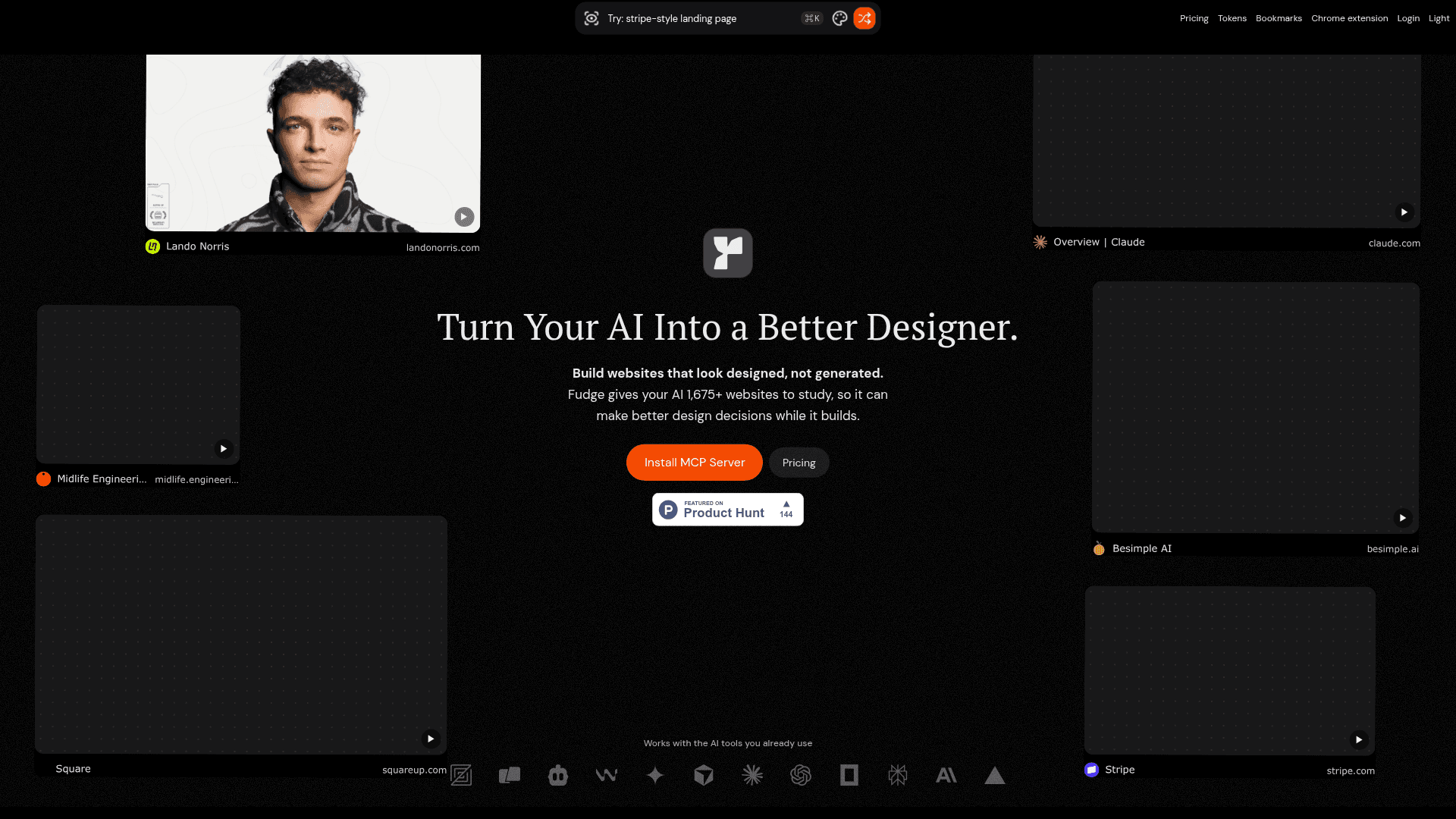
An MCP server that gives AI coding tools access to 1,675+ real website design references, including typography, colors, spacing, and layout data, so AI can make better design decisions while building UIs.
At a Glance
About Fudge MCP
Fudge is an MCP (Model Context Protocol) server that connects AI coding tools to a curated library of real website design references, helping AI generate websites that look designed rather than generated. Built by Withfudge, it is available as a subscription service with a companion Chrome extension for capturing new websites on the fly.
What It Is
Fudge sits between your AI coding assistant and a library of over 1,675 real websites, giving the AI concrete design evidence—screenshots, typography, color tokens, spacing, borders, radii, shadows, and layout relationships—before it writes UI code. Instead of relying on generic design advice, the AI can search the library by style, page type, font, color, or screenshot similarity, then carry those references directly into the coding conversation. The tool is positioned as a design intelligence layer for AI-assisted development workflows.
How the Library Works
The Fudge library, according to the product page, contains 10,094+ captured sections from real websites, 1,476+ font families, and contributions from 2,552+ designers. Each capture stores:
- The page: screenshot, source URL, page role, sections, components, layout, viewport, and page state
- The design system: typography, color roles, contrast, spacing, borders, radii, shadows, gradients, and component styles
- The experience: images, video, crops, playback, motion, interactions, overlays, and clipping
Unlike editorial galleries such as Mobbin, Refero, or Dribbble, Fudge lets users add any live website immediately via the Chrome extension without waiting for a curation queue.
Core AI Skills Added
Once installed, Fudge adds a set of design-specific tools to any compatible AI client:
- Font search – find typefaces by name and see production pages using them
- Font similarity – find visually similar font families with real examples
- Visual similarity – find pages that match a reference screenshot's feel, density, or contrast
- Color operations – lighten, darken, mix, convert to OKLCH, and run WCAG or APCA contrast checks
- Categorized designs – search by UI pattern (pricing pages, dashboards, login pages, docs, modals, etc.)
- Chrome capture – extract design evidence from any website captured with the extension
- Design system export – turn captured evidence into Tailwind v4, CSS variables, DTCG tokens, or raw JSON
- design.md generation – summarize selected references into AI-readable design notes
Setup Path and Compatibility
Installation runs as a single command that auto-configures detected MCP clients. The product page lists automatic detection for Codex, Claude Desktop, Claude Code, Cursor, OpenCode, Windsurf, VS Code, Gemini CLI, and Zed. Manual JSON configuration is also available for other local-stdio MCP clients such as Warp, Kiro, and Roo Code. The Chrome extension handles website capture and feeds new references into the user's personal library.
Why It Matters for Vibe Coding Workflows
AI coding tools like Cursor, Windsurf, and Claude Code can generate functional code quickly but often produce visually generic results. Fudge addresses this by giving the AI a concrete visual starting point—real typography pairings, color palettes, spacing systems, and layout patterns from production websites—before any code is written. The export step (Tailwind, CSS variables, or JSON) closes the loop by turning design references into immediately usable theme files, reducing the gap between "I like this" and working code.
Community Discussions
Be the first to start a conversation about Fudge MCP
Share your experience with Fudge MCP, ask questions, or help others learn from your insights.
Pricing
Pro
Search, inspect, save, and reuse designs from real websites. Unlimited Fudge queries.
- Search real websites by style, layout, font, color, screenshot, or website
- Browse pricing pages, dashboards, sign-up flows, docs, and more
- See screenshots, fonts, and colors in your AI tool
- Find real websites using a font and close alternatives
- Find websites with a similar look and compare layout, spacing, and contrast
- Lighten, darken, mix, and convert colors with WCAG and APCA contrast checks
- Save any website via Chrome extension with screenshots, fonts, colors, spacing, and layout
- Export to Tailwind v4, CSS variables, and JSON
- Unlimited collections
- Font details including designer and foundry
- Priority support
Capabilities
Key Features
- MCP server for AI coding tools
- Library of 1,675+ real website design references
- 10,094+ captured sections from real websites
- Font search by name with production examples
- Font similarity search
- Visual similarity search by screenshot
- Color operations with WCAG and APCA contrast checks
- Search by page type and UI pattern
- Chrome extension for capturing any live website
- Design system export to Tailwind v4, CSS variables, DTCG, and JSON
- design.md generation for AI-readable design notes
- Unlimited collections
- Auto-configures Cursor, Claude Desktop, Claude Code, Windsurf, VS Code, Gemini CLI, Zed, and more
- Typography, color roles, spacing, borders, radii, shadows, and gradients captured per site
- Font designer and foundry information