
GitDiagram
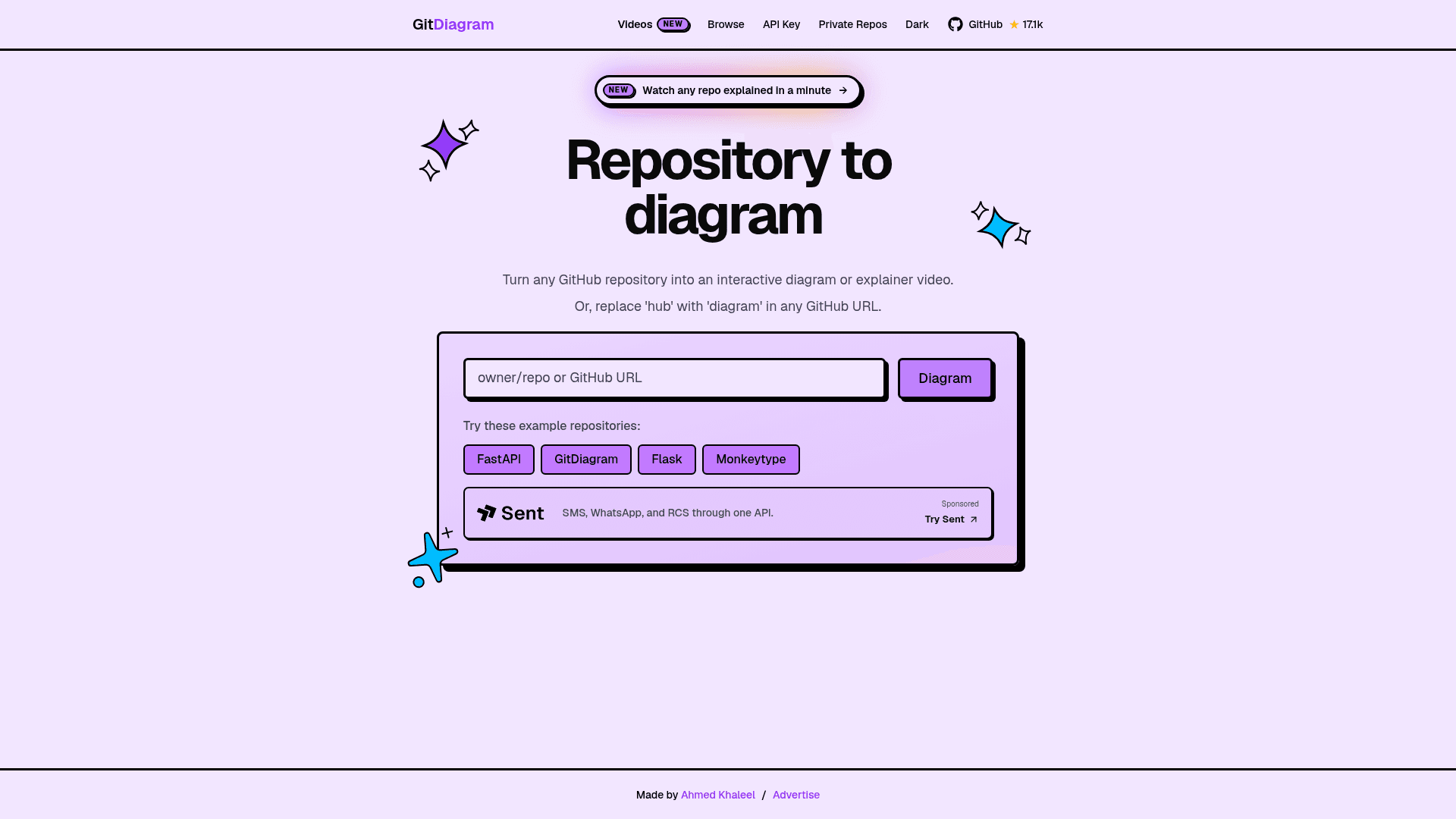
Turn any GitHub repository into an interactive architecture diagram or narrated explainer video by replacing 'hub' with 'diagram' in any GitHub URL.
At a Glance
Open-source and free to use on gitdiagram.com or self-hosted under the MIT License.
Engagement
Available On
Alternatives
Listed Sep 2026
About GitDiagram
GitDiagram is an open-source tool created by Ahmed Khaleel that converts any public or private GitHub repository into an interactive architecture diagram or a narrated one-minute explainer video. It is available at gitdiagram.com and licensed under the MIT License, with 17,000+ stars on GitHub as of late 2026.
What It Is
GitDiagram sits at the intersection of code intelligence and documentation tooling. Given a GitHub repository URL, it uses AI to generate a Mermaid-based interactive diagram of the repository's architecture, complete with clickable components that link directly to the corresponding files or directories in the source code. More recently, it added the ability to produce narrated video walkthroughs of a repository's structure and design decisions.
How It Works
The core workflow is intentionally frictionless: users either paste a GitHub URL into the web interface or simply replace hub with diagram in any existing GitHub URL (e.g., github.com/owner/repo becomes gitdiagram.com/owner/repo). The tool then:
- Analyzes the repository structure using AI (OpenAI or OpenRouter)
- Streams an AI-generated explanation alongside the diagram
- Renders an interactive Mermaid diagram with component-level navigation
- Optionally generates a narrated video using Claude for scripting and ElevenLabs for voice synthesis
Private repositories are supported via a GitHub personal access token entered through the "Private Repos" option in the header.
Explainer Videos Feature
The README describes a newer "explainer videos" capability that produces roughly one-minute narrated videos covering what a project does, how its main parts fit together, and notable architectural decisions. Videos can be accessed by appending /video to any diagram URL. Downloads are available in landscape or vertical (9:16) MP4 format with burned-in captions. According to the README, making new videos is in early access, while watching existing videos is open to anyone.
Architecture and Stack
GitDiagram is built with Next.js, React, TypeScript, Tailwind CSS, and Mermaid for diagram rendering. Video generation relies on Claude (Anthropic) for script and scene generation and ElevenLabs for voice. The application is deployed on Vercel, with Cloudflare R2 for storage and Upstash Redis for caching. Self-hosting requires Bun, and the setup guide covers prerequisites and configuration for running locally.
Open-Source Deployment Model
The full source code is publicly available on GitHub under the MIT License, meaning anyone can clone, modify, and self-host the tool. The README includes a local development guide covering environment setup, configuration, and deployment recovery via Railway/Docker as a fallback to Vercel. Contributions via issues and pull requests are explicitly welcomed.
Community Discussions
Be the first to start a conversation about GitDiagram
Share your experience with GitDiagram, ask questions, or help others learn from your insights.
Pricing
Free
Open-source and free to use on gitdiagram.com or self-hosted under the MIT License.
- Interactive architecture diagrams for any public GitHub repository
- Narrated explainer video viewing
- Export diagrams as PNG or Mermaid source
- Private repository support via GitHub token
- Browse existing diagrams and videos
Capabilities
Key Features
- Convert any GitHub repository URL to an interactive architecture diagram
- Narrated one-minute explainer videos for repositories
- Clickable diagram components linking to source files and directories
- Private repository support via GitHub personal access token
- Export diagrams as PNG or copy Mermaid source
- Stream AI-generated explanation alongside diagram
- Replace 'hub' with 'diagram' in any GitHub URL shortcut
- Download explainer videos in landscape or vertical (9:16) MP4 with captions
- Browse existing repository diagrams and videos