
GitGlow
A local-first visual Git workbench for precise staging, history, agent work review, and releases on macOS, Windows, and Linux.
At a Glance
Everyday local Git toolkit for private local clones; no account needed.
Engagement
Available On
Listed Oct 2026
About GitGlow
GitGlow is a desktop Git workspace for independent developers who review their own changes and the work of coding agents. It runs on macOS, Windows, and Linux, and keeps repository content on the local device. The documentation lists 49 task-focused guides covering daily Git, history, agents, GitHub, releases, and Indie Log.
What It Is
GitGlow is a local-first visual Git client. It handles the everyday loop of reviewing diffs, staging files, hunks or selected lines, composing commits, working with branches, remotes, stashes, tags and worktrees, and resolving merge, rebase, cherry-pick and revert conflicts. History tools include commit topology, revision comparison, file and line history, blame and reflog. An embedded terminal runs Git, tests and installed agent CLIs beside the diff.
Agent work and review
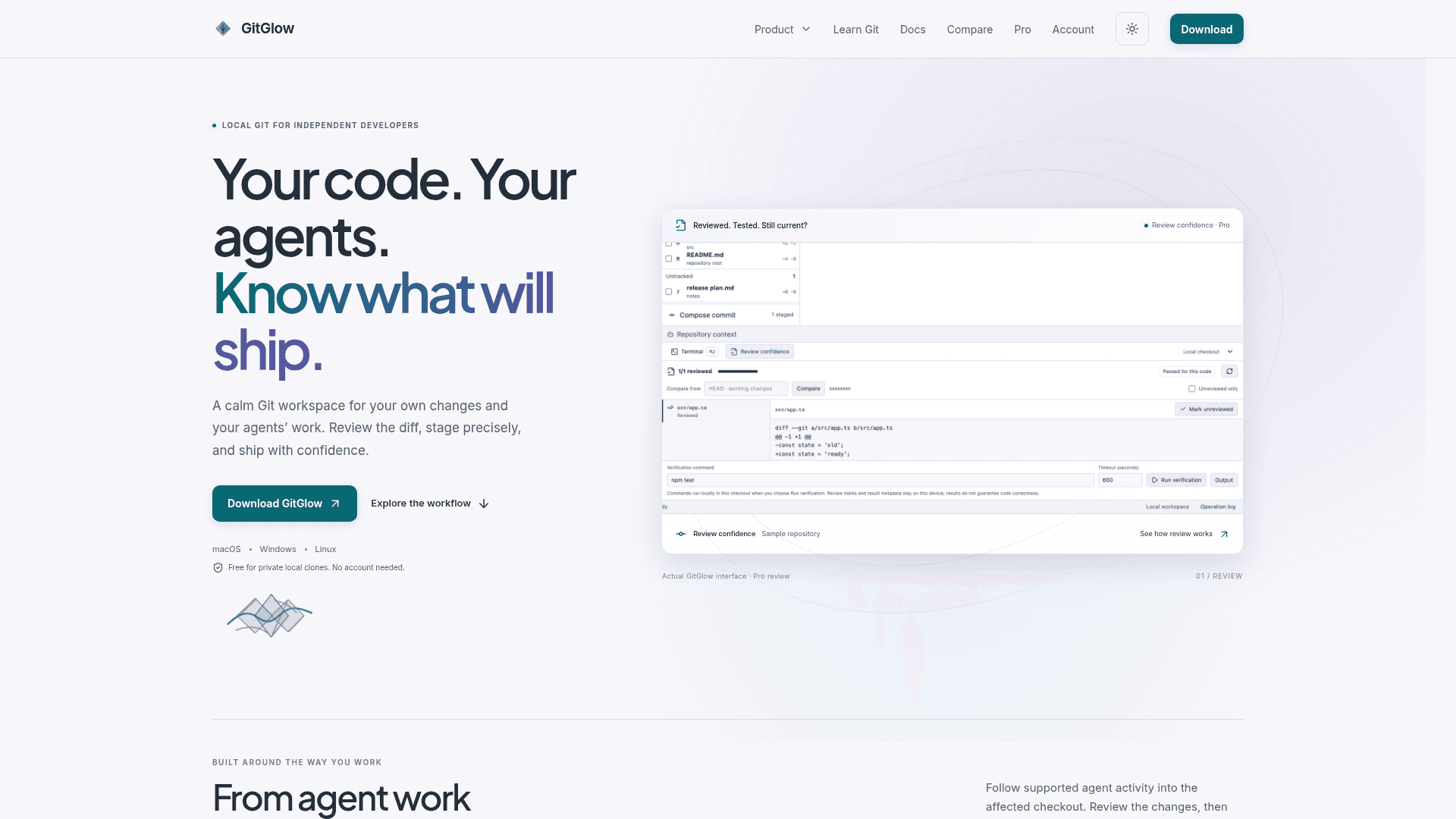
Agent Observatory follows supported provider and Git signals from Codex and Claude into the affected checkout. Observed sessions stay owned by their originating client, while runs launched from GitGlow are managed and can expose message, approval and interrupt controls. An encrypted local flight recorder keeps sanitized operational detail for replay, and GitGlow states it never exposes or stores hidden reasoning. Review confidence lets users mark files reviewed and run explicit checks with timeout and cancellation. Later edits bring files back for attention and make earlier results stale.
MCP, GitHub and releases
A packaged MCP sidecar gives agents bounded Git context. Free access is read-only. Pro can preview allow-listed Git or GitHub actions, and every MCP-originated write waits for native approval in the app. Pro also adds a GitHub connection for repositories, pull requests, issues, workflows and checks, plus a Release Workspace that combines checks, merged work, notes and tags in a guarded sequence. Indie Log turns selected sources into a work log, written manually or as an analysis-only report pack.
Platforms and privacy
GitGlow publishes macOS, Windows x64 and Linux x86_64/aarch64 packages. Version 2.0.5 was manually checked on macOS, while Windows and Linux packages are build-validated for version, architecture, payloads, sidecars and checksums. Local status, diffs, history, paths and previews stay on the device. Optional GitHub, agent-provider, billing and analytics connections have separate data boundaries. The site also offers a sourced comparison with GitKraken.
Community Discussions
Be the first to start a conversation about GitGlow
Share your experience with GitGlow, ask questions, or help others learn from your insights.
Pricing
Free
Everyday local Git toolkit for private local clones; no account needed.
- One active repository or checkout
- Precise staging, commits, and history
- Terminal tabs in your active checkout
- Basic agent observation and manual Indie Log
- Local Git without an account
GitGlow Pro
Adds concurrent workspaces, review confidence, managed agents, and release tools. AI provider subscriptions and API usage are separate.
- Everything in Free
- Concurrent repositories and workspaces
- Review progress and current verification
- Managed agents, Replays, and approved MCP writes
- GitHub, releases, and managed Indie Log reports
Capabilities
Key Features
- Precise staging by file, hunk, or line
- Commit composition
- Branches, remotes, stashes, tags, and trusted worktrees
- Conflict resolution for merge, rebase, cherry-pick, and revert
- Commit topology, compare, blame, and reflog
- Embedded checkout-aware terminal
- Review confidence with stale-aware verification
- Agent Observatory with Activity Tape and Replay
- Managed agent runs
- MCP server for bounded Git context
- GitHub inbox, pull requests, and checks
- Release Workspace
- Multi-repository fetch
- Indie Log work journal and report packs
- Insights, charts, and exports