
GitHub Codespaces
Cloud-hosted, fully configured development environments native to GitHub that run in the browser or a local IDE.
At a Glance
Personal GitHub accounts include a monthly free quota of Codespaces usage; free hours are assigned to personal accounts, not free organizations.
Engagement
Available On
Listed Nov 2026
About GitHub Codespaces
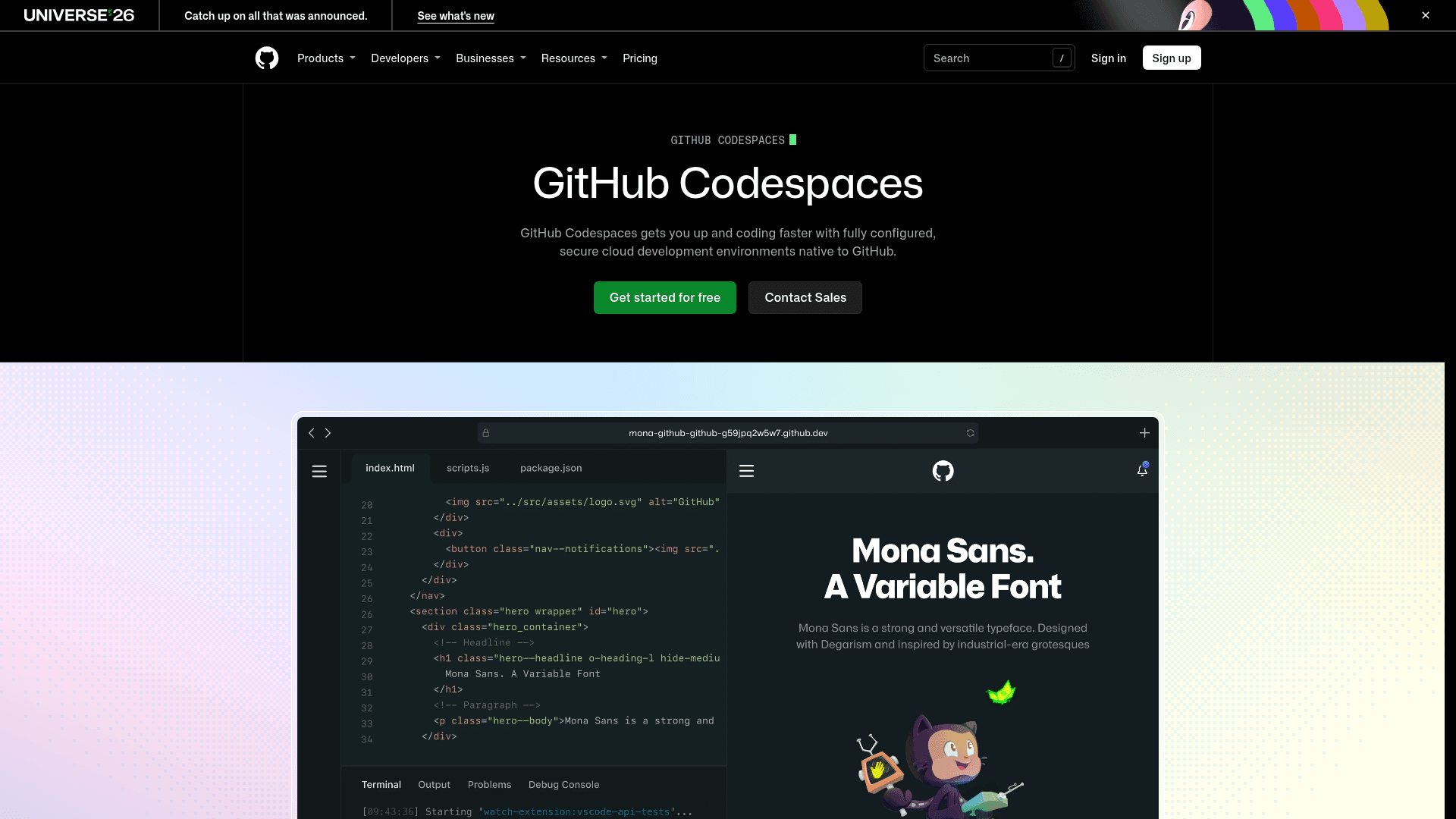
GitHub Codespaces is GitHub's cloud development environment product. A codespace is a development environment hosted in the cloud that can be launched from a repository, template, pull request, or commit, and accessed from a browser or a local IDE such as Visual Studio Code or IntelliJ.
What It Is
Codespaces provides pre-configured, secure development environments that run on VM-based compute hosted by GitHub, configurable from 2-core up to 32-core machines. Projects are customized through dev container files stored in the repository (configuration-as-code), which creates a repeatable setup for everyone working on the project. Because the environment lives in the cloud, work can be done from any device with internet access, including an iPad.
How the Workflow Runs
Users can start a codespace from a template, a repository for new feature work, an open pull request to explore work in progress, or a specific commit to investigate a bug at a point in time. Connections are available from the browser or from Visual Studio Code; JetBrains IDEs and JupyterLab are listed as beta options. A sample configuration on the page shows port forwarding, an npm install step, and VS Code extensions defined in the config file.
Security and Team Use
The product page highlights isolated environments, access control, and cost control. Organizations must enable Codespaces in their settings and can choose which repositories and users have access. Codespaces cannot be self-hosted. It is also available through the GitHub Student Developer Pack and to open source maintainers and contributors.
Community Discussions
Be the first to start a conversation about GitHub Codespaces
Share your experience with GitHub Codespaces, ask questions, or help others learn from your insights.
Pricing
Free (individual monthly quota)
Personal GitHub accounts include a monthly free quota of Codespaces usage; free hours are assigned to personal accounts, not free organizations.
- 120 core hours or 60 hours of run time on a 2 core codespace per month
- 15 GB of storage per month
- Free for individual use up to 60 hours a month
- Pay-as-you-go pricing after the free quota
- Free plan organizations: $0 spend limit with policies and controls
Pay-as-you-go
Metered compute and storage pricing for Codespaces usage beyond the free quota and for organizations.
- Starting at $0.18 per hour of compute
- $0.07 per GB of storage
- Team and Enterprise plans can increase spend limit
- Machines from 2 core up to 32 core
Capabilities
Key Features
- Cloud-hosted development environments launched from any GitHub repository
- Dev container configuration-as-code for repeatable setups
- Machine options from 2 core to 32 core
- Open from templates, pull requests, or specific commits
- Access from browser, Visual Studio Code, or IntelliJ; JetBrains IDEs and JupyterLab in beta
- Isolated environments, access control, and cost control
- Organization-level enablement and repository/user permissions
- Port forwarding and VS Code extension configuration