
Hycli
Turns any website into a typed CLI and MCP server so AI agents can read and act on sites using your local browser login.
At a Glance
Hycli core (CLI, MCP server and local dashboard) is licensed under Apache-2.0 and distributed as a native binary.
Engagement
Available On
Alternatives
Listed Oct 2026
About Hycli
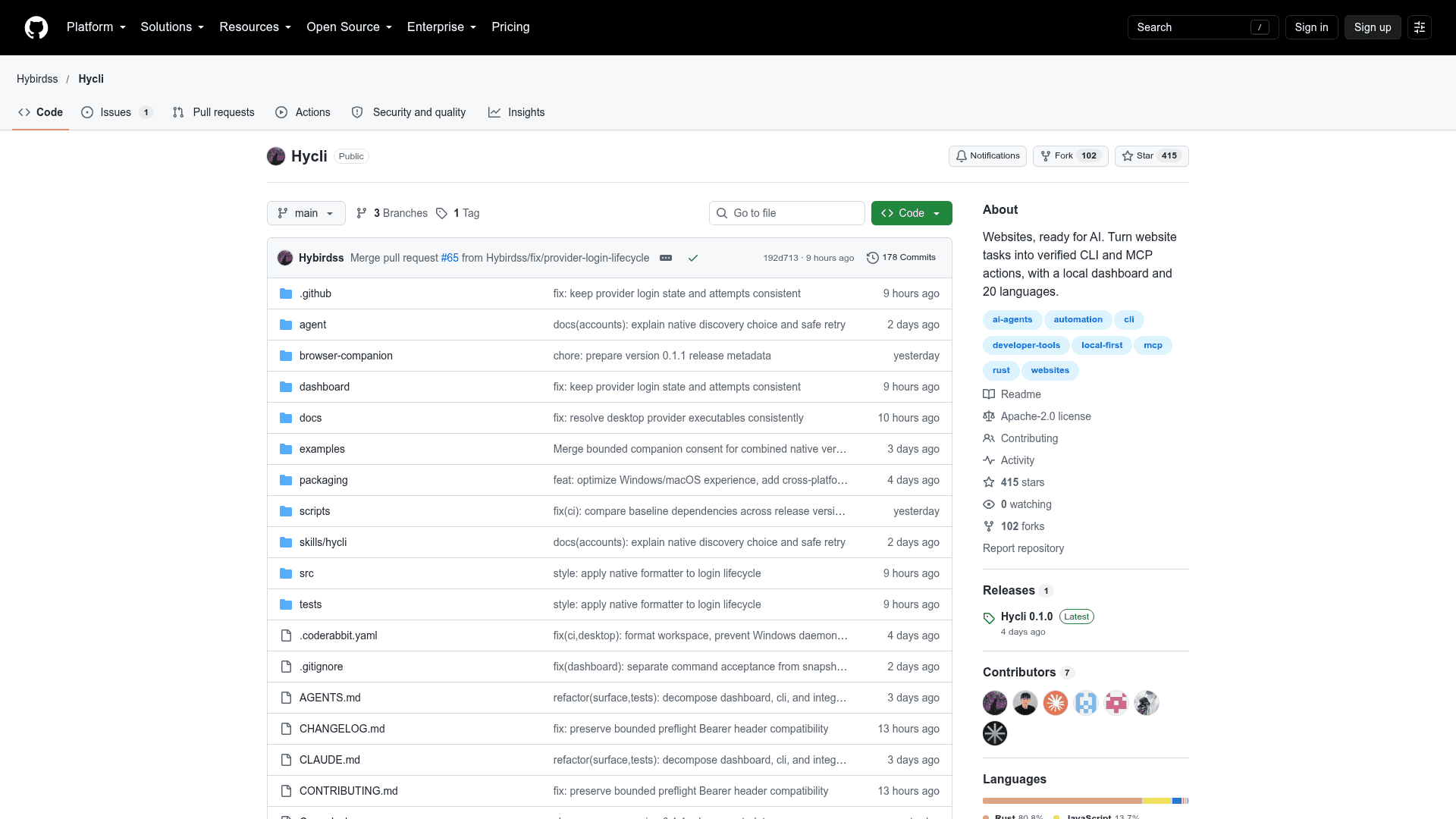
Hycli is an open-source, local-first tool from the GitHub user Hybirdss that converts website tasks into verified CLI subcommands and MCP tools for AI agents. Given a website URL and a goal, it prepares typed read and write actions and exposes them through a terminal CLI, an MCP server, and a local dashboard. It ships as a native binary for Windows, macOS, and Linux under the Apache-2.0 license.
What It Is
Hycli is a website-to-CLI and MCP tooling layer. You run hycli prepare with a URL and an intent, and three AI workers inspect the site's documentation, frontend bundles, and live browser network traffic to build a typed toolset. The result is self-documented subcommands (viewable with hycli describe) and MCP tools covering both reads and writes, without mutating your account during setup.
It handles REST/OpenAPI, GraphQL, HTML and JS-rendered pages (via a local Chromium engine), and JSON or URL-encoded form submissions.
How the Workflow Runs
Read or search actions run immediately when they are grounded in evidence and classified as safe. Create, edit, send, and delete actions are compiled into the CLI but never executed during preparation; writes are off by default and enabled once per CLI with hycli writes SITE allow or the MCP hycli_writes tool. Actions with unclear effects are held for review. Failed writes are not automatically retried, and Hycli reports action_outcome_unknown instead.
For MCP clients such as Claude Code, Cursor, Codex, or Windsurf, you add a server entry running hycli mcp. The MCP server offers prepare, writes, run, check, result, and activity tools and has no tool for reading credentials.
Credentials and Anti-Bot Handling
The README states that cookies, storage tokens, and API keys stay in a local vault (OS keyring or user-only file permissions) and never enter LLM prompts. Models see only symbolic connection recipes, and Hycli injects secrets locally at execution time. Auth headers are bound to the target origin, and private or loopback addresses are blocked unless --allow-local is passed.
Requests are serialized and rate-limited per site and account. When plain HTTP meets a 403/429 or bot challenge, Hycli switches transport to in-page window.fetch or a local stealth Chromium engine, or pauses. hycli check replays verified read chains without an LLM to distinguish signed-out, site-changed, blocked, and unreachable states.
Setup Path
Install from the release page using a Windows setup exe, macOS dmg, or Linux deb or portable archive, or build from source. Run hycli open to launch the dashboard at 127.0.0.1:4318, connect an AI provider (OpenAI, Anthropic Claude, xAI, Z.ai, or a local ChatGPT Codex login), import a browser session for logged-in sites, and enter a URL. The dashboard and generated action descriptions support 20 languages. Use it only with sites and accounts you are authorized to access.
Community Discussions
Be the first to start a conversation about Hycli
Share your experience with Hycli, ask questions, or help others learn from your insights.
Pricing
Open Source
Hycli core (CLI, MCP server and local dashboard) is licensed under Apache-2.0 and distributed as a native binary.
- Apache-2.0 licensed core
- Native binary for Windows, macOS and Linux
- Typed CLI and MCP server generation
- Local dashboard at http://127.0.0.1:4318
- AI provider usage (OpenAI, Anthropic, xAI, Z.ai API keys) is an external cost
Capabilities
Key Features
- Generates typed CLI subcommands and MCP tools from any website URL and intent
- Inspects docs, frontend bundles, and live browser network traffic
- Supports REST/OpenAPI, GraphQL, HTML/JS-rendered pages, and form submissions
- Writes disabled by default with one-time per-CLI enablement
- No write execution during preparation or verification
- Local credential vault with secrets kept out of LLM prompts
- Browser session import from Chrome, Chromium, Edge, Brave, Vivaldi, Arc, Whale, and Firefox
- Transport fallback from HTTP to in-page fetch to stealth Chromium for anti-bot challenges
- Deterministic health check with hycli check
- Local dashboard at 127.0.0.1:4318
- MCP server with prepare, writes, run, check, result, and activity tools
- Dashboard and action descriptions in 20 languages