
Image to Prompt
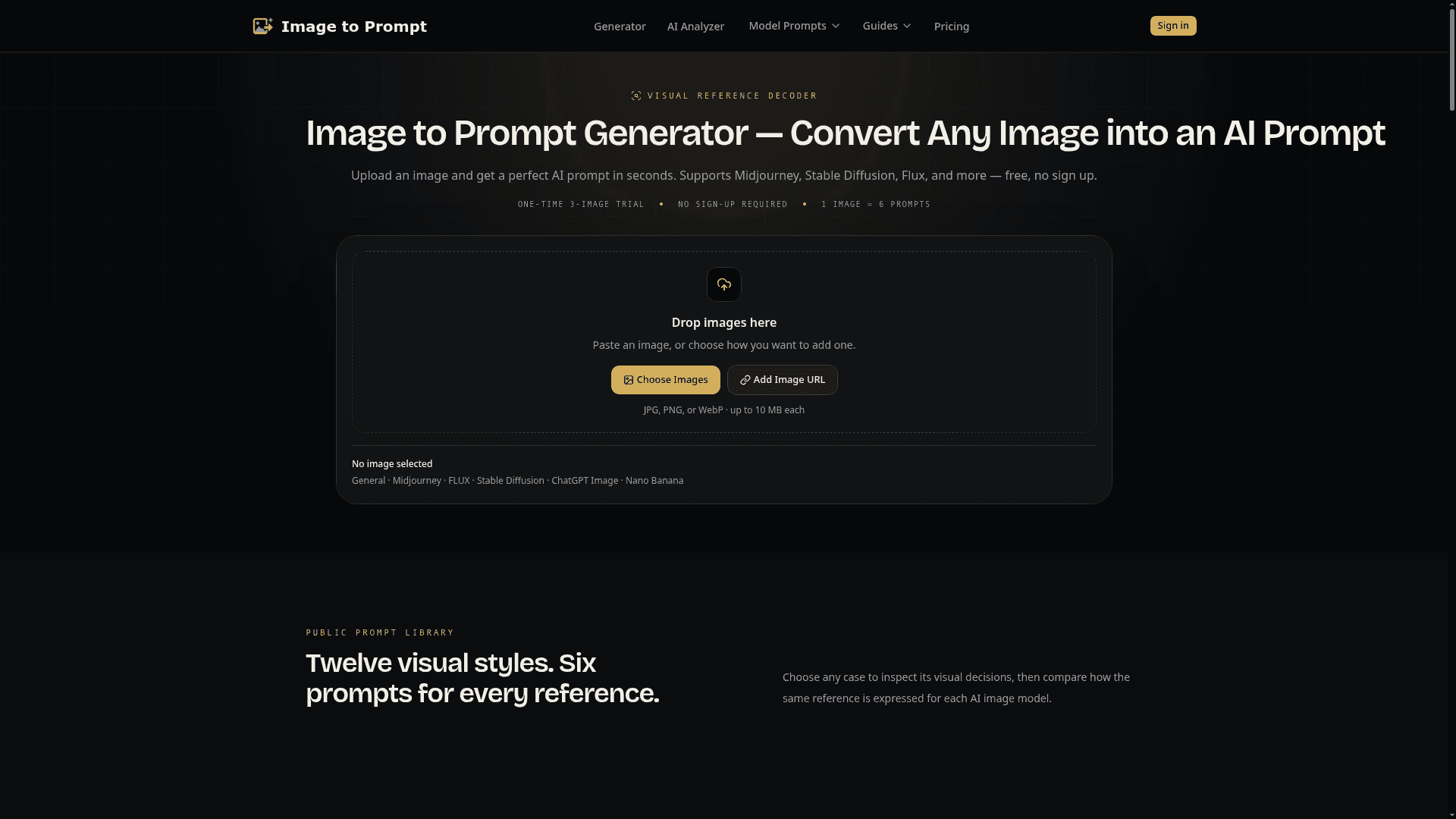
Upload any image and get AI-ready text prompts for Midjourney, FLUX, Stable Diffusion, ChatGPT Image, and more in seconds.
At a Glance
Start with five free credits when you create an account. Includes a one-time three-image browser trial with no sign-up required.
Engagement
Available On
Alternatives
Listed Sep 2026
About Image to Prompt
Image to Prompt is a web-based tool that analyzes a visual reference and converts it into six independently written AI image prompts, each tailored to a specific model. It supports uploads via file, clipboard paste, or public URL, and requires no account for a one-time trial. The tool is designed for creators who want to reverse-engineer the visual logic of a reference image and translate it into actionable creative direction.
What It Is
Image to Prompt is a visual reference decoder: you supply a photograph, illustration, product render, concept art, or screenshot, and the tool returns a structured analysis plus six prompt variants ready to use with Midjourney, FLUX, Stable Diffusion, ChatGPT Image, Nano Banana, or any general-purpose image generator. Rather than producing a generic caption, the analyzer breaks the image into nine visual layers — subject, environment, composition, lighting, color, camera perspective, materials, style, and mood — and uses those observations to write each prompt in the syntax and emphasis that the destination model responds to best.
How the Analysis Works
The workflow runs in three steps. First, you add a reference image by uploading a JPG, PNG, or WebP file (up to 10 MB), pasting from the clipboard, or entering a public image URL. Second, the AI deconstructs the visible evidence across nine layers without reading EXIF metadata — camera language like "top-down view" or "shallow depth of field" is inferred from appearance, not extracted from capture settings. Third, the tool writes six independent prompt versions rather than mechanically rewriting one master prompt:
- General — a portable description usable across platforms
- Midjourney — concise art direction with parameter syntax
- FLUX — explicit spatial language for object placement and relationships
- Stable Diffusion — structured positive and negative conditioning terms
- ChatGPT Image — direct instruction and constraint format
- Nano Banana — reference roles, preservation notes, and edit targets
Editing and History
Every generated prompt is editable before copying. Signed-in users can save edits to a History panel, keeping multiple model-specific directions linked to the same analyzed image. This makes the tool useful for both quick experiments and iterative production workflows where a reference needs to be refined over time.
Public Prompt Library
The homepage includes a curated library of twelve visual style examples — covering photography, illustration, 3D, anime, watercolor, and concept art — each showing the full nine-layer deconstruction and all six prompt outputs. Visitors can browse these cases to understand how the same reference is expressed differently for each AI model before uploading their own images.
Audience and Use Cases
The tool targets AI image creators, designers, and prompt engineers who work with visual references and need to brief image models accurately. Practical use cases include recreating a composition in a new scene, studying a visual style, building a consistent image series, or briefing a client project. Generated text can be used in personal or commercial workflows, subject to the rights attached to the source image and the terms of the destination platform.
Community Discussions
Be the first to start a conversation about Image to Prompt
Share your experience with Image to Prompt, ask questions, or help others learn from your insights.
Pricing
Free
Start with five free credits when you create an account. Includes a one-time three-image browser trial with no sign-up required.
- 5 permanent credits on registration, once
- All six prompt formats per image
- Upload, paste, or use an image URL
- History when signed in
- One image at a time
Pro
For creators who analyze images at scale. 1,000 credits every billing month with batch queue access.
- 1,000 credits every billing month
- Unlimited-size batch queues
- All six prompt formats per image
- Saved history and editable prompts
- High-accuracy analysis model
- 1 credit per analyzed image
- Monthly credits expire at period end
BASIC
300 permanent credits for flexible image analysis. One-time purchase, no subscription.
- 300 image analyses
- All six prompt formats per image
- Credits never expire
- No subscription or auto-renewal
- One image at a time
- Batch analysis requires Pro
Capabilities
Key Features
- Upload images via file, clipboard paste, or public URL
- Nine-layer visual analysis: subject, environment, composition, lighting, color, camera, materials, style, mood
- Six independently written prompt formats per image: General, Midjourney, FLUX, Stable Diffusion, ChatGPT Image, Nano Banana
- Editable prompt output before copying
- Saved history and editable prompts for signed-in users
- Batch queue support (Pro plan)
- Public prompt library with twelve visual style examples
- No sign-up required for one-time trial
- AI image analyzer tool
- Model-specific prompt syntax and emphasis