
ImgCompress
Self-hosted Docker image converter supporting 70+ formats with bulk compression, format conversion, and local AI background removal — no cloud, no telemetry.
At a Glance
About ImgCompress
ImgCompress is a self-hosted image processing toolbox built by Karim Zouine and distributed as a single Docker image under the GPL-3.0 license. It handles format conversion across 70+ input types, bulk compression, AI-powered background removal, and PDF export — all running locally on your own hardware with no external API calls or cloud dependency. The project is written primarily in TypeScript and has been accepted into the Awesome Self-Hosted curated list and listed as an official Coolify service, according to the project homepage.
What It Is
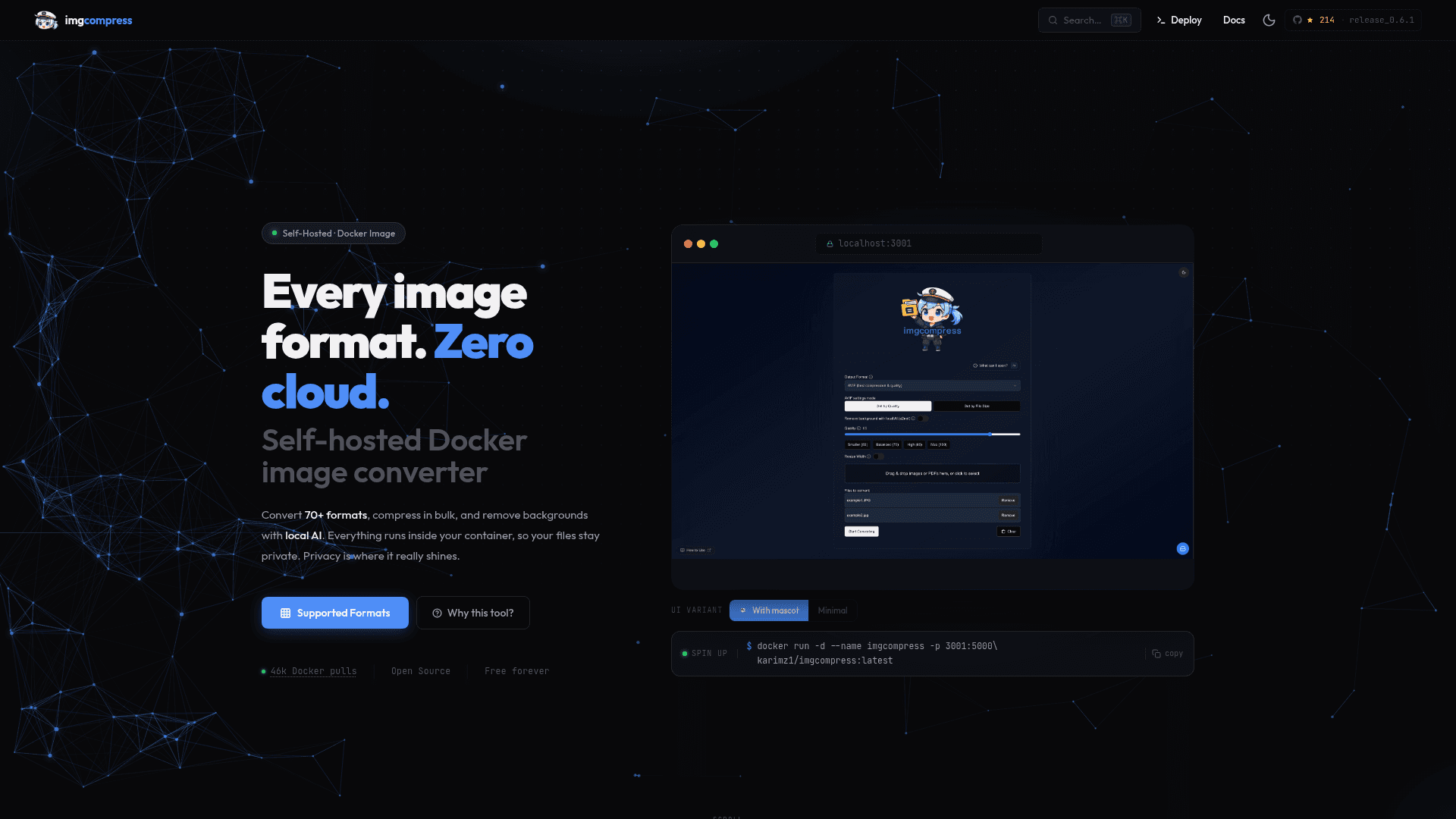
ImgCompress is a self-hosted, containerized image processing tool that replaces a collection of single-purpose converters and cloud-based tools with one Docker image. It targets self-hosters, homelab operators, and privacy-conscious users who want to process images — including unusual formats like HEIC, PSD, TIFF, EPS, and RAW — without uploading files to third-party servers. The web UI runs at localhost:3001 after a single docker run command, and a full CLI is also bundled in the same image for scripting pipelines.
Core Capabilities
- 70+ format support: 10 formats are fully tested and confirmed (including HEIC, HEIF, PNG, JPG, ICO, EPS, PSD, PDF, AVIF, and WebP); 60+ additional formats are supported and likely to work.
- Local AI background removal: A bundled AI model runs entirely on the host CPU — no API key, no subscription, no network call required. The model is included in the image so no separate download is needed.
- Batch compression: Multi-core parallel processing lets users shrink entire photo libraries in one job with control over quality targets and output format.
- Smart PDF creation: Converts image batches to structured A4 PDFs with automatic pagination, handling long screenshots cleanly across pages.
- Air-gap ready: Once the image is pulled, it runs with no internet connection. No license checks, no telemetry, no expiry.
Privacy and Deployment Model
The tool is designed around a "privacy by design" principle: conversions, compression, and AI inference all run locally, files never leave the host machine, and the container produces no outbound network traffic after startup. There is no analytics, crash reporting, or feature-flag system phoning home. This makes it suitable for private networks, NAS drives, and homelabs where data residency matters. The entire stack is open source under GPL-3.0, so it is free to use, modify, and distribute.
Setup Path
Deployment takes roughly 60 seconds: pull the image with docker run -d --name imgcompress -p 3001:5000 karimz1/imgcompress:latest, then open localhost:3001 in a browser. ImgCompress is also available as an official service in the Coolify self-hosted deployment platform, allowing one-click addition from the Coolify dashboard.
Update: v0.6.1
The latest release is v0.6.1, published on 2026-04-17. The repository was last pushed on 2026-05-17 and last updated on 2026-05-20, indicating active maintenance. The project was created in December 2024 and has accumulated 214 stars and 22 forks on GitHub as of the latest data.
Community Discussions
Be the first to start a conversation about ImgCompress
Share your experience with ImgCompress, ask questions, or help others learn from your insights.
Pricing
Open Source
Fully free and open source under GPL-3.0. Self-hosted via Docker with no usage limits, no subscriptions, and no expiry.
- 70+ image format conversion
- Local AI background removal
- Batch compression
- Smart PDF creation
- Web UI and CLI
Capabilities
Key Features
- 70+ image format support (HEIC, HEIF, PSD, AVIF, EPS, TIFF, WebP, and more)
- Local AI background removal (runs on CPU, fully offline, no API key needed)
- Batch compression with multi-core parallel processing
- Smart PDF creation with automatic A4 pagination
- Web UI with drag-and-drop interface
- Full CLI for scripting pipelines
- Air-gap ready — runs with no internet after pull
- No telemetry, no cloud dependency, no file uploads
- ZIP download for batch results
- Single Docker image deployment