
Main Menu
  • Tools
  • Developers
  • Topics
  • Discussions
  • News
  • Blogs
  • Builds
  • Contests
Create
    EveryDev.ai
    Sign inSubscribe
    Home
    Tools

    1,828+ AI tools

    • New
    • Trending
    • Featured
    • Compare
    Categories
    • Agents891
    • Coding869
    • Infrastructure377
    • Marketing357
    • Design302
    • Research276
    • Projects271
    • Analytics266
    • Testing160
    • Integration157
    • Data150
    • Security131
    • MCP125
    • Learning124
    • Extensions108
    • Communication107
    • Prompts100
    • Voice90
    • Commerce89
    • DevOps70
    • Web66
    • Finance17
    1. Home
    2. Tools
    3. Ink
    Ink icon

    Ink

    Command Line Assistants

    React for CLIs — build and test interactive command-line apps using React components and Flexbox layouts in the terminal.

    Visit Website

    At a Glance

    Pricing
    Open Source

    Fully free and open-source under the MIT License. Free to use, modify, and distribute.

    Engagement

    Available On

    Windows
    macOS
    Web
    API
    SDK

    Resources

    WebsiteDocsGitHubllms.txt

    Topics

    Command Line AssistantsAI Development LibrariesAgent Harness

    Alternatives

    Crustadd-skillLLM CLI
    Developer
    Vadim DemedesVadim Demedes builds open-source developer tools with a focu…

    Listed Apr 2026

    About Ink

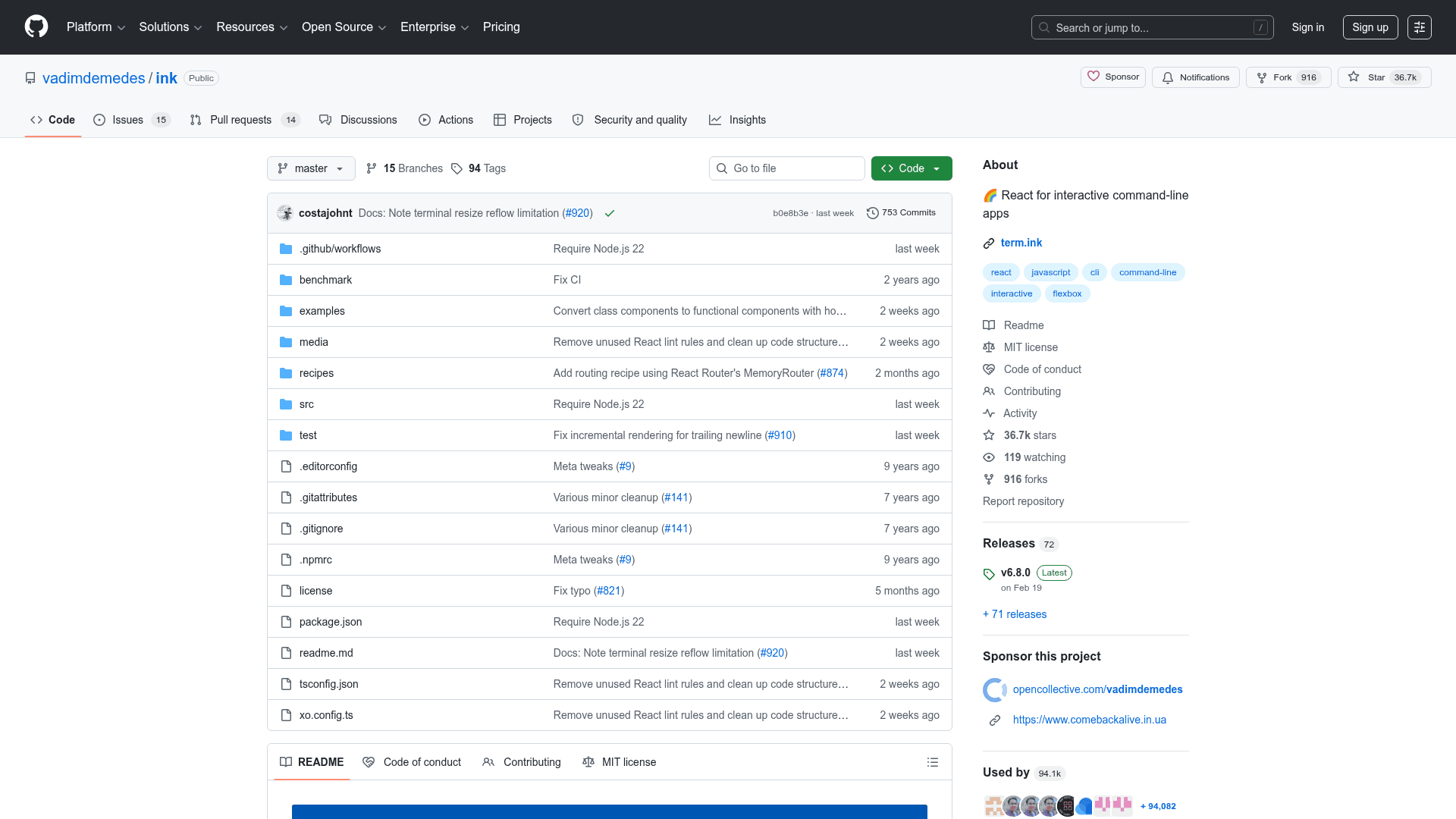
    Ink brings the React component model to the terminal, letting developers build interactive CLI applications using the same JSX syntax, hooks, and component patterns they already know from web development. It uses Facebook's Yoga engine to support Flexbox layouts in the terminal, making CSS-like properties available for positioning and sizing. Since Ink is a full React renderer, all React features — including hooks, context, Suspense, and concurrent mode — work out of the box. It is used in production by tools like Claude Code, GitHub Copilot CLI, Cloudflare Wrangler, Gatsby, Prisma, and Shopify CLI.

    • React-based UI — Write CLI UIs using JSX components like <Text>, <Box>, <Static>, and <Transform> with familiar React patterns.
    • Flexbox layouts — Use CSS-like Flexbox properties (flexDirection, alignItems, justifyContent, gap, padding, margin) powered by the Yoga layout engine.
    • Rich hooks API — Built-in hooks including useInput, usePaste, useApp, useStdin, useStdout, useWindowSize, useFocus, useFocusManager, and useCursor.
    • Screen reader support — ARIA props (aria-role, aria-label, aria-state, aria-hidden) enable accessible CLI output for screen reader users.
    • Concurrent & Suspense support — Enable React Concurrent Rendering mode for async data fetching, useTransition, and useDeferredValue.
    • Incremental rendering — Optional incremental rendering mode updates only changed lines, reducing flicker for frequently updating UIs.
    • Alternate screen buffer — Render apps in the terminal's alternate screen (like vim/htop) with automatic restoration on exit.
    • Kitty keyboard protocol — Optional support for enhanced keyboard input including modifier keys, key event types (press/repeat/release), and key disambiguation.
    • Testing support — Use ink-testing-library and renderToString() to unit-test CLI components without a live terminal.
    • React Devtools integration — Inspect and modify component trees live using React Devtools by running with DEV=true.
    • CI-aware rendering — Automatically adapts output for CI environments, writing only the final frame instead of continuously updating the terminal.
    • Scaffolding tool — Bootstrap new projects instantly with npx create-ink-app supporting both JavaScript and TypeScript.
    Ink - 1

    Community Discussions

    Be the first to start a conversation about Ink

    Share your experience with Ink, ask questions, or help others learn from your insights.

    Pricing

    OPEN SOURCE

    Open Source (MIT)

    Fully free and open-source under the MIT License. Free to use, modify, and distribute.

    • Full React renderer for CLIs
    • Flexbox layouts via Yoga
    • All hooks (useInput, useFocus, useWindowSize, etc.)
    • Screen reader / ARIA support
    • Concurrent and Suspense mode

    Capabilities

    Key Features

    • React component model for CLIs
    • Flexbox layouts via Yoga engine
    • useInput hook for keyboard handling
    • usePaste hook with bracketed paste mode
    • useFocus and useFocusManager hooks
    • useWindowSize hook with resize support
    • useBoxMetrics hook for layout metrics
    • useCursor hook for IME support
    • Screen reader support with ARIA props
    • React Concurrent Rendering mode
    • Suspense support
    • Incremental rendering mode
    • Alternate screen buffer support
    • Kitty keyboard protocol support
    • React Devtools integration
    • renderToString for synchronous rendering
    • CI-aware rendering
    • create-ink-app scaffolding tool
    • ink-testing-library for unit testing
    • Static component for permanent output
    • Transform component for string transformation
    • Configurable max FPS
    • Custom border styles
    • Background color support for Box elements

    Integrations

    React
    Yoga (Flexbox layout engine)
    Babel
    TypeScript
    Node.js
    React Devtools
    ink-testing-library
    chalk
    cli-boxes
    patch-console
    create-ink-app
    API Available
    View Docs

    Reviews & Ratings

    No ratings yet

    Be the first to rate Ink and help others make informed decisions.

    Developer

    Vadim Demedes

    Vadim Demedes builds open-source developer tools with a focus on the Node.js and CLI ecosystem. He created Ink, the React renderer for terminal applications, which powers CLIs at companies like Anthropic, Google, Cloudflare, and Shopify. His work is community-supported via Open Collective.

    Read more about Vadim Demedes
    WebsiteGitHub
    1 tool in directory

    Similar Tools

    Crust icon

    Crust

    A TypeScript-first, Bun-native CLI framework with composable modules for building type-safe command-line interfaces.

    add-skill icon

    add-skill

    A CLI tool that adds AI skills to your Next.js project by generating route handlers and React components.

    LLM CLI icon

    LLM CLI

    Open-source CLI and Python library to run prompts, chat, embeddings, schemas, and tool-use across OpenAI, Claude, Gemini, and local models (Ollama, llama.cpp). Stores logs and vectors in SQLite and is extensible via plugins.

    Browse all tools

    Related Topics

    Command Line Assistants

    AI-powered command-line assistants that help developers navigate, search, and execute terminal commands with intelligent suggestions and context awareness.

    99 tools

    AI Development Libraries

    Programming libraries and frameworks that provide machine learning capabilities, model integration, and AI functionality for developers.

    126 tools

    Agent Harness

    Infrastructure, orchestrators, and task runners that wrap around LLM coding agents — covering session management, context delivery, worktree isolation, architecture enforcement, and issue-to-PR pipelines.

    43 tools
    Browse all topics
    Back to all tools
    Explore AI Tools
    • AI Coding Assistants
    • Agent Frameworks
    • MCP Servers
    • AI Prompt Tools
    • Vibe Coding Tools
    • AI Design Tools
    • AI Database Tools
    • AI Website Builders
    • AI Testing Tools
    • LLM Evaluations
    Follow Us
    • X / Twitter
    • LinkedIn
    • Reddit
    • Discord
    • Threads
    • Bluesky
    • Mastodon
    • YouTube
    • GitHub
    • Instagram
    Get Started
    • About
    • Editorial Standards
    • Corrections & Disclosures
    • Community Guidelines
    • Advertise
    • Contact Us
    • Newsletter
    • Submit a Tool
    • Start a Discussion
    • Write A Blog
    • Share A Build
    • Terms of Service
    • Privacy Policy
    Explore with AI
    • ChatGPT
    • Gemini
    • Claude
    • Grok
    • Perplexity
    Agent Experience
    • llms.txt
    Theme
    With AI, Everyone is a Dev. EveryDev.ai © 2026