
Invoke
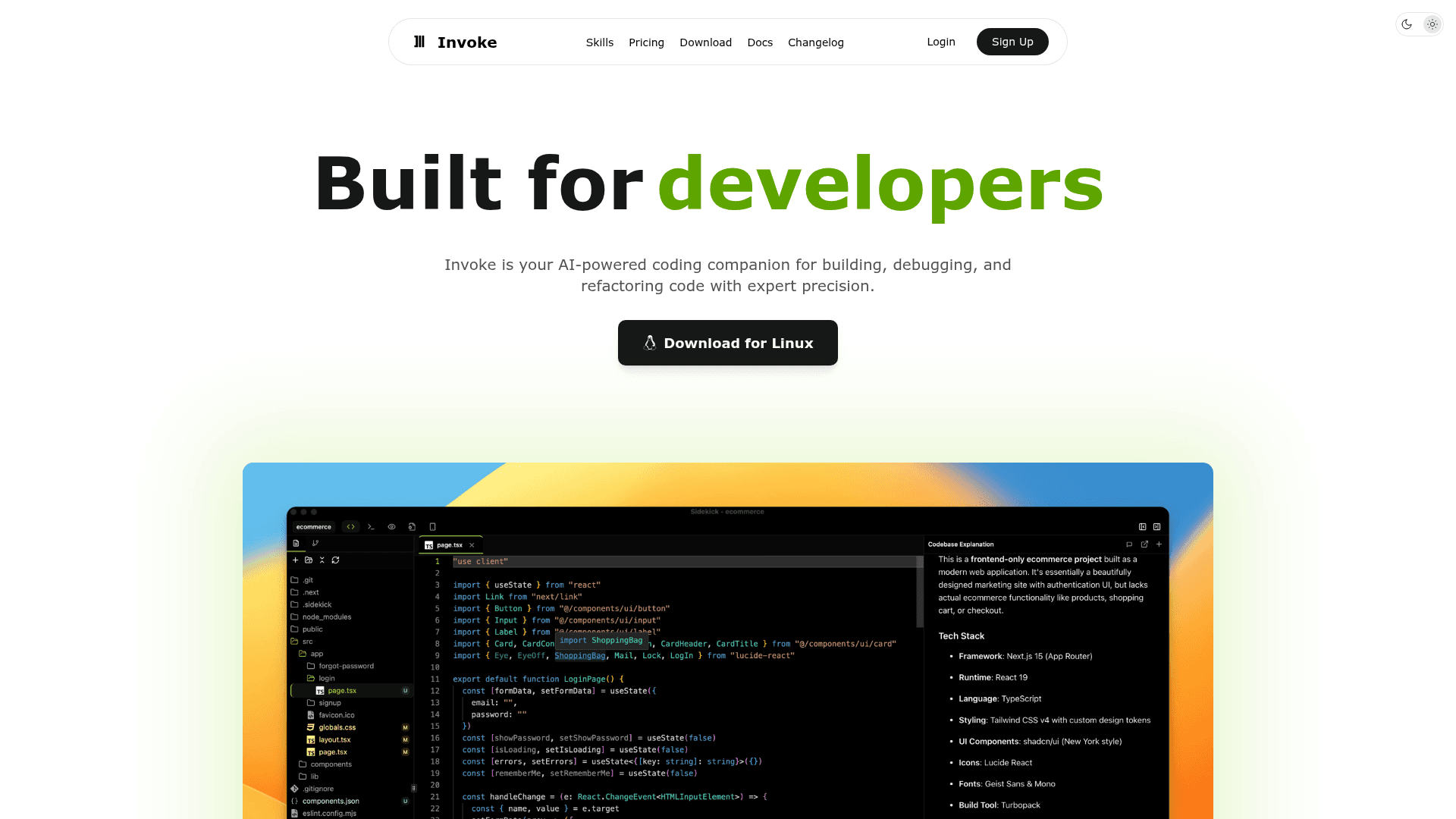
Invoke is an AI-powered desktop coding assistant that combines a code editor, terminal, and multi-provider AI for building, debugging, and refactoring code.
At a Glance
About Invoke
Invoke is a modern AI-powered desktop application built for developers that combines intelligent AI capabilities with deep code editing and workspace management. It supports 10+ LLM providers including Anthropic, OpenAI, Google, and local models via Ollama, and acts as a collaborative coding partner that understands your codebase. With three specialized modes — Agent, Plan, and Browser — Invoke covers every stage of the development workflow, from ideation to deployment.
- Agent Mode — Let AI agents autonomously handle complex coding tasks with intelligent decision-making, running up to five parallel agents simultaneously.
- Plan Mode (Boards) — Map out features as cards, draw dependency connections, and hit Build to send the entire plan to the agent; your whiteboard becomes the prompt.
- Browser Mode — Live preview with integrated AI assistance so you can see changes instantly while AI helps refine your code.
- Multi-Provider AI — Connect to 10+ LLM providers including Anthropic, OpenAI, Google, DeepSeek, and local models via Ollama; also supports BYOK (Bring Your Own Keys).
- MCP Support — Extend capabilities with Model Context Protocol servers for seamless AI context management.
- Custom Agents (Sub-agents) — Create and configure specialized AI agents for different tasks and build custom workflows that match your development style.
- Memory System — Manage persistent memory slots so the AI retains important context across sessions.
- Integrated Terminal — Built-in terminal with AI command execution, smart command approval, and configurable allow/disallow rules for security.
- Canvas & Sandbox — Design visually with Canvas and experiment safely in Sandbox before shipping.
- Skills — Reusable knowledge bundles with instructions, scripts, and references that extend AI capabilities.
- Diff Integration & Code Review — Advanced code comparison, version control visualization, and AI-powered code review.
- Flexible Workspace — Customizable layout with draggable floating panels, a quick command palette, and full theme/color scheme editor.
- Detached Agent — Pop out a floating agent window that stays on top while you work in your browser or other apps.
Community Discussions
Be the first to start a conversation about Invoke
Share your experience with Invoke, ask questions, or help others learn from your insights.
Pricing
Free
Perfect for getting started with your own AI API keys.
- Use your own AI API keys (OpenAI, Anthropic, etc.)
- Up to 3 AI sub-agents for complex tasks
- Full context window for long conversations
- 5 memory slots to remember important context
- Community support via Discord
Starter
For personal projects and daily use.
- Everything in Free plan
- 65,000 AI credits per month
- Up to 10 AI sub-agents for advanced workflows
- 15 memory slots for better context retention
- 50% of unused credits roll over each month
- Priority email support
Pro
For power users and teams.
- Everything in Starter plan
- 130,000 AI credits per month
- Up to 50 AI sub-agents for complex automation
- 25 memory slots for extensive context
- 50% of unused credits roll over each month
- Priority support with faster response times
Max
Unlimited power for serious builders.
- Everything in Pro plan
- 260,000 AI credits per month
- Unlimited AI sub-agents
- 50 memory slots for maximum context
- 50% of unused credits roll over each month
- Dedicated priority support
Capabilities
Key Features
- Agent Mode for autonomous coding tasks
- Plan Mode with visual Boards
- Browser Mode with live preview
- Multi-provider AI (OpenAI, Anthropic, Google, DeepSeek, Ollama)
- BYOK (Bring Your Own Keys)
- MCP (Model Context Protocol) support
- Custom AI sub-agents
- Parallel agents (up to 5 simultaneously)
- Memory management
- Integrated terminal with AI command execution
- Canvas design tool
- Sandbox for safe experimentation
- Skills (reusable knowledge bundles)
- Diff integration and version control visualization
- AI-powered code review
- Detached floating agent window
- Command palette with keyboard shortcuts
- Draggable floating panels
- Theme and color scheme editor
- Checkpoints for safe experimentation