
Julius AI
Julius AI is an AI-powered data analyst that lets anyone analyze, visualize, and query data using plain English, without writing code.
At a Glance
About Julius AI
Julius AI is a web-based AI data analyst built by Caesar Labs, an early-stage AI lab based in San Francisco. It lets knowledge workers—from marketers to data scientists—analyze, visualize, and query complex datasets using natural language prompts, without writing SQL or Python. The platform is SOC 2 Type II certified and is actively developed, with recent additions including a Browser Agent, Video generation, and a new Julius 1.2 model.
What It Is
Julius AI sits in the category of conversational data analysis tools. Users upload files (CSV, Excel, PDF, JSON, images, and more) or connect live data sources, then ask questions in plain English. Julius selects the best underlying large language model for each task, writes and executes code behind the scenes, and returns insights, charts, statistical outputs, or polished reports. The goal, as stated on the product site, is to make statistical analysis accessible to everyone—not just data scientists.
Core Capabilities
Julius covers a broad range of analytical tasks through a chat-driven interface:
- Data visualization — generates charts, graphs, Sankey diagrams, maps, and animated GIFs from uploaded data
- Data manipulation — cleans, sorts, and transforms datasets via natural language prompts
- Statistical modeling — runs ANOVA, t-tests, ARIMA time series, regression, and other analyses
- Report generation — produces polished written summaries and academic-style reports
- Notebooks — an iterative workspace for revising and refining multi-step analyses
- Scheduled Runs — automates recurring analyses on a set cadence
- Custom Agents — lets teams build specialized analytical agents trained on their own schemas and business context
- Slack Agent — delivers ad-hoc analysis and scheduled reports directly inside Slack
Data Connectors and Integrations
Julius connects to a range of data warehouses, databases, and cloud storage services. Natively supported connectors include Snowflake, BigQuery, PostgreSQL, MySQL, SQL Server, Supabase, Google Drive, OneDrive, SharePoint, and Google Ads. File uploads support virtually any format including multi-tab Excel workbooks, PDFs, and images. For teams, Julius builds a semantic layer over connected schemas so queries across thousands of tables remain fast and relevant.
Who It's Built For
Julius targets knowledge workers across several verticals, with dedicated use-case pages for Finance, Marketing, RevOps, Product, Data Science, Scientific Research, and Education. The business tier is designed for teams that want shared workspaces, governed data access, sub-teams, centralized billing, and audit logs. The vendor's business page states Julius is trusted by teams at over 10,000 companies, and logos displayed include Nvidia, Zapier, PandaDoc, Toast, and SimpliSafe—these are vendor-published claims. Individual tiers serve power users who need maximum model access and context window size.
Security and Compliance
Julius is SOC 2 Type II and CCPA compliant, and also holds TX-RAMP certification. Each user's Python code execution environment is individually sandboxed. Data is encrypted in transit and at rest, is never used to train AI models, and is permanently deleted from servers when removed by the user. Enterprise customers can add SSO/SAML via providers such as Okta and Azure, along with fine-grained role-based access controls and audit logging.
Update: Julius 1.2 and Grok 4.5 Integration
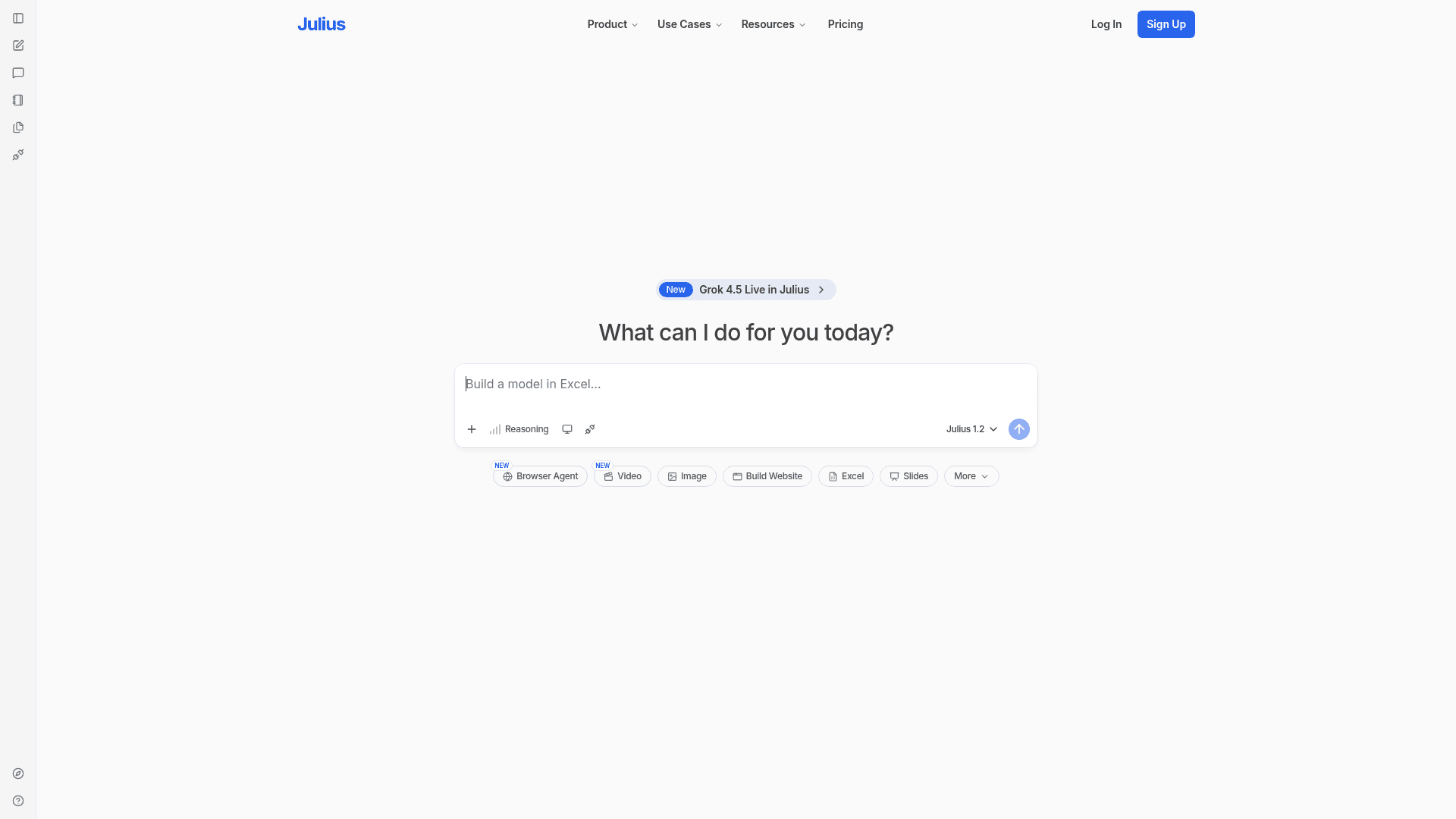
The homepage currently highlights Julius 1.2 as the active model and announces Grok 4.5 as newly live in Julius. Recent product additions visible on the site include a Browser Agent, Video generation, Image generation, and a Website Builder—indicating active expansion beyond pure data analysis into a broader AI workspace. The changelog and features pages also reference Workflows/Notebooks as a recently announced capability, signaling a shift toward multi-step, iterative task execution.
Community Discussions
Be the first to start a conversation about Julius AI
Share your experience with Julius AI, ask questions, or help others learn from your insights.
Pricing
Free
For individuals to complete small projects and basic analysis
- Access to Notebooks
- File storage formats (CSV, XLSX, SAV)
- Google Drive data connector
- 2 GB of RAM
- Free daily credits
Plus
More access to advanced data analysis
- 2,000 credits monthly
- Daily refresh credits
- 1 seat included
- Access to frontier AI models like GPT-5.5 and Claude Opus 4.8
- Export slides, HTML artifacts, charts, and images
- Unlimited file storage formats
- Unlimited charts
- Email / community support
- Google Drive, OneDrive, SharePoint data connectors
Pro
For individuals with data needs that need advanced AI capabilities
- 5,000 credits monthly
- Daily refresh credits
- 1 seat included
- Access to frontier AI models like GPT-5.5 and Claude Opus 4.8
- Export slides, HTML artifacts, charts, and images
- Unlimited file storage formats
- Unlimited charts
- Expanded context window
- 32 GB of RAM
- Priority email support
Max
For AI power users who need the latest and most powerful models, and maximum context
- 25,000 credits monthly
- Daily refresh credits
- Larger context window
- Early access to advanced and unreleased features
- Max members-only Slack channel with Julius team
- Priority access at high traffic times
- Export slides, HTML artifacts, charts, and images
Ultra
For the heaviest individual usage on Julius
- 70,000 credits monthly
- Daily refresh credits
- Access to the most powerful AI models
- Export slides, HTML artifacts, charts, and images
- Early access to advanced and unreleased features
- Priority access at high traffic times
- Permanent file storage
Business
For teams with data needs
- 60,000 credits monthly
- Daily refresh credits
- Access to frontier AI models like GPT-5.5 and Claude Opus 4.8
- Export slides, HTML artifacts, charts, and images
- Add up to 50 team members
- Postgres, BigQuery, Snowflake + more data connectors
- No table limit in data connections
- Unlimited Custom Agents
- Unlimited Slack Agent use in public Slack channels
- Unlimited scheduled report runs
- Shared workspace, files, notebooks, threads
- Usage dashboard
- Centralized billing
- Audit logs
- SOC 2 Type II Compliance
- 2-factor authentication
- User roles and permissions
- Priority support
Enterprise
For large organizations needing SSO, custom integrations, and dedicated support
- Unlimited credits
- All models
- 64 GB of RAM
- Custom data connectors
- Single sign-on (SSO/SAML)
- Audit logs
- Sub-teams
- Custom extended session time
- Tailored onboarding
- Dedicated support
Capabilities
Key Features
- Natural language data analysis
- AI-powered data visualization (charts, graphs, maps, GIFs)
- Data manipulation and cleaning via prompts
- Statistical modeling (ANOVA, t-tests, ARIMA, regression)
- Report and summary generation
- Notebooks for iterative analysis
- Scheduled Runs for recurring analyses
- Custom Agents trained on business schemas
- Slack Agent for in-Slack analysis and reporting
- Browser Agent
- AI Image Generator
- AI Video Generator
- AI Presentation Maker
- Multi-tab spreadsheet support
- File uploads (CSV, Excel, PDF, JSON, images, and more)
- Live data connectors (Snowflake, BigQuery, PostgreSQL, MySQL, SQL Server, Google Drive, OneDrive, SharePoint)
- Semantic schema learning
- Shared team workspaces
- Role-based access controls and sub-teams
- Centralized billing and audit logs
- SOC 2 Type II and CCPA compliance
- SSO/SAML support (Enterprise)
- Sandboxed Python execution environments
- Export to slides, HTML, charts, images, CSV, Excel