
Learnlance
Learnlance watches AI coding agents like Claude Code, Cursor, and Copilot and turns the code they write into a growing personal knowledge graph of concepts you actually learned.
At a Glance
Fully free and open-source under the MIT License. Install via pip and use with any supported AI coding agent.
Engagement
Available On
Alternatives
Listed Sep 2026
About Learnlance
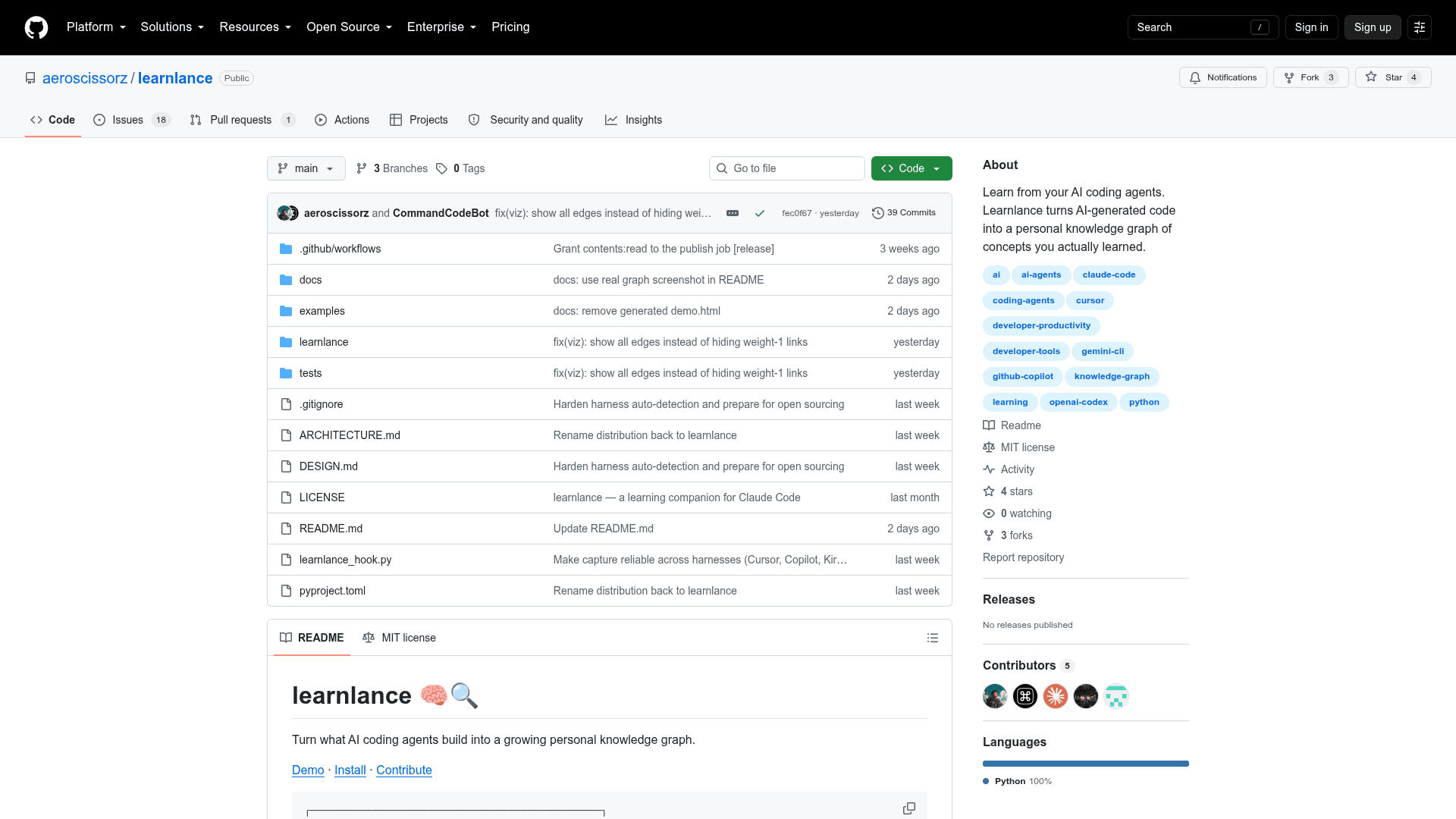
Learnlance is an open-source Python CLI tool that hooks into AI coding agents and quietly extracts transferable programming concepts from the code they generate, building a persistent, interactive knowledge graph over time. It is MIT-licensed and available on GitHub under the aeroscissorz account, with zero third-party dependencies by design so hooks run reliably wherever an agent launches them.
What It Is
Learnlance sits between you and your AI coding agent — Claude Code, OpenAI Codex, Cursor, GitHub Copilot (CLI, cloud, or VS Code), Command Code, Kiro, Gemini CLI, or Antigravity — and after every turn that writes or edits code, it runs a background pipeline. That pipeline pulls out the generated code, asks an LLM "what transferable concepts could a developer learn from this?", merges those concepts into a persistent knowledge graph stored as graph.json, and regenerates a self-contained interactive HTML graph you can open any time. New nodes are flagged as 🌱 new topics learned. The result is a browsable map of everything you've picked up while coding with AI, without slowing down your session.
How the Pipeline Works
Every agent's hook payload is normalized into a single CodeEvent object, then passed through a harness-blind pipeline: insights → knowledge graph → HTML → per-session recap. Key modules include:
- adapters.py — translates each agent's hook format into a
CodeEvent - insights.py — calls an LLM CLI (or the in-chat agent itself) to extract concepts
- graph.py — merges new concepts into the persistent knowledge graph
- viz.py — renders an offline, self-contained HTML visualization
- pending.py — buffers mid-session edits from tool-at-a-time agents
Analysis runs in a detached background process so your coding session never waits. Failures are logged and swallowed; they cannot interrupt your work. Turns with no substantive code make no LLM call.
Setup Path
Installation is a two-step process via pip:
pip install learnlance
learnlance setup
setup auto-detects which agents are present and writes their hooks for the current project. For chat-based agents (Copilot Chat in VS Code, Cursor, Kiro, Command Code, Antigravity, Gemini), the --in-chat flag lets the agent analyze its own work inside the chat — no separate CLI needed. Individual agents can also be configured with flags like --cursor, --codex, --copilot, or --git (a universal fallback via post-commit). The learnlance doctor command reports what's configured on disk versus what has actually fired.
Key Commands and Workflow
Once set up, the main interaction surface is the CLI:
learnlance show— renders and opens the knowledge graph in the browserlearnlance list -v— lists learned concepts with explanationslearnlance stats— quick counts by categorylearnlance add "debouncing"— manually add a concept the agent missed, with optional--pathor--forcelearnlance clear— remove one concept or wipe the entire graphlearnlance config— adjust LLM backend, model alias, max topics per turn, background mode, or pause/resume tracking
Everything is stored under ~/.learnlance/. Each project keeps its own graph; graph.html is a multi-project dashboard. Per-session recaps are written to ~/.learnlance/insights/<session>.md.
No API Key Required
By default, Learnlance reuses an LLM CLI the user is already authenticated with — claude, gemini, copilot, cursor-agent, or ollama. The --in-chat mode goes further: the agent analyzes its own output inside the chat session, requiring no separate CLI installation at all. Custom LLM backends can be configured with learnlance config --llm-cmd.
Current Status
The repository was created in August 2026 and last updated in September 2026. It is actively seeking contributors across areas including new agent integrations, knowledge graph algorithms, concept extraction, graph visualization, CLI/UX, testing, and documentation. The project has 4 stars and 3 forks, with 19 open issues, indicating early-stage active development.
Community Discussions
Be the first to start a conversation about Learnlance
Share your experience with Learnlance, ask questions, or help others learn from your insights.
Pricing
Open Source
Fully free and open-source under the MIT License. Install via pip and use with any supported AI coding agent.
- Full knowledge graph generation
- All supported agent integrations
- Interactive HTML graph visualization
- Per-session recaps
- Manual concept management
Capabilities
Key Features
- Watches AI coding agents and extracts transferable programming concepts
- Builds a persistent, interactive knowledge graph from AI-generated code
- Supports Claude Code, OpenAI Codex, Cursor, GitHub Copilot, Command Code, Kiro, Gemini CLI, Antigravity, and git
- Runs analysis in a detached background process — never blocks your session
- No API key required — reuses existing LLM CLI (claude, gemini, copilot, ollama)
- In-chat mode lets the agent analyze its own work with no separate CLI
- Interactive HTML knowledge graph with live loading spinner and declutter controls
- Per-session recaps written to markdown files
- Manual concept addition with learnlance add
- learnlance doctor command to verify hook configuration
- Zero third-party dependencies
- Per-project graph storage with multi-project dashboard
- Configurable LLM backend, model alias, and max topics per turn