
LibreDB Studio
Open-source, self-hosted browser database IDE that deploys next to your data and connects to dozens of database engines with SSO, audit and AI features.
At a Glance
Self-hosted LibreDB Studio under the MIT license with no paid edition and no capabilities withheld.
Engagement
Available On
Alternatives
Listed Nov 2026
About LibreDB Studio
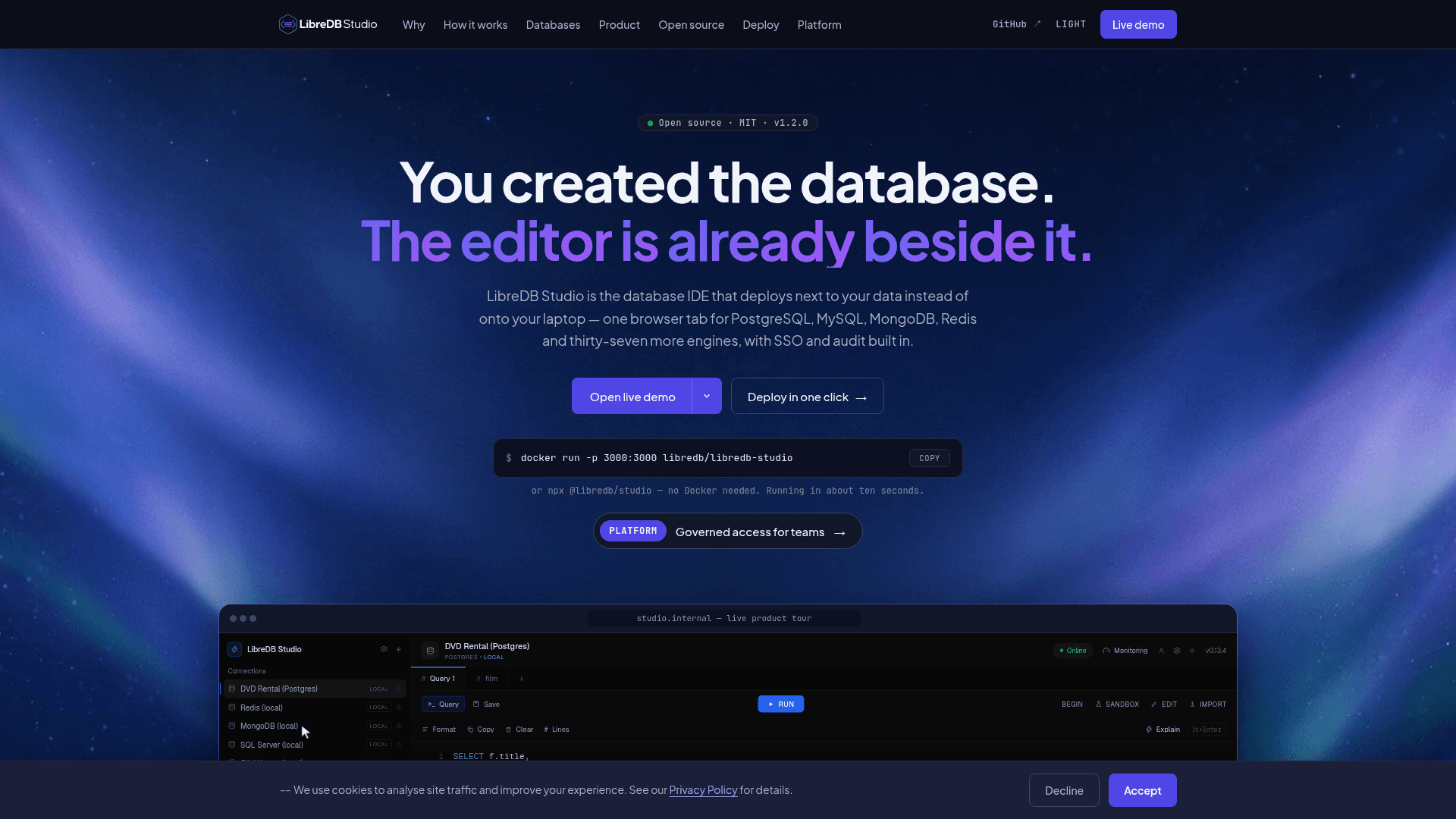
LibreDB Studio is an MIT-licensed database IDE from Sekoya Tech that runs as a container, Helm chart, npm package or one-click template inside the same network as your databases and is used from a browser tab. The homepage lists 41 engines behind a single interface, spanning relational, document, key-value, graph, vector, time-series, streaming, analytical, search and federated sources.
What It Is
LibreDB Studio is a web-based SQL and multi-engine database editor. Instead of installing desktop clients or opening ports and SSH tunnels, you deploy Studio beside the database and open it as a URL from a laptop or phone. The editor is built on Monaco with schema-aware completion, multi-tab workspaces, a virtualized results grid, charts, pivot tables and CSV/JSON export.
Core Workflow and Outputs
You connect to a database, browse its schema tree, run queries and inspect results. Visual EXPLAIN draws execution plans as trees where the engine exposes a plan. ER diagrams are built from declared foreign keys and can be exported as SVG or PNG. Schema diff compares snapshots or two connections and generates migration SQL for supported relational engines. A monitoring dashboard reads each engine's own reporting interface for sessions, slow queries, cache hit ratio and storage, with admin-only maintenance actions and an audit trail.
AI and the Database Agent
AI helpers explain plans, draft queries and assess the risk of destructive statements, using Gemini, OpenAI, Ollama or any OpenAI-compatible endpoint. With no LLM settings configured, the AI rail does not render. The database agent takes an objective, runs read-only, budgeted queries and writes a report where every claim cites a result. Statement-running agent mode is limited to engines whose providers prove a read-only boundary, and the embedded npm package carries no agent surface.
Engine Coverage and Documented Limits
Each engine's page states what it does not do. Examples: Cassandra has no joins or EXPLAIN, search engines have no row editing, and many newer engines such as Kafka, Kubernetes and S3 are read-only. Controls that cannot work are hidden rather than offered and then failed.
Deployment and Access Control
Install paths include Docker, npx (Node 24+), Helm, Homebrew, Snap, deb/rpm, winget and one-click templates for several platforms. It supports OIDC single sign-on, role-based access control, an audit log of executed queries and passkeys for local accounts. Sekoya Tech states that no paid edition or hosted offering exists.
Community Discussions
Be the first to start a conversation about LibreDB Studio
Share your experience with LibreDB Studio, ask questions, or help others learn from your insights.
Pricing
Open Source (MIT)
Self-hosted LibreDB Studio under the MIT license with no paid edition and no capabilities withheld.
- MIT licensed
- OIDC single sign-on included
- AI assistant included
- MongoDB and Redis drivers included
- Role-based access control and audit trail
Capabilities
Key Features
- Monaco-based schema-aware SQL editor
- Visual EXPLAIN plan trees
- ER diagrams with SVG/PNG export
- Schema diff and migration SQL generation
- AI query explainer and pre-execution risk analysis
- Read-only database agent with cited reports
- Live monitoring and health dashboard
- OIDC single sign-on and RBAC
- Query audit trail
- Mobile-friendly card views
- Data profiler, ORM code generator and test data generator
- Display masking (client-side preview)
- Support for 41 database engines
- Docker, Helm, npx and one-click deployment