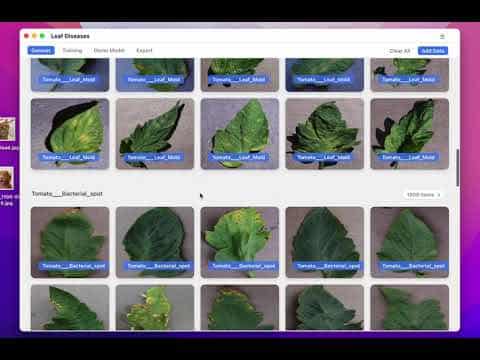
Free desktop tool for training machine learning models without code using your own data.
At a Glance
Liner is completely free to use with all features included
Engagement
Available On
Alternatives
Listed Jan 2026
About Liner
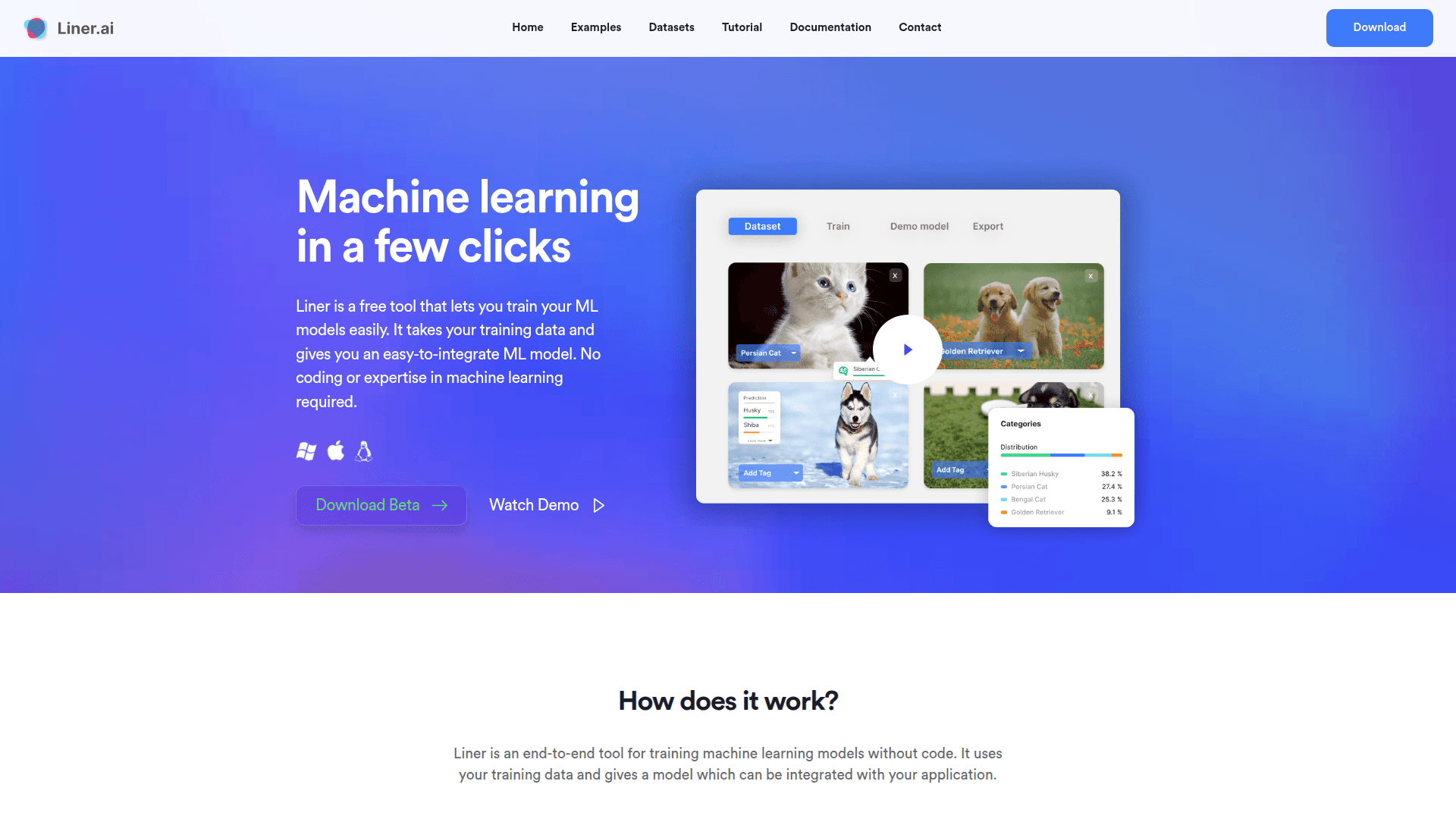
Liner is a free desktop application that enables users to train machine learning models without writing any code or having prior ML expertise. The tool runs entirely locally on your computer, ensuring data privacy while providing an intuitive interface for creating and deploying AI models. It supports multiple project types including image, text, audio, and video classification, as well as object detection, image segmentation, and pose classification.
Key Features:
-
No-Code ML Training - Train machine learning models with a simple three-step process: import data, start training, and deploy your model without writing a single line of code.
-
Multiple Project Templates - Choose from ready-to-use templates including image classification, text classification, audio classification, video classification, object detection, image segmentation, and pose classification.
-
Local Processing - All training happens locally on your computer, ensuring your data never leaves your machine and maintaining complete privacy.
-
No GPU Required - Models are optimized for CPU training, making it accessible to users without specialized hardware while still achieving fast training times.
-
Edge-Optimized Models - Export trained models to various platforms including mobile and edge devices for easy integration with your applications.
-
Cross-Platform Support - Available for both Windows and macOS (Intel and Apple Silicon).
-
Pre-labeled Datasets - Access a library of datasets to get started quickly or import your own training data.
Getting Started:
Download Liner for your platform (Windows or macOS), import your training data or use a pre-labeled dataset, select your project type, and click to start training. Once complete, export your model to your preferred platform for integration with your application.
Community Discussions
Be the first to start a conversation about Liner
Share your experience with Liner, ask questions, or help others learn from your insights.
Pricing
Free
Liner is completely free to use with all features included
- Unlimited projects
- Image classification
- Text classification
- Audio classification
- Video classification
Capabilities
Key Features
- No-code machine learning model training
- Image classification
- Text classification
- Audio classification
- Video classification
- Object detection
- Image segmentation
- Pose classification
- Local data processing
- CPU-optimized training (no GPU required)
- Edge-optimized model export
- Pre-labeled dataset library
- Multi-platform model export
- Unlimited projects
- Team management
- File sharing
Demo Video