
Loadmill Droid CUA
AI-powered mobile testing desktop app and CLI that turns natural language instructions into reusable test scripts for Android and iOS apps.
At a Glance
About Loadmill Droid CUA
Loadmill's Droid CUA (Computer-Using Agent) is a desktop application and CLI tool that lets mobile engineering teams create, run, and manage tests for Android devices and iOS simulators using plain-English instructions instead of traditional automation code. It is built by Loadmill, a company focused on generative AI for test automation that unifies API, UI, and performance testing. The desktop app is currently available for macOS Apple Silicon, with the latest release at v2.22.0 as of June 2026.
What It Is
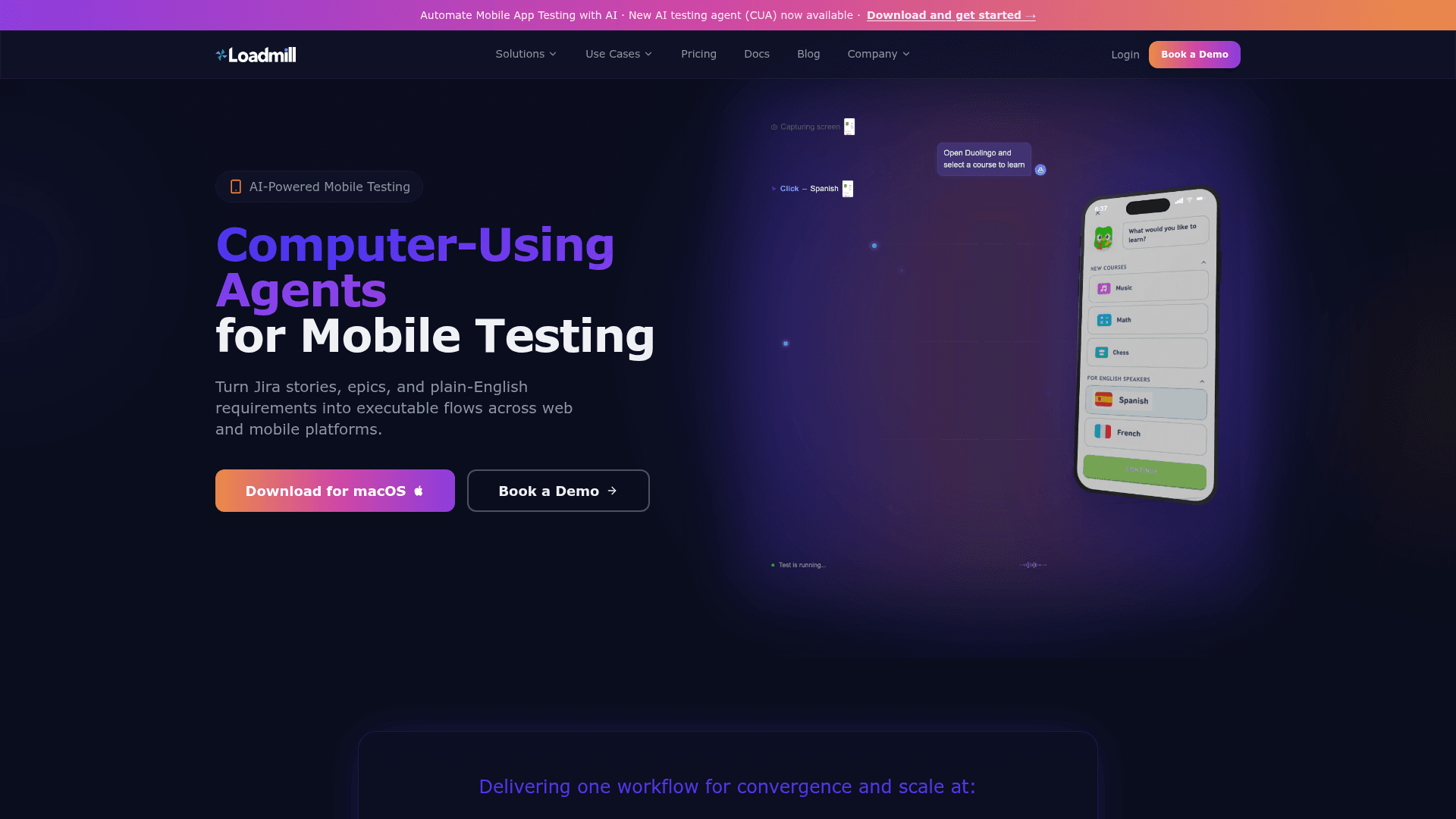
Droid CUA is a computer-using agent for mobile testing. Rather than requiring engineers to write selector-based scripts or maintain brittle UI hierarchies, the agent accepts natural language descriptions of test scenarios—such as "test signup with valid and invalid email flows"—and autonomously navigates the app, performs actions, and generates reusable test scripts. Those scripts can be reviewed, edited, saved, and rerun from the desktop app or executed headlessly in CI pipelines via the CLI.
How the Agent Works
The agent follows a structured execution loop:
- Connects to an Android device or emulator via ADB, or to an iOS simulator via Appium and XCUITest on macOS
- Captures full-screen device screenshots and scales them down for model compatibility
- Sends screenshots and user instructions to an AI model (requires an OpenAI API key)
- Receives structured actions—click, scroll, type, keypress, wait, drag—and rescales outputs to real device coordinates
- Executes actions on the device, validates assertions, handles failures, and repeats until task completion
- Saves results as JUnit XML output for CI systems and maintains a project run history inside the desktop app
Desktop-First Workflow with CI-Ready Output
The primary interface is a macOS desktop application that guides setup, manages device connections, and provides live execution logs during test runs. From the same app, teams can review past run reports stored in a project results folder. For CI, scripting, or advanced workflows, the CLI (@loadmill/droid-cua on npm) supports headless execution of saved instruction files with options for device targeting, platform selection, recording, and debug output.
Platform and Setup Requirements
- Android: Physical devices and emulators via ADB; Android Emulator CLI for launchable emulators
- iOS: Simulators on macOS only, requiring Xcode with iOS Simulator, Appium, and the XCUITest driver
- All platforms: An OpenAI API key or a Loadmill account login
The desktop app is currently distributed as a macOS Apple Silicon DMG via GitHub Releases. The CLI is available via npm (npm install -g @loadmill/droid-cua).
Update: v2.22.0
The latest release is droid-cua v2.22.0, published June 29, 2026. The repository was created in March 2026 and has seen active release cadence since then, indicating the product is in active early development. The homepage also highlights a new AI Mobile Testing Agent as a recently launched capability, consistent with the GitHub release timeline.
Why It Differs from Traditional Mobile Automation
Traditional selector-based mobile automation breaks when UI elements change, requiring ongoing maintenance that consumes engineering time. Droid CUA operates through visible screen context rather than UI hierarchies or locators, which the product page describes as making tests less fragile across releases. The agent starts from intent—a Jira story, epic, or plain-English requirement—and produces reusable test assets without requiring automation code to be written manually.
Community Discussions
Be the first to start a conversation about Loadmill Droid CUA
Share your experience with Loadmill Droid CUA, ask questions, or help others learn from your insights.
Pricing
Enterprise
Customized pricing based on company requirements. Submit a pricing request for a tailored quote.
- API Testing
- UI Testing
- Performance Testing
- Test Automation AI
- Mobile Testing Agent
- Custom quote
Capabilities
Key Features
- Natural language test creation for Android and iOS
- Desktop app for macOS Apple Silicon
- AI agent navigates UI and generates reusable test scripts
- Live execution logs during test runs
- JUnit XML output for CI integration
- Headless CLI execution of saved test scripts
- Android physical device and emulator support via ADB
- iOS simulator support via Appium and XCUITest
- Project run history and reports inside desktop app
- OpenAI API key or Loadmill account authentication
- Test editing and rerun from desktop app
- CI pipeline integration