
LucentraCode
LucentraCode is an open-source, terminal-first AI coding CLI that brings autonomous coding intelligence to your terminal with multi-model support and no lock-in.
At a Glance
About LucentraCode
LucentraCode is an open-source AI coding CLI built by Lucentra Labs Pvt. Ltd., based in New Delhi, India. It installs via npm and runs directly in the terminal, giving developers autonomous coding assistance without leaving their existing workflow. The tool is designed around the principle of no model lock-in, letting developers choose from multiple AI models including Claude, Codex, GLM, Kimi, and MiniMax.
What It Is
LucentraCode is a terminal-first autonomous coding agent that operates inside the developer's existing environment — the repository, shell, files, and test runner — rather than as a separate chat interface. It is positioned as an open-source alternative to proprietary AI coding CLIs, with the stated goal of making world-class AI coding affordable, transparent, and flexible for every developer. The CLI is installed globally via npm and is available on Linux, Windows, and macOS.
What It Can Do
According to the About page, LucentraCode is capable of participating in real engineering work across a broad range of tasks:
- Understanding and searching repositories and codebases
- Planning and implementing code changes
- Executing shell commands and running tests
- Investigating test failures and reviewing changes
- Verifying implementations before commit
The developer retains final control over what gets committed, merged, and deployed.
Multi-Model Architecture
A core differentiator the product page highlights is access to multiple top coding models through a single subscription. The homepage diagram shows Claude, Codex, GLM, Kimi, and MiniMax all connecting to LucentraCode's plans, framing it as "same power, less cost" compared to subscribing to individual model providers. Developers can choose the best model for each task within a single session.
Open-Source and Developer-Controlled
LucentraCode's About page explicitly describes the product as open-source and terminal-first, with a vision to become "an open foundation for the next generation of software work." The CLI is designed to stay close to the tools developers already use — terminal, repository, files, shell, tests — rather than introducing a new isolated environment. The project emphasizes no model lock-in and developer control over the full commit and deploy lifecycle.
Setup Path
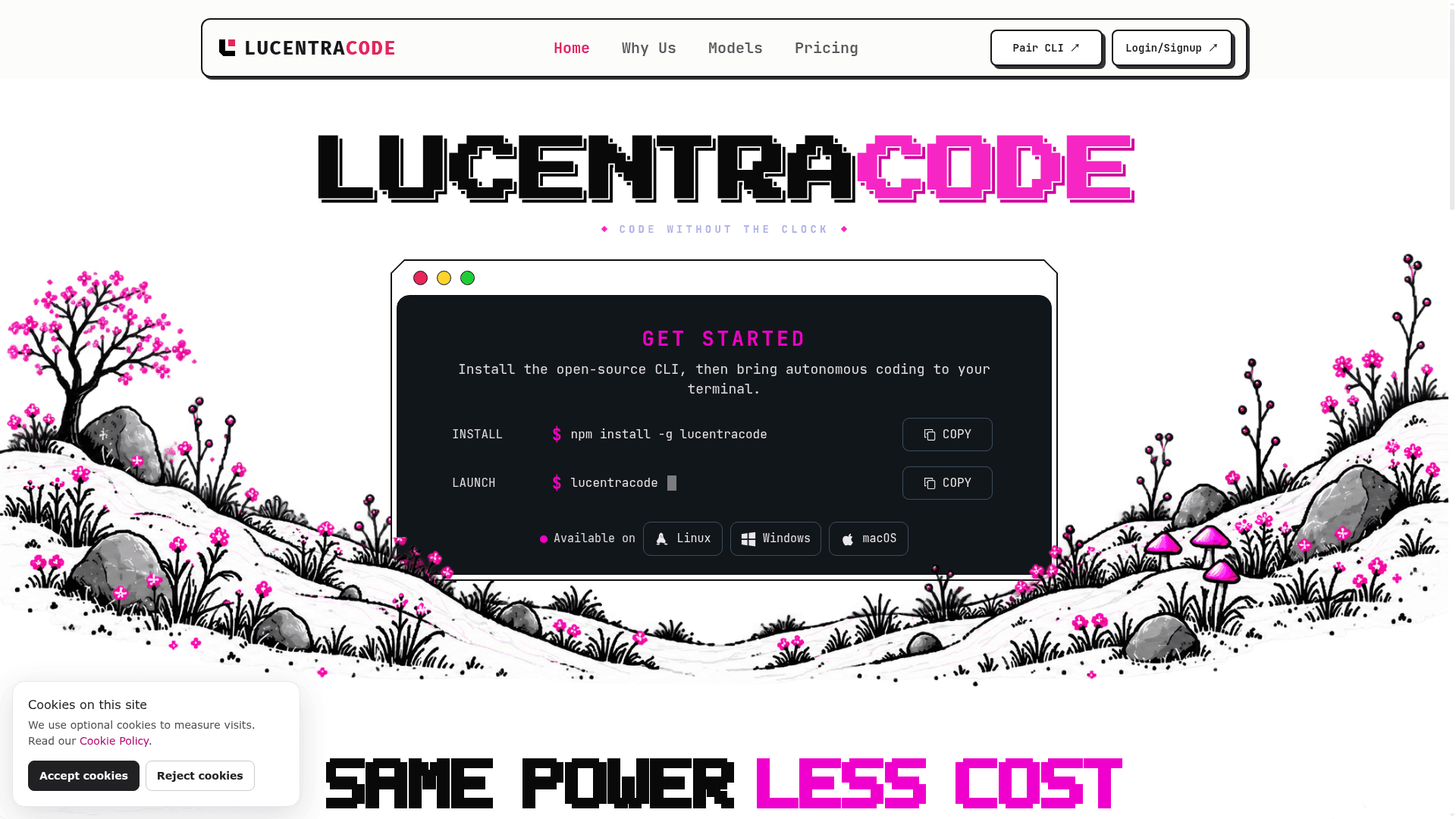
Getting started requires a single npm global install (npm install -g lucentracode) followed by running lucentracode in the terminal. The platform also provides a web-based activation flow at platform.lucentracode.com/activate for pairing the CLI with a plan. Documentation, CLI command references, configuration guides, and an integrations page are available on the main site.
Community Discussions
Be the first to start a conversation about LucentraCode
Share your experience with LucentraCode, ask questions, or help others learn from your insights.
Pricing
Observer
7-day access window with $40 of model usage included.
- $40 of model usage
- Access to all supported models
- Terminal-first CLI
- 7-day usage window
Operator
Monthly plan with $400 of model usage included.
- $400 of model usage
- Access to all supported models
- Terminal-first CLI
- Renews monthly until cancelled
Obsessed
Monthly plan with $800 of model usage included.
- $800 of model usage
- Access to all supported models
- Terminal-first CLI
- Renews monthly until cancelled
Capabilities
Key Features
- Autonomous coding agent in the terminal
- Multi-model support (Claude, Codex, GLM, Kimi, MiniMax)
- Repository understanding and codebase search
- Code planning and implementation
- Shell command execution
- Test running and failure investigation
- Code review and change verification
- No model lock-in
- Open-source CLI
- Cross-platform: Linux, Windows, macOS
- npm global install