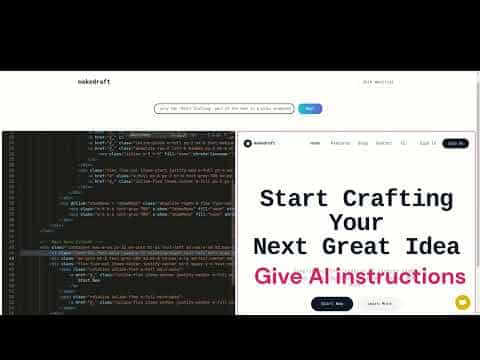
Makedraft
Makedraft is an AI tool that generates and edits frontend HTML, JavaScript, and Alpine.js components from natural language prompts, styled with Tailwind CSS.
At a Glance
Free tier with public generated projects.
Engagement
Available On
Listed Jul 2026
About Makedraft
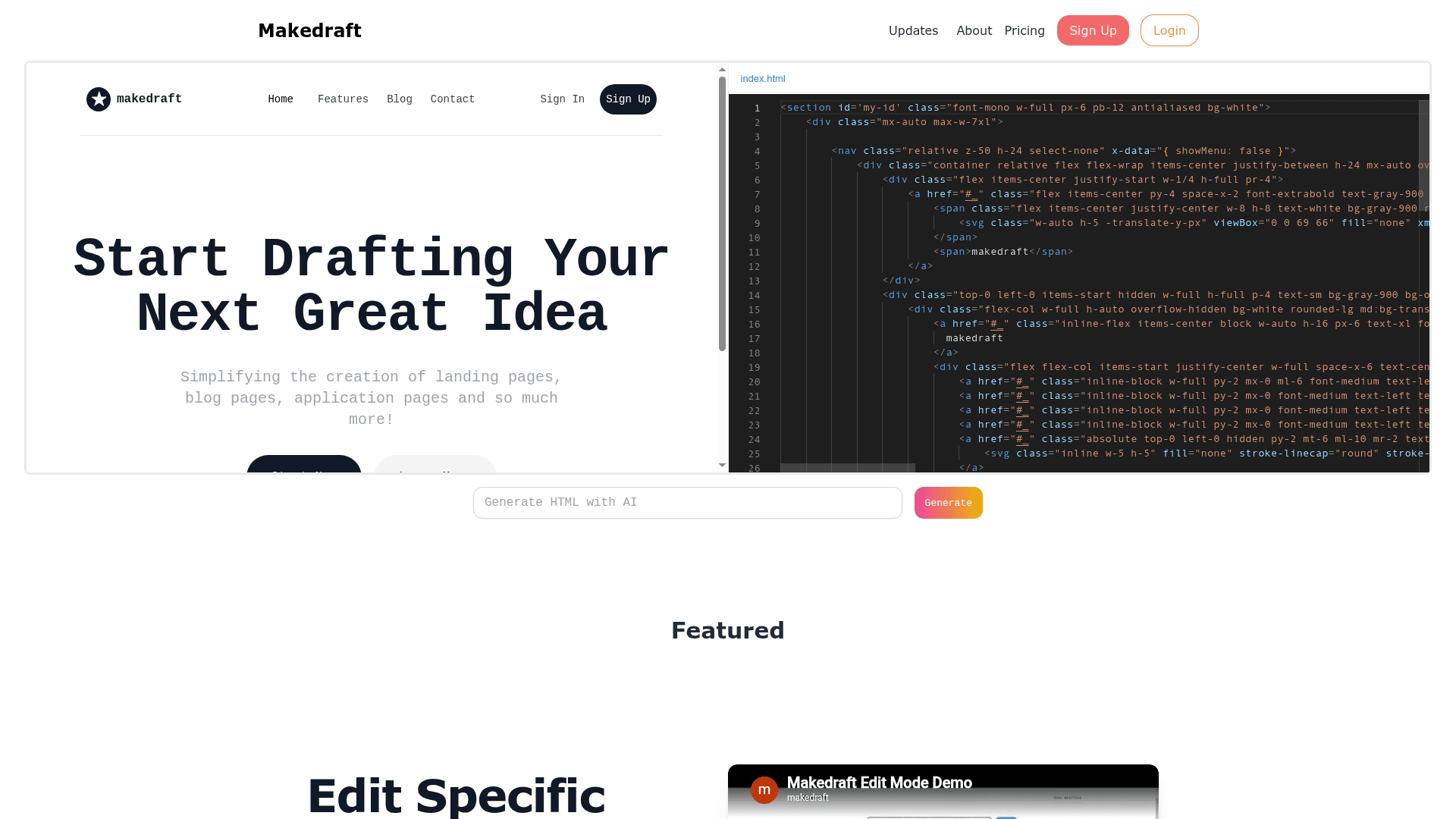
Makedraft is an AI-powered frontend code generator that lets users create and edit HTML components, JavaScript, and Alpine.js code through natural language instructions. It runs in the browser with a live preview sandbox powered by CodeSandbox, making it accessible without any local setup. The tool is currently in open beta and targets developers and designers who want to rapidly prototype landing pages, blog pages, and application UI components.
What It Is
Makedraft sits in the AI coding assistant category, specifically focused on frontend code generation. Users interact with it in two modes: Generate Mode, where they prompt the AI without selecting any code to produce entirely new HTML components, and Edit Mode, where they highlight existing code and instruct the AI on what to change. All generated code is styled with Tailwind CSS and can optionally include Alpine.js interactivity. Vue.js support is listed as coming soon.
How the Two Modes Work
- Generate Mode: Type a prompt with no code selected, and Makedraft produces a new HTML component from scratch. Useful for bootstrapping sections like navbars, hero blocks, or feature grids.
- Edit Mode: Highlight a specific section of code in the editor, then describe the change. The AI modifies only the selected portion, leaving the rest intact.
Generated code can be copied directly into any project. Users need to include the Tailwind CSS CDN script in their HTML <head>, and optionally the Alpine.js CDN script for interactive components.
Target Audience and Use Cases
Makedraft is aimed at developers and non-developers who want to quickly draft frontend UI without writing boilerplate HTML and CSS by hand. The FAQ highlights use cases including landing pages, blog pages, and application pages. Generated code is licensed for commercial use, though users cannot use it to build a competing service.
Privacy and Project Visibility
By default on the free tier, generated projects are public. The site states that a Pro (Private) plan makes generated projects private by default and also grants access to beta features and prioritized feature requests. A Showcase feature for browsing public community-generated projects is described as forthcoming.
Current Status
Makedraft is currently in open beta. The pricing page lists two active plans — a free tier and a paid private tier — indicating the product has moved beyond a pure waitlist phase. The YouTube channel shows demo videos for both Generate Mode and Edit Mode, confirming the core functionality is live and usable.
Community Discussions
Be the first to start a conversation about Makedraft
Share your experience with Makedraft, ask questions, or help others learn from your insights.
Pricing
Free Plan
Free tier with public generated projects.
- 20 generations per month
- Generated code is public
Private Plan
Paid tier with private projects and beta access.
- 150 generations per month
- Generated code is private
- Access to beta features
- Feature requests are prioritized
Capabilities
Key Features
- AI-powered HTML component generation from natural language prompts
- Edit Mode: highlight code sections and instruct AI to modify them
- Generate Mode: create new components from scratch via prompt
- Tailwind CSS styling for all generated code
- Alpine.js support for interactive components
- Live browser-based sandbox preview via CodeSandbox
- Copy generated code to any project
- Commercial use permitted for generated code
- Private project visibility on paid plan
- Access to beta features on paid plan
Integrations
Demo Video