
MCP Obsidian
A Model Context Protocol server that enables AI assistants to read, search, and manage notes in Obsidian vaults.
At a Glance
Free and open source under MIT license
Engagement
Available On
Alternatives
Listed Feb 2026
About MCP Obsidian
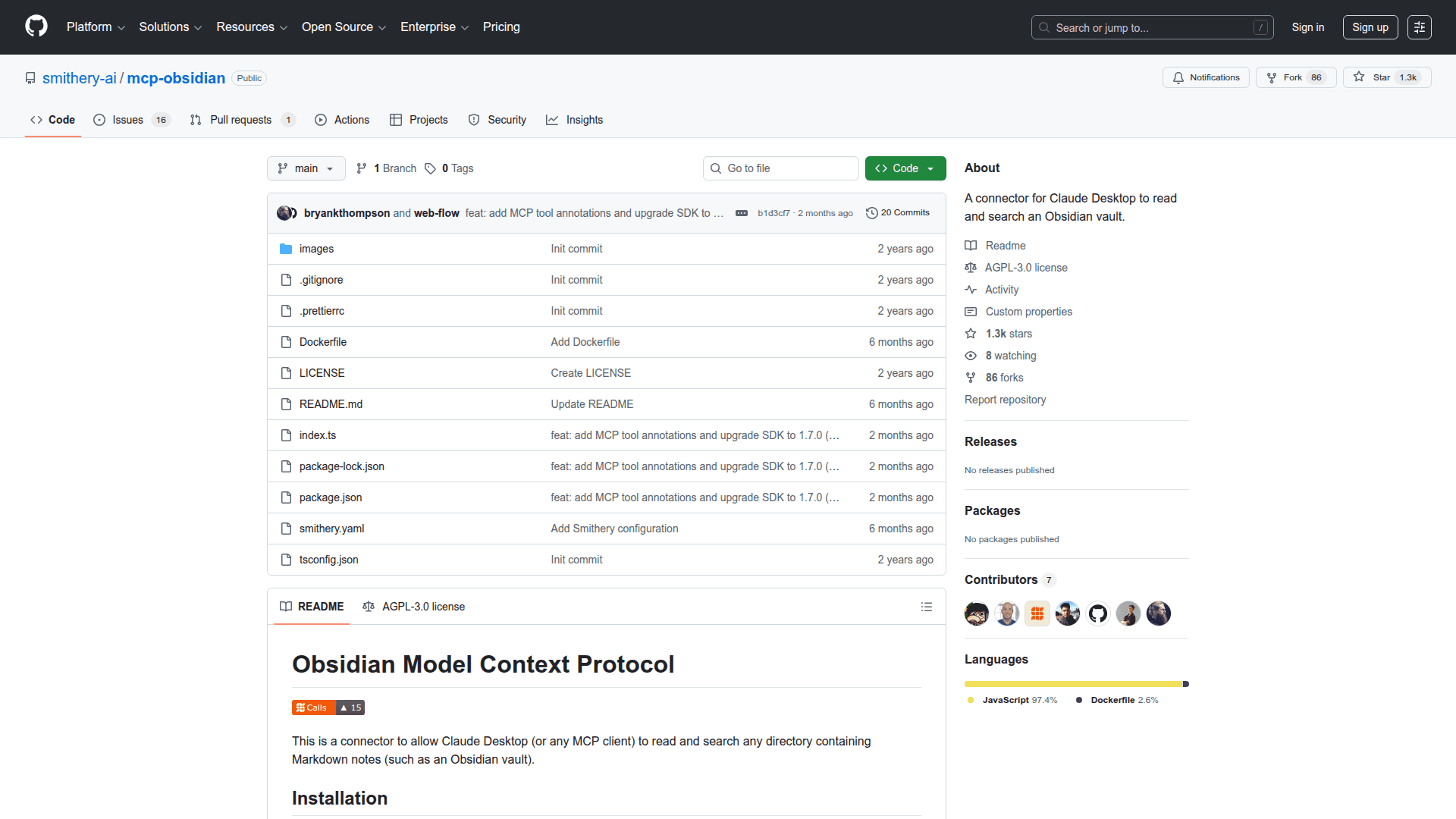
MCP Obsidian is a Model Context Protocol (MCP) server that bridges AI assistants with Obsidian note-taking vaults. It allows AI models to interact with your personal knowledge base by reading, searching, and managing markdown notes stored in Obsidian. This integration enables seamless access to your notes during AI conversations, making it easier to retrieve information, create new content, and maintain your knowledge management system.
The server implements the MCP specification, allowing compatible AI clients like Claude Desktop to directly access and manipulate Obsidian vault contents. This creates a powerful workflow where your AI assistant can reference your existing notes, help organize information, and assist with knowledge management tasks.
Key Features:
- Vault Access - Connect your Obsidian vault to AI assistants, enabling them to read and understand your notes and knowledge base structure
- Note Search - Search through your vault contents to find relevant notes and information during AI conversations
- Note Reading - Read the full content of specific notes, allowing AI to reference and work with your existing documentation
- Note Creation - Create new notes in your vault directly through AI interactions, streamlining content creation workflows
- Note Management - Manage and organize notes within your vault using AI assistance
- MCP Protocol Support - Built on the Model Context Protocol standard for reliable integration with compatible AI clients
Getting Started:
To use MCP Obsidian, you need Node.js installed on your system. Clone the repository from GitHub and install dependencies using npm. Configure the server by specifying the path to your Obsidian vault. Then connect it to an MCP-compatible client like Claude Desktop by adding the server configuration to your client settings. The server runs locally and provides secure access to your vault without sending data to external services.
This tool is ideal for users who want to leverage AI assistants to work with their existing Obsidian knowledge bases, enabling more productive note-taking and knowledge management workflows.
Community Discussions
Be the first to start a conversation about MCP Obsidian
Share your experience with MCP Obsidian, ask questions, or help others learn from your insights.
Pricing
Open Source
Free and open source under MIT license
- Full vault access
- Note search
- Note reading
- Note creation
- Note management
Capabilities
Key Features
- Obsidian vault access
- Note search functionality
- Note reading capabilities
- Note creation
- Note management
- MCP protocol support
- Local server operation
- Claude Desktop integration