
MCP-UI
Open protocol and SDKs for building rich, interactive UI components for agentic AI applications over the Model Context Protocol.
At a Glance
Free and open source under Apache 2.0 License
Engagement
Available On
Alternatives
Listed Feb 2026
About MCP-UI
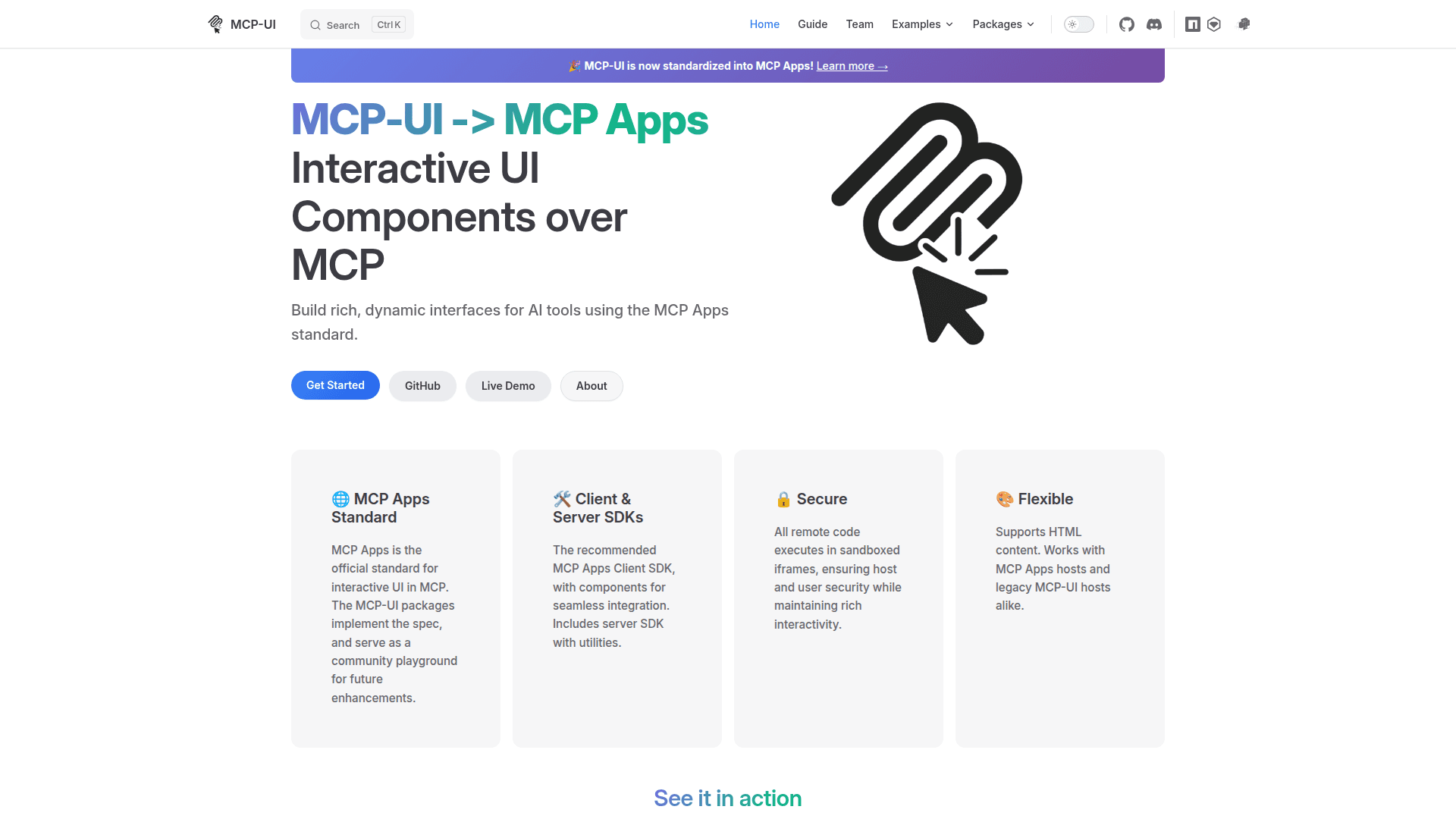
MCP-UI is an open protocol that enables developers to build rich, dynamic user interfaces for agentic AI applications. It provides SDKs that bring interactive UI capabilities to AI interactions through the Model Context Protocol (MCP). The protocol has been standardized into MCP Apps, with fully compliant SDKs ready for production use.
-
Standardized Protocol - MCP-UI is now standardized into MCP Apps, providing a consistent approach to building interactive UI components that work seamlessly with MCP-compatible systems.
-
Multi-Language Server SDKs - Create interactive UI resources in MCP servers using TypeScript, Ruby, or Python. The server-side libraries allow developers to define UI resources that can be returned in MCP tool results.
-
Client-Side Components - Robust React components and Web Components enable simple host integration. Render interactive UI elements with a single component using the UIResourceRenderer.
-
Secure Sandboxed Execution - All remote code executes in sandboxed iframes, ensuring host and user security while maintaining rich interactivity for dynamic content.
-
Flexible Architecture - MCP-UI serves as a playground to experiment with agentic UI patterns. Community feedback helps shape the MCP Apps specification.
-
External URL Support - Embed external URLs within your AI interactions using the externalUrl content type, allowing integration of existing web applications.
To get started, install the server SDK for your preferred language (@mcp-ui/server for TypeScript, mcp_ui_server gem for Ruby, or mcp-ui-server from PyPI for Python). Create UI resources using the createUIResource function, specifying the URI and content configuration. On the client side, install @mcp-ui/client and use the UIResourceRenderer component to display the interactive resources. The component handles rendering and emits events for user actions that can be processed by your application logic.
Community Discussions
Be the first to start a conversation about MCP-UI
Share your experience with MCP-UI, ask questions, or help others learn from your insights.
Pricing
Open Source
Free and open source under Apache 2.0 License
- Full server SDKs (TypeScript, Python, Ruby)
- Client components (React, Web Components)
- Sandboxed iframe security
- External URL support
- Apache 2.0 License
Capabilities
Key Features
- Standardized MCP Apps protocol
- TypeScript server SDK
- Python server SDK
- Ruby server SDK
- React client components
- Web Components support
- Sandboxed iframe execution
- External URL embedding
- Interactive UI resources
- User action event handling