
Minecraft Agent IDE
Chat with an in-game Minecraft villager and a real AI coding assistant reads, edits, and builds files on your computer in real time, showing its progress above the villager.
At a Glance
About Minecraft Agent IDE
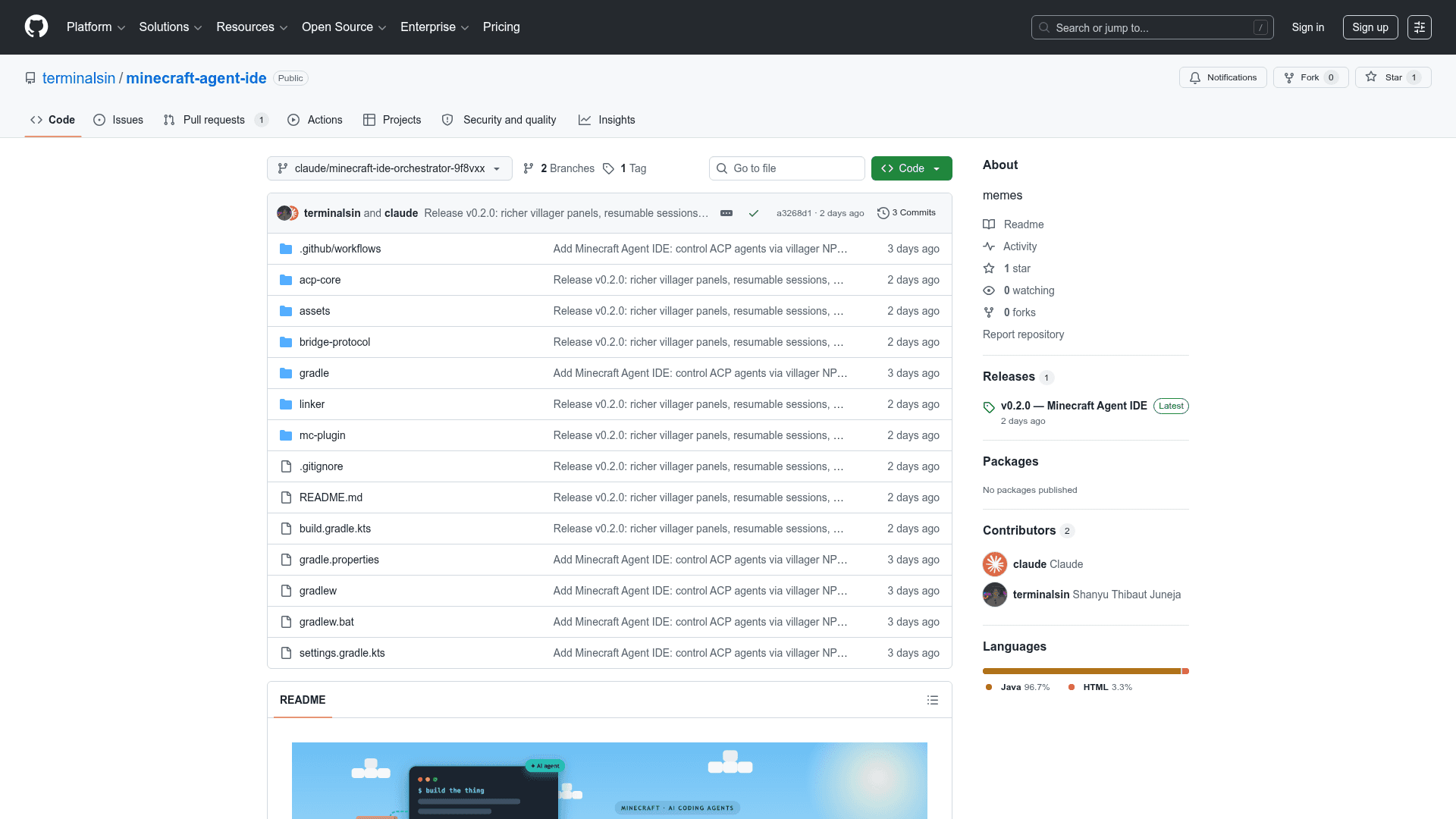
Minecraft Agent IDE turns an in-game villager into the front end for a real AI coding assistant. A player right-clicks a villager, types a request in plain English, and the assistant reads, edits, and builds files on the player's computer while showing progress above the villager's head. The README frames it as "chat with a villager in Minecraft — and a real AI coding assistant does the work." It is an open-source project pairing a Paper Minecraft plugin with a desktop bridge that runs the agent.
What It Is
The project is a Minecraft plugin system that wires the game's villager NPCs to external AI coding agents. Instead of a code editor, the interface is the game itself: players talk to a villager, and the villager relays the request to an agent that performs actual file-system work on the local machine. The README describes two cooperating pieces, a Minecraft plugin that manages villagers and captures chat, and a desktop linker that executes agents and handles file access.
How It Works
According to the repository, requests flow from the player to a villager inside Minecraft, out to the desktop linker, into an AI agent, and onto the project files, with replies traveling back along the same chain. The plugin captures in-game chat and renders live status above the villager, while the linker runs the agent process and mediates reading and writing files. Communication uses the Agent Client Protocol over an NDJSON/JSON-RPC channel bridged by WebSockets.
Agents and Protocols
The project documents support for Anthropic's Claude Code and OpenAI's Codex as coding agents, and it is built around the Agent Client Protocol so any ACP-compatible agent can be plugged in. The docs point to the Agent Client Protocol specification and the Claude Code ACP adapter as the integration path, meaning the choice of underlying model and provider is left to the user.
Key Capabilities
The README lists plain-English task requests directed at villager NPCs, real-time progress shown above the villager, and permission prompts with clickable Allow and Reject buttons in chat. It also describes support for multiple helper villagers working at once, file reading and writing on the local machine, command execution gated by user approval, task cancellation, and session persistence so work can be resumed.
Setup and Requirements
The documentation states the plugin targets Paper Minecraft servers on version 1.21 or later and runs on any operating system with Java 21. Users download compiled JAR files from the latest release and place them into the appropriate directories, then run the desktop linker alongside a Node.js runtime that launches the agent. Any AI service usage costs depend on the provider the user chooses.
Community Discussions
Be the first to start a conversation about Minecraft Agent IDE
Share your experience with Minecraft Agent IDE, ask questions, or help others learn from your insights.
Pricing
Open Source
Free and open-source; users bring their own AI provider and pay any agent usage costs directly to that provider.
- Full plugin and desktop linker
- Bring-your-own AI agent (Claude Code, Codex, or any ACP agent)
Capabilities
Key Features
- Request coding tasks in plain English by chatting with an in-game villager
- Real-time task progress displayed above the villager
- Permission prompts with clickable Allow/Reject buttons in chat
- Multiple helper villagers running tasks simultaneously
- AI agent reads and writes files on the local filesystem
- Command execution gated by user approval
- Task cancellation and session persistence for resumed work
- Agent Client Protocol (ACP) support for pluggable coding agents