
MulmoChat
A research prototype exploring multimodal AI chat experiences where users converse naturally while experiencing rich visual and interactive content on a canvas.
At a Glance
Free and open-source research prototype available on GitHub.
Engagement
Available On
Alternatives
Listed Mar 2026
About MulmoChat
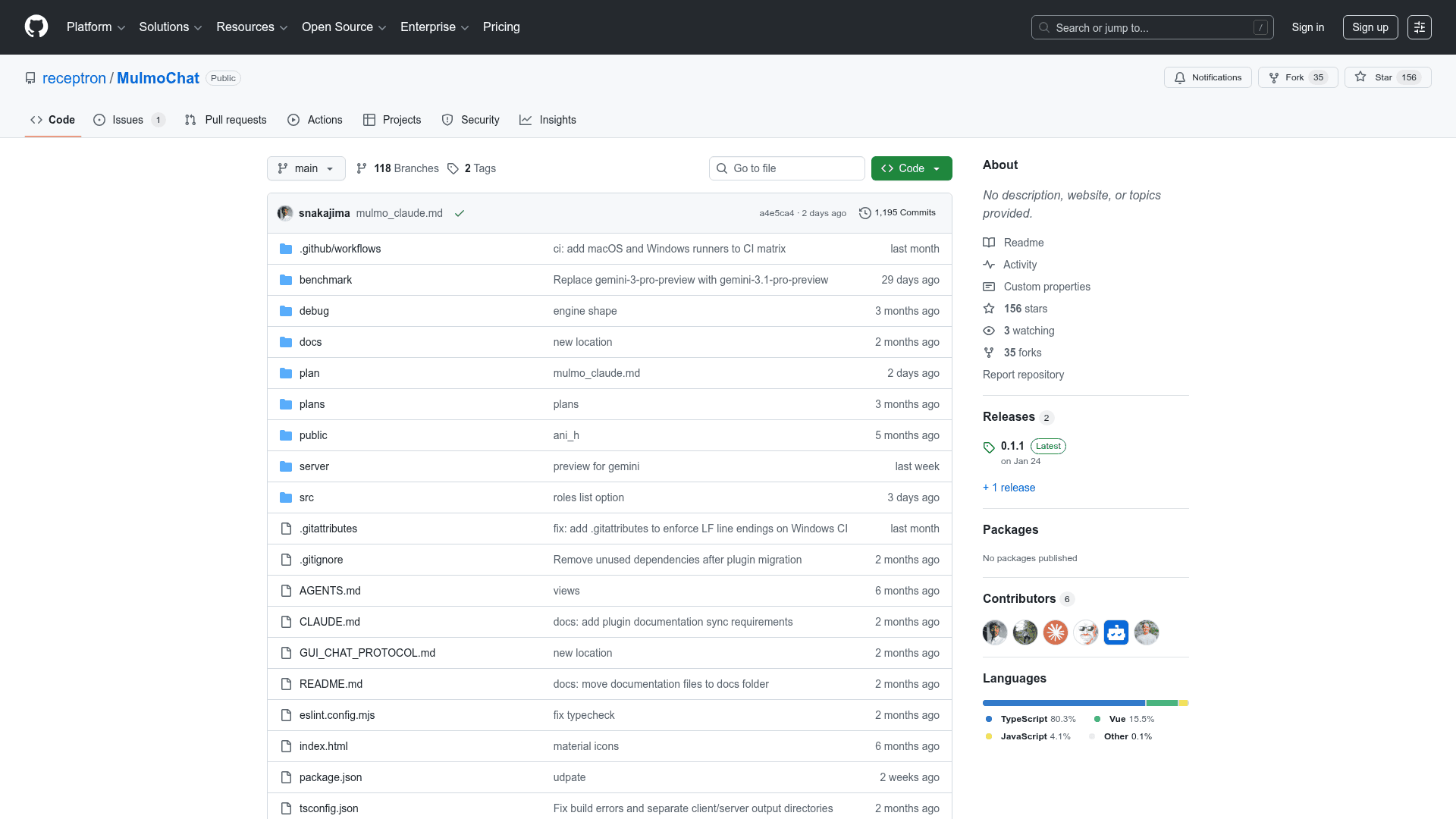
MulmoChat is a research prototype that reimagines AI chat interfaces by combining natural language conversation with rich visual and interactive content rendered directly on a canvas. Unlike traditional text-based chat, MulmoChat enables images to materialize, maps to become explorable, and games to turn playable—all within the conversational flow. Built with TypeScript and Vue, it supports multiple LLM providers and local image generation via ComfyUI integration.
- Multimodal Canvas Interface — Users engage in voice or text chat while visual content (images, maps, interactive elements) renders simultaneously on a canvas alongside the conversation.
- Voice Chat Support — Click "Start Voice Chat" to interact with the AI using your microphone; the system processes speech and responds with both text and visual output.
- Provider-Agnostic Text API — A unified
/api/text/generateendpoint supports OpenAI, Anthropic, Google Gemini, and Ollama, normalizing responses across vendors. - ComfyUI Local Image Generation — Integrates with ComfyUI Desktop for local image generation using FLUX and Stable Diffusion models, with automatic model-specific parameter optimization.
- Plugin Architecture — Developers can extend MulmoChat with new capabilities by implementing TypeScript contracts, Vue views, and configuration as described in TOOLPLUGIN.md.
- Multi-Provider LLM Support — Configure API keys for OpenAI, Anthropic, Gemini, and Ollama; each provider can be enabled independently via environment variables.
- AI-Powered Search — Optional Exa integration enables AI-powered web search within the conversational interface.
- Google Maps Integration — Optional Google Maps API key enables explorable map experiences directly within the chat canvas.
- Getting Started — Run
yarn install, create a.envfile with your API keys, thenyarn devto launch the development server and open the browser.
Community Discussions
Be the first to start a conversation about MulmoChat
Share your experience with MulmoChat, ask questions, or help others learn from your insights.
Pricing
Open Source
Free and open-source research prototype available on GitHub.
- Full source code access
- Voice chat interface
- Multimodal canvas
- Multi-provider LLM support
- ComfyUI integration
Capabilities
Key Features
- Multimodal canvas chat interface
- Voice chat support
- Provider-agnostic text generation API
- ComfyUI local image generation
- Plugin/tool extension architecture
- OpenAI, Anthropic, Gemini, and Ollama support
- AI-powered search via Exa
- Google Maps integration
- FLUX and Stable Diffusion model support
- Unified text API with normalized responses