
Nanobrowser
Open-source AI web agent that runs in your browser as a Chrome extension with flexible LLM options and multi-agent system.
At a Glance
About Nanobrowser
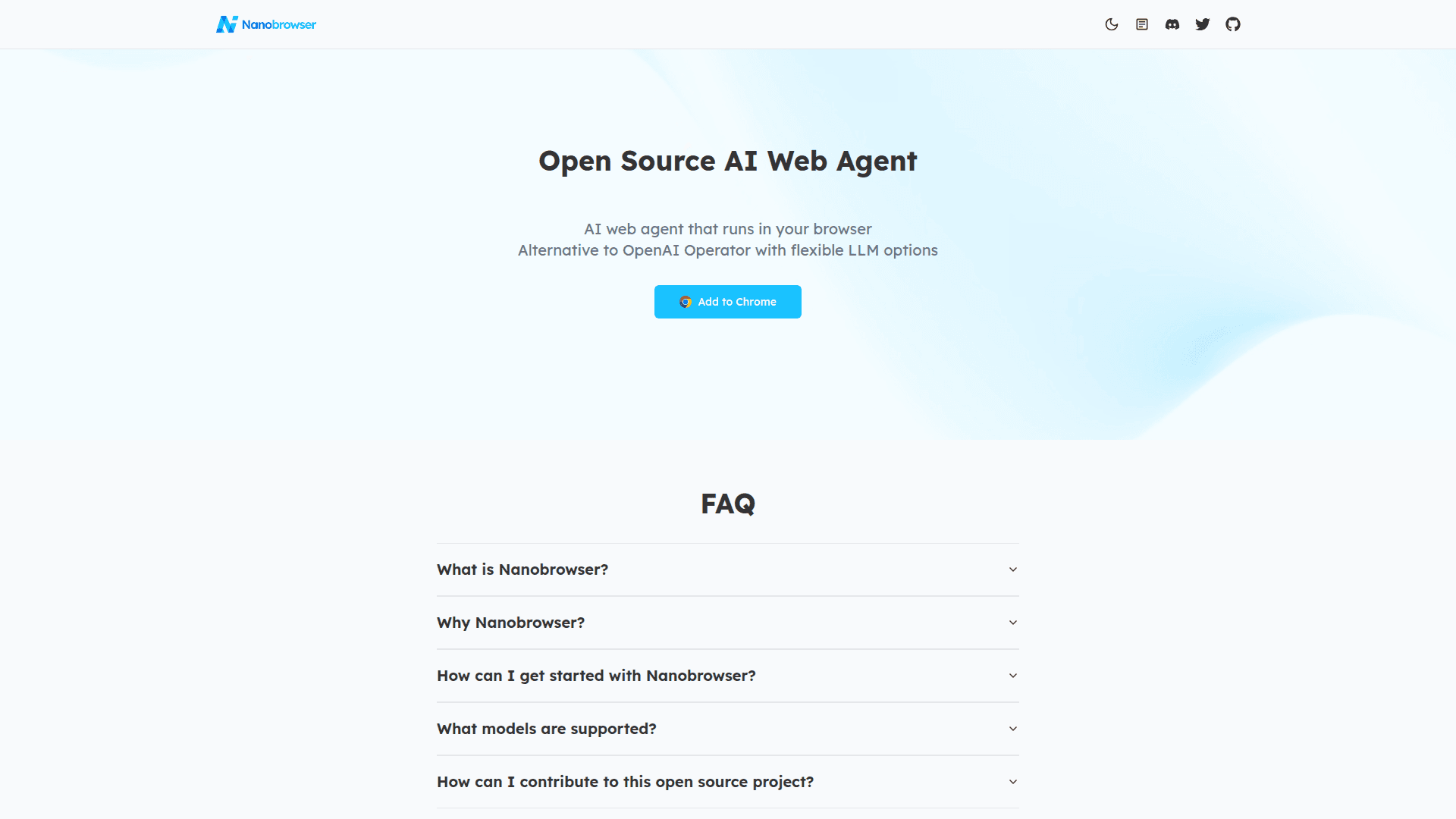
Nanobrowser is an open-source AI web automation tool that runs directly in your browser as a Chrome extension. It serves as a free alternative to OpenAI Operator, offering powerful web automation capabilities with flexible LLM options and a multi-agent system. The tool keeps you in complete control while automating complex web workflows without subscription fees.
- Multi-agent System enables specialized AI agents (Navigator, Planner, Validator) to collaborate and accomplish complex web workflows efficiently
- 100% Free and Open Source with no subscription fees or hidden costs - you only pay for your own API key usage with complete transparency in how your browser is automated
- Privacy-Focused Architecture runs everything in your local browser, keeping your credentials secure and never sharing data with cloud services
- Flexible LLM Options supports OpenAI, Anthropic, Gemini, Ollama, and custom OpenAI-compatible providers with the freedom to assign different models to different agents
- Interactive Side Panel provides an intuitive chat interface with real-time status updates for monitoring automation tasks
- Task Automation seamlessly automates repetitive web tasks across websites with natural language commands
- Follow-up Questions allows you to ask contextual questions about completed tasks for deeper insights
- Conversation History enables easy access and management of your AI agent interaction history
To get started, install Nanobrowser from the Chrome Web Store or download the latest release from GitHub. After installation, click the Nanobrowser icon in your toolbar to open the sidebar, configure your LLM API keys in Settings, and choose which models to use for different agents. You can then start automating tasks with simple natural language commands like "Go to TechCrunch and extract top 10 headlines" or "Find trending Python repositories on GitHub."
The tool supports various use cases including news summarization, GitHub research, shopping research, and general web automation tasks. Developers can also build from source using Node.js and pnpm for customization and contribution to the project.
Community Discussions
Be the first to start a conversation about Nanobrowser
Share your experience with Nanobrowser, ask questions, or help others learn from your insights.
Pricing
Free
Open source with no subscription fees - pay only for your own API key usage
- Multi-agent system
- Interactive side panel
- Task automation
- Follow-up questions
- Conversation history
Capabilities
Key Features
- Multi-agent system with Navigator, Planner, and Validator agents
- Interactive side panel chat interface
- Real-time status updates
- Task automation across websites
- Follow-up questions for completed tasks
- Conversation history management
- Multiple LLM provider support
- Local browser execution for privacy
- Custom OpenAI-compatible provider support
- Natural language task commands