
A native Rust terminal with GPU rendering, workspaces, split panes and tools for working with AI coding agents.
At a Glance
Free, open-source terminal licensed under the MIT License; build from source or download published builds.
Engagement
Available On
Listed Oct 2026
About Neptune
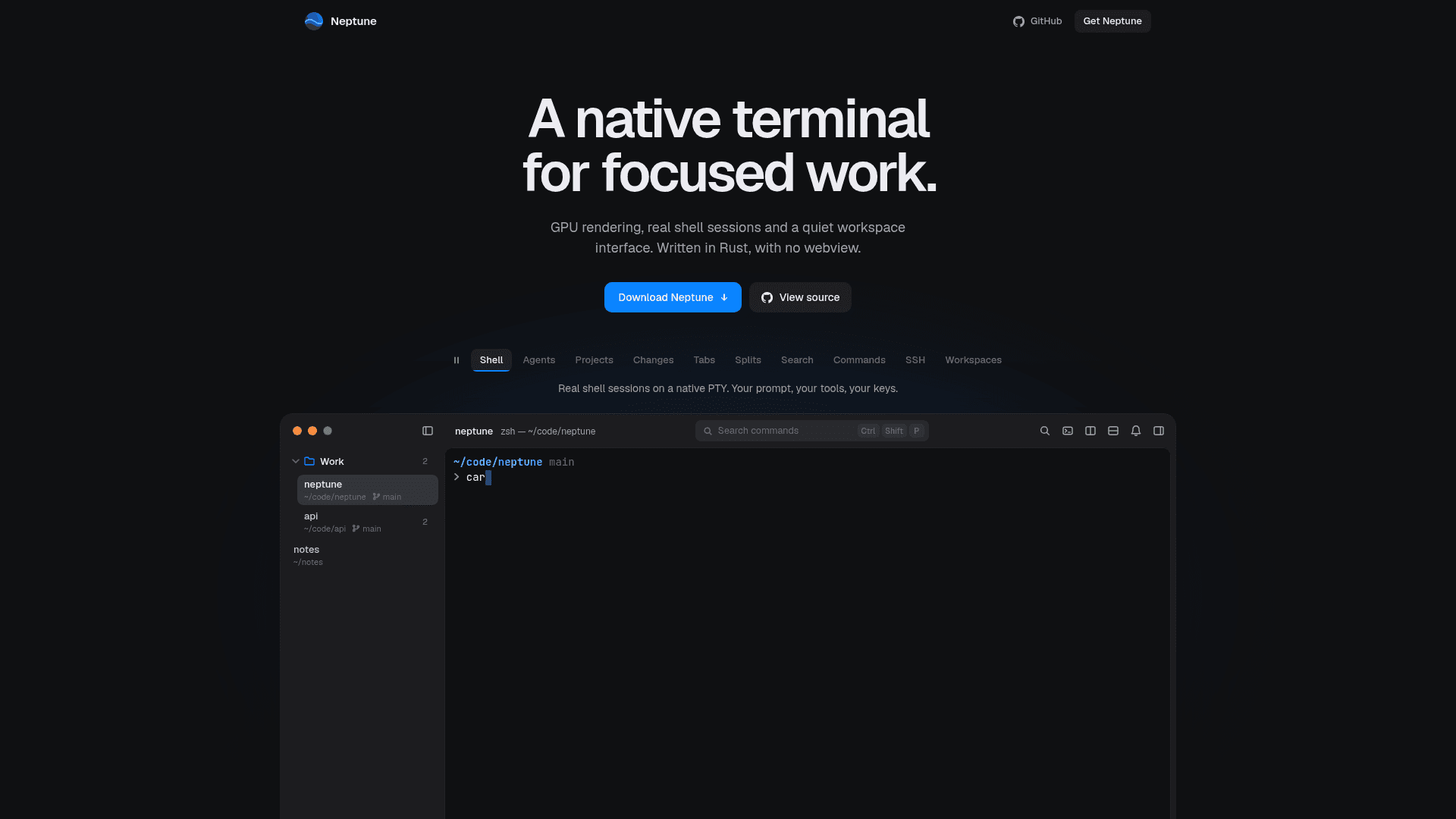
Neptune is an open-source, MIT-licensed terminal written in Rust, with GPU rendering and no webview. It runs real shell sessions on a native PTY inside a quiet workspace interface, and adds panels for tracking coding agents such as Claude Code, Codex and OpenCode. The README says it is inspired by cmux and Ghostty.
What It Is
Neptune is a desktop terminal emulator built around workspaces, tabs, split panes and groups with drag-and-drop organization. It supports local shells and SSH workspaces backed by real PTY sessions, with scrollback, terminal search, selection and clipboard handling, and a command palette. Keybindings are configurable in TOML, and 715 built-in themes are shared by the window and the terminal.
Working with coding agents
Starting an agent such as claude, codex or opencode in a terminal lists it in an Agents panel showing which agents are working, idle or waiting. Optional session resumption covers Claude Code, Codex, OpenCode, pi and Oh My Pi on local Unix terminals. An agent's pull requests appear on its tab with checks, unresolved review comments and merged state. The Projects feature provides a lead agent that plans work in a chat panel, starts and follows other agents in their own terminals, keeps shared notes and wakes on schedules or pull request changes while Neptune is open. It targets local Unix workspaces with Claude Code or Codex installed.
Native architecture
PTY reading and terminal parsing run on worker threads using portable-pty and alacritty_terminal, with bounded queues and history. Rendering uses wgpu, and each frame draws an owned snapshot of the visible rows. An idle window does not repaint, and output notifications coalesce until the renderer catches up. The project reports single local Linux measurements, such as about 0.5% of one core with a quiet shell open.
Layouts and platform status
Saved workspace layouts restore folders, splits and focus on launch with fresh shells. Commands, process memory and credentials are not written, and SSH keeps only the destination. Linux is the verified platform; macOS and Windows build and test in CI but await native verification. A graphical desktop and working graphics driver are required, and Neptune can be built from source with Cargo or installed from published builds.
Community Discussions
Be the first to start a conversation about Neptune
Share your experience with Neptune, ask questions, or help others learn from your insights.
Pricing
Open Source
Free, open-source terminal licensed under the MIT License; build from source or download published builds.
- MIT licensed core product
- Workspaces, tabs, split panes and groups
- Local shells and SSH workspaces on real PTY sessions
- 715 built-in themes
- GPU rendering with no webview
Capabilities
Key Features
- GPU-rendered native terminal with no webview
- Workspaces, tabs, split panes and groups
- Local shells and SSH workspaces on real PTY sessions
- Scrollback, terminal search and command palette
- Custom keybindings in TOML
- 715 built-in themes plus custom themes
- Terminal notifications with desktop banners
- Saved workspace layouts
- Coding agent activity panel and session resumption
- Projects lead agent that coordinates other agents