
Nobie CLI
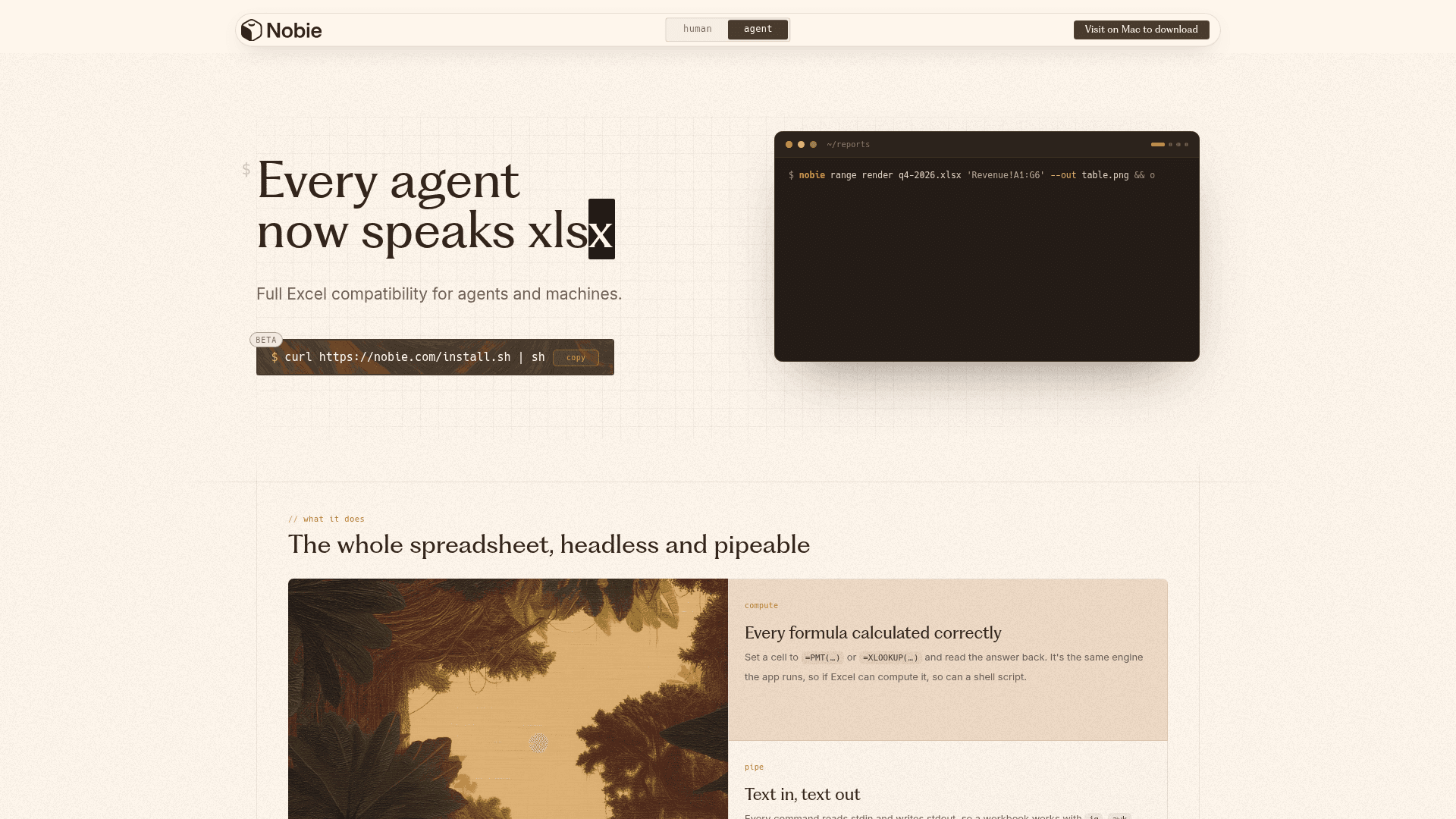
A headless, pipeable CLI tool that brings full Excel compatibility to agents and machines, enabling formula computation, cell manipulation, PNG rendering, and PDF export from the command line.
At a Glance
About Nobie CLI
Nobie CLI is a command-line tool built by Nobie, Inc. that gives agents, scripts, and pipelines full Excel-compatible spreadsheet capabilities without a GUI. Currently in beta and available for Mac, it lets shell scripts and AI agents read, write, compute, and render .xlsx files using the same formula engine that powers the Nobie desktop app.
What It Is
Nobie CLI is a headless spreadsheet engine exposed as a Unix-style command-line tool. It follows a consistent nobie <noun> <verb> <target> [selector] [flags] grammar, making it composable with standard Unix tools like jq, awk, curl, and sqlite. The core value proposition is that every Excel formula — including =PMT(…), =XLOOKUP(…), and others — is actually computed, not approximated, because the CLI runs the same engine as the desktop app.
How the Command Grammar Works
The CLI is organized around nouns and verbs, so learning the pattern once unlocks the entire surface area:
- workbook — create, open, close, inspect, undo, print to PDF
- sheet — add, rename, delete, list
- cell — set and read individual cells (with formula evaluation)
- range — read, clear, paste, copy, cut, render to PNG
- style — set and read effective styles (bold, fill color, font color)
- calc — trigger recalculation or change calc mode
- session — manage a local background daemon for back-to-back edits
- script — run a readable spreadsheet program in one transaction
- serve — expose a workbook's defined-name cells as an HTTP API
Cell selectors support both A1 and absolute R1C1 notation (auto-detected), and sheet-qualified references like Sheet1!A1:C9 work throughout.
Spreadsheet-as-API via nobie serve
One of the more distinctive capabilities is nobie serve, which turns a workbook into a live HTTP microservice. Cells named with the NOBIE_API__<route>__INPUT__<field> and NOBIE_API__<route>__OUTPUT__<field> convention become JSON endpoints automatically — no handler code required. Each request gets an isolated replica of the workbook, applies inputs, recalculates, reads outputs, and restores the replica, so concurrent callers never see each other's state and the file on disk is never modified. The server binds to 127.0.0.1:8000 by default with configurable --bind and --replicas flags.
Designed for Agents and Automation
The tool is explicitly positioned for AI agents and machine workflows. The homepage states that "every agent now speaks xlsx," and the CLI's stdin/stdout design means it integrates naturally into agent pipelines alongside curl, sqlite, and other tools. Documented use cases include:
- CSV → formula-driven workbook in a single pipe
- Nightly PDF reports via cron
- Rendering dashboard tiles to Slack
- Running Monte Carlo simulations on a model
- CI spec gates that block broken formulas
- Git diff for spreadsheets via
git textconv - Bulk-processing a directory tree of workbooks
- Pre-commit hooks that validate formula correctness
Current Status
Nobie CLI is currently in beta. The install path is a curl-pipe-sh script (curl https://nobie.com/install.sh | sh), and the tool includes a self-update command (nobie update). The CLI page notes that Mac is required to download, consistent with the desktop app's Mac-only availability. The nobie --help, nobie <noun> --help, and nobie <noun> <verb> --help commands are described as never going stale, signaling an emphasis on documentation accuracy as the surface area grows. Nobie, Inc. is headquartered across San Francisco, London, and Toronto and describes itself as independent from and not affiliated with Microsoft or Excel.
Community Discussions
Be the first to start a conversation about Nobie CLI
Share your experience with Nobie CLI, ask questions, or help others learn from your insights.
Pricing
Free
Full CLI access for everything you can do with Excel or Google Sheets, free forever.
- Full Excel formula computation
- Headless PNG rendering
- PDF export
- nobie serve HTTP API
- Session daemon
Capabilities
Key Features
- Full Excel formula computation (PMT, XLOOKUP, and more)
- Headless PNG range rendering
- Whole-workbook PDF export
- Spreadsheet-as-HTTP-API via nobie serve
- stdin/stdout pipeable design
- A1 and R1C1 cell reference support
- Background session daemon for back-to-back edits
- Script mode for batch cell operations in one transaction
- Git-compatible spreadsheet diffing
- Self-update via nobie update
- Isolated replica model for concurrent API requests
- Style manipulation (bold, fill, font color)