
Nordus
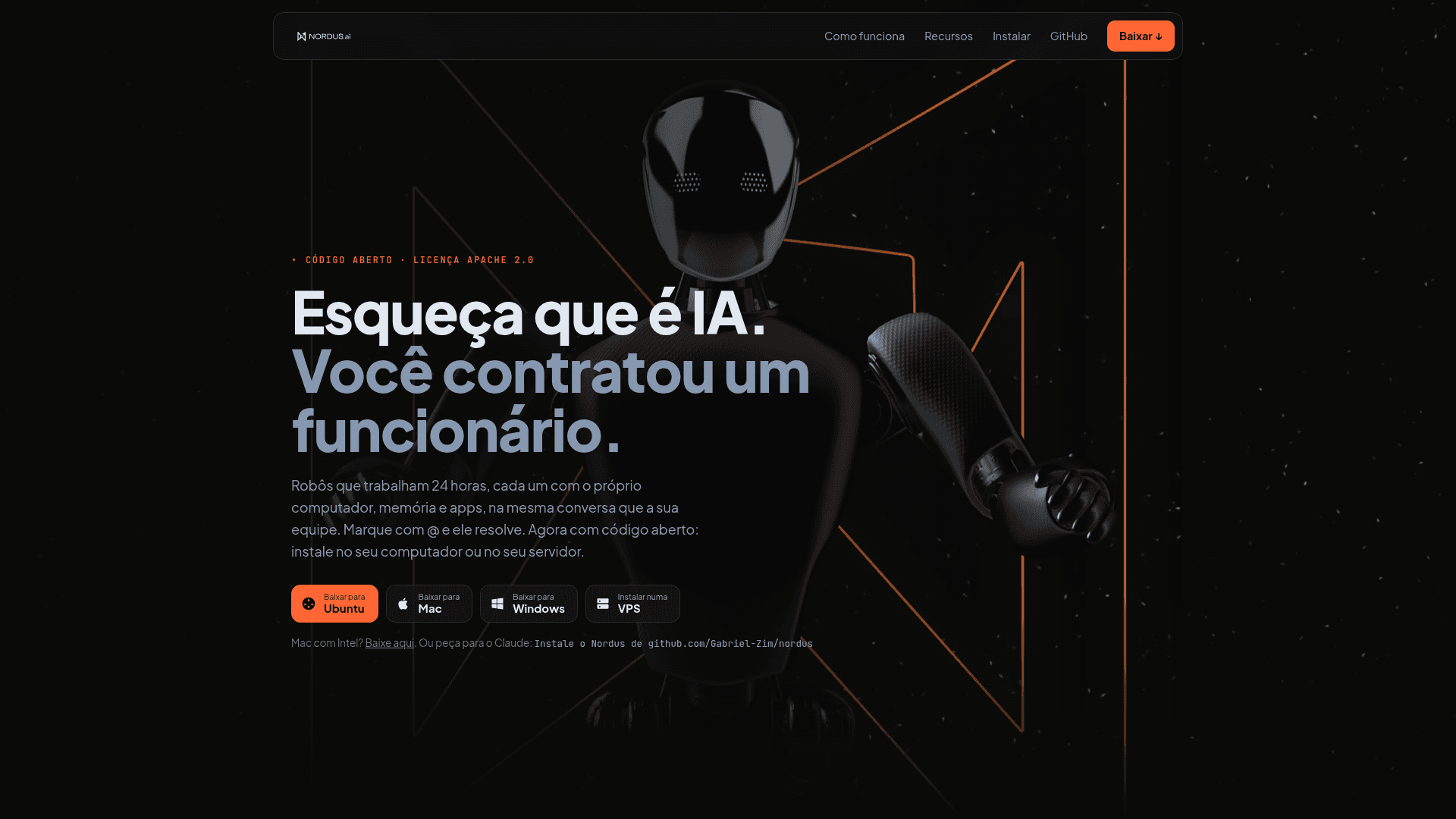
Open-source, self-hosted chat workspace where AI bots with their own model, computer, memory and apps work alongside people on your team.
At a Glance
Nordus core is open source under Apache License 2.0; install on your own computer or server. Runs on the AI subscriptions you already have (external costs).
Engagement
Available On
Listed Nov 2026
About Nordus
Nordus is an open-source workspace in which AI agents work as members of a team, alongside people, in a chat app. It is published under the Apache 2.0 license and runs as a desktop app on Mac, Windows and Ubuntu, or as a server on a VPS. It is a fork of OpenMausBot, and the latest release listed is v0.1.121.
What It Is
Nordus is a chat-style workspace where each bot in the sidebar is a real agent running on an engine you already use, such as Claude Code, Codex, Grok, Gemini, Kimi, or any ACP or OpenAI-compatible endpoint. Each bot has its own personality, model, computer and connected apps. People and bots share rooms, hand work to each other and follow progress live. For example, a SOCIAL MEDIA bot can pass covers to a DESIGNER bot and a reel to a VIDEO EDITOR bot, wait for both, and return one combined answer.
Approvals and decision model
Critical actions always wait for a person, even with full access: spending money, deleting permanently, sending something outside, publishing, and changing configuration. A fast decision model called Jev (or OpenRouter and Cloudflare CLEF) decides who answers in a room and which routine approvals can proceed, within per-task and per-day limits. Team leaders can approve on behalf of their members, and an exit gate checks outbound messages for leaks between clients.
Browser and computers for bots
Bots can use a live browser that you can watch and take over, with a native Chrome window per profile and logins kept between runs. A keychain lends signed-in sessions to bots without giving them passwords. Each bot can get an isolated virtual machine, your VPS, or your own computer after explicit opt-in.
Setup path
Install with a one-line script on Mac, Windows (PowerShell) or a Ubuntu/Debian VPS, or download the installers. On a server, nordus login links it to your account, giving it a your-name.nordus.ai address with HTTPS and Sign in with Google. Bots, settings and conversations are stored in ~/.nordus on the machine running the server. The in-app library offers 12 ready-made bot templates, including video editor, paid traffic, social media, AI designer, researcher and programmer. Other documented features include routines and webhooks, long-term memory, custom MCP servers, an MCP server for external clients, a headless CLI, a Board, Drive and Wiki, and Web Push notifications.
Community Discussions
Be the first to start a conversation about Nordus
Share your experience with Nordus, ask questions, or help others learn from your insights.
Pricing
Open Source (Self-hosted)
Nordus core is open source under Apache License 2.0; install on your own computer or server. Runs on the AI subscriptions you already have (external costs).
- Apache License 2.0
- Self-hosted on Mac, Windows, Ubuntu or VPS
- 12 ready-made bot templates
- Bots with own model, computer, memory and apps
- Approvals for critical actions
Capabilities
Key Features
- AI bots as team members with their own model, computer, memory and apps
- Bot-to-bot handoffs visible in the chat
- Approval required for critical actions (spending, deleting, sending, publishing, config changes)
- Jev decision model for routing and routine approvals
- Live browser with take-over control and per-profile logins
- Isolated VM, VPS or own-computer environment per bot
- Routines, webhooks and long-term memory
- Team map showing leads and members
- 12 ready-made bot templates
- Sign in with Google and your-name.nordus.ai address
- Web Push notifications
- Board, Drive and Wiki
- Custom MCP servers and MCP server for external clients
- Headless CLI
- Portuguese and English interface