
Notte.com
Notte is a unified notes, tasks, and calendar workspace with a built-in AI assistant, end-to-end encryption, full offline mode, and native apps for every platform.
At a Glance
About Notte.com
Notte is a productivity workspace built by MIFIKO Labs LTD that combines notes, tasks, and calendar into a single end-to-end encrypted environment. It ships as a 100% native app for Windows, macOS, Linux, iOS, and Android, as well as a full-featured web app, and is designed to work completely offline with automatic sync when reconnected.
What It Is
Notte is an all-in-one personal productivity tool that replaces the need to juggle separate note-taking, task management, and calendar apps. Its core premise is that notes, tasks, and calendar events should flow together intelligently in one private workspace, rather than being siloed across multiple services. The AI assistant is built into the product from the ground up — not added as an afterthought — and operates with awareness of the user's actual notes and tasks.
Core Capabilities
Notte's feature set spans four main areas:
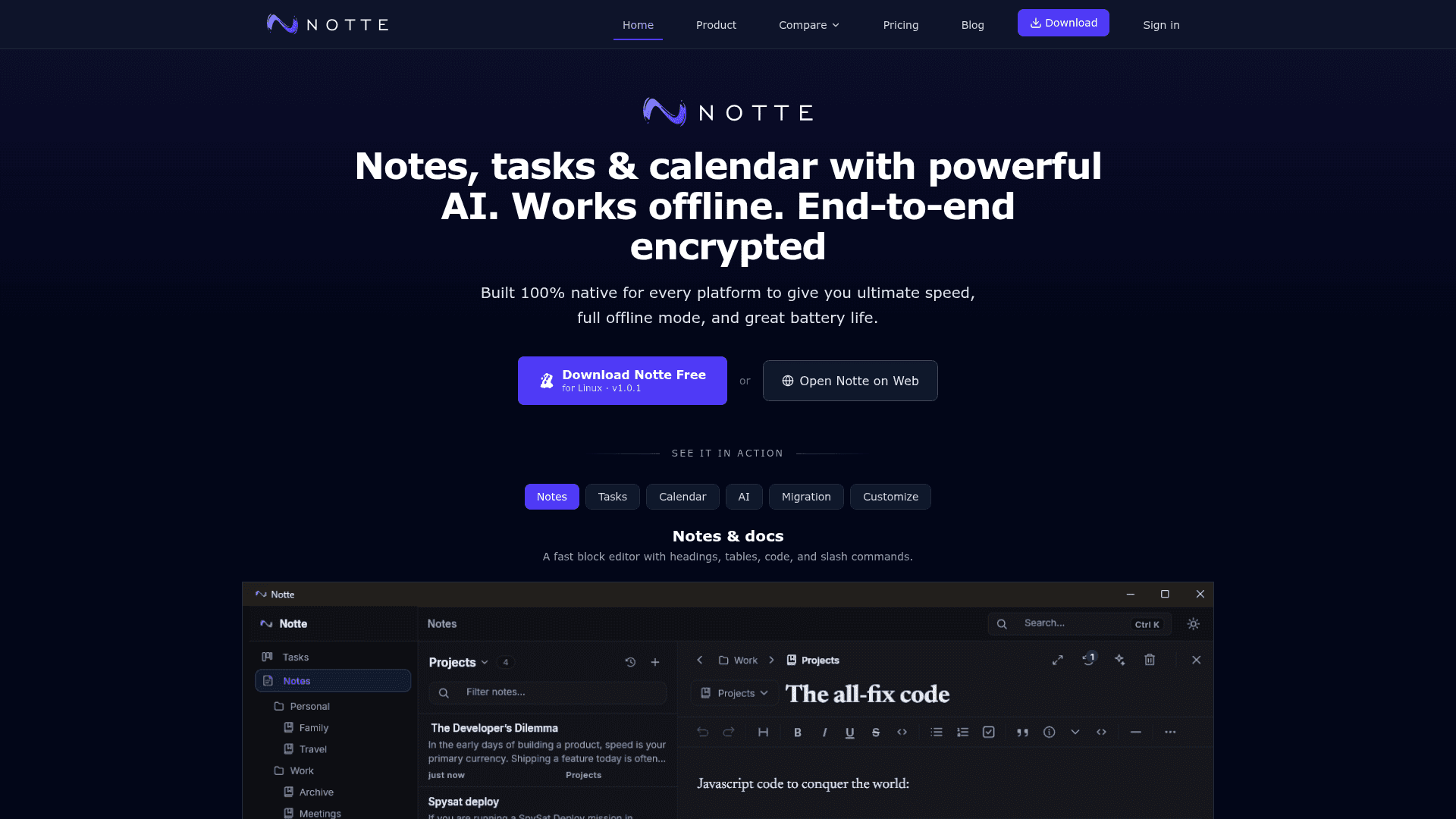
- Notes & docs: A block editor with headings, tables, syntax-highlighted code blocks, slash commands, tabbed notebooks, folders, tags, and attachments. All notes are encrypted on-device before syncing.
- Tasks & Kanban: Drag-and-drop boards with custom statuses, priorities, due dates, and project organization. The board works the same online or offline.
- Calendar: Day, week, and month views with two-way sync for Google Calendar and Outlook, including recurring events, all-day items, and meeting video links.
- AI assistant: Context-aware chat that understands the user's notes and tasks. Users can select text to ask the AI, turn selections into tasks, or create calendar events directly from note content. The AI assistant is a premium feature.
Privacy and Offline Architecture
Notte's architecture is built around two principles: zero-knowledge encryption and offline-first operation. The product page states that data is end-to-end encrypted on the user's device, with a zero-knowledge sync model meaning even Notte cannot read user content. There is no tracking, no ads, and no data mining. The app is described as using megabytes of RAM rather than gigabytes, is battery-friendly, and supports native system tray and notifications on desktop platforms.
Full offline mode means users can create and edit notes, tasks, and calendar entries without an internet connection. Data syncs automatically when connectivity is restored, with no data loss.
Migration and Portability
Notte supports one-click import from Notion, Evernote, and Obsidian, with structure and files kept intact and encrypted client-side during the import process. Users can export their entire workspace to plain Markdown at any time, which the product page describes as a deliberate "no lock-in" design choice.
Platform Coverage and System Requirements
Native apps are available for:
- Windows 10+ (via
.appinstalleror Microsoft Store) - macOS 11+ (
.dmg) - Linux Ubuntu 18.04+ (AppImage or Snap Store)
- iOS (App Store)
- Android (Google Play)
- Web (full-featured, works offline)
- Apple Watch and Wear OS (quick capture and notifications)
The current release version listed on the download page is v1.0.1.
Current Status: v1.0.1
Notte is actively available across all major platforms at version 1.0.1. The product is developed by MIFIKO Labs LTD, registered in London, UK. The homepage lists the Starter plan as free for educational use (emails ending in .edu, .edu.<country>, or .ac.<country>), reflecting an active go-to-market effort targeting professionals and students.
Community Discussions
Be the first to start a conversation about Notte.com
Share your experience with Notte.com, ask questions, or help others learn from your insights.
Pricing
Free
Always-free plan for individuals getting started.
- 2 devices
- 1,000 notes
- 1 task board
- 1 calendar
- AI Assistant (basic)
Starter
For individuals who need more devices, unlimited notes, and expanded storage. Free for educational email addresses.
- 5 devices
- Unlimited notes
- Task projects
- Unlimited calendars
- AI Assistant
- Advanced AI features
- 5 GB storage
Pro
For power users who need unlimited devices and maximum storage.
- Unlimited devices
- Unlimited notes
- Task projects
- Unlimited calendars
- AI Assistant
- Advanced AI features
- 30 GB storage
Enterprise
For teams and organizations needing unlimited everything and dedicated support.
- Unlimited devices
- Unlimited notes
- Task projects
- Unlimited calendars
- AI Assistant
- Advanced AI features
- Unlimited storage
Capabilities
Key Features
- Block editor with headings, tables, code blocks, and slash commands
- Kanban boards with custom statuses, priorities, and due dates
- Two-way Google Calendar and Outlook sync
- Context-aware AI assistant for notes and tasks
- End-to-end encryption with zero-knowledge architecture
- Full offline mode with automatic sync on reconnect
- One-click import from Notion, Evernote, and Obsidian
- Full Markdown export
- Native apps for Windows, macOS, Linux, iOS, and Android
- Web app with offline support
- Apple Watch and Wear OS support
- Folders, notebooks, tags, and attachments
- Auto dark/light theme following system settings
- Tabbed notebooks
- AI-powered task generation from selected text
- AI-powered calendar event creation from notes