
Omni2API
Turns an AI agent, a script, or a person at a terminal into an OpenAI-compatible API that other AI tools can call.
At a Glance
Self-hosted Omni2API server and oh-seat CLI released under the MIT License.
Engagement
Available On
Alternatives
Listed Oct 2026
About Omni2API
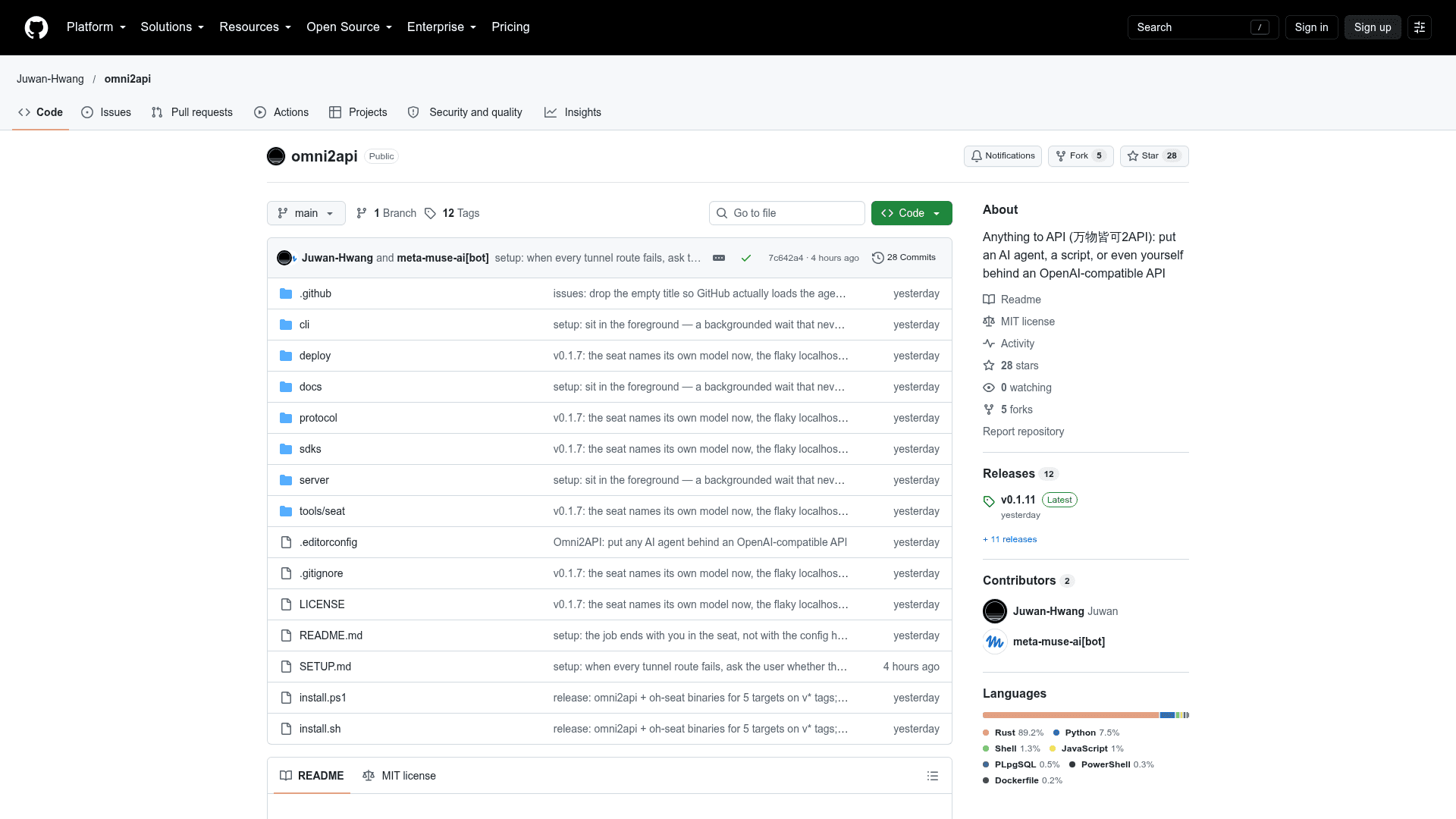
Omni2API is an open-source project from Juwan-Hwang that exposes whatever sits at a terminal as an OpenAI-compatible API. That can be an AI agent, a script, or a whole toolchain. Caller tools point their Base URL at the Omni2API server, and the responder answers through the oh-seat CLI. The latest listed release is v0.1.11.
What It Is
Omni2API is a bridge between AI clients and a responder. The server, written in Rust with Axum, accepts OpenAI Chat Completions, OpenAI Responses and Anthropic Messages requests over HTTP/SSE. Whatever occupies the seat drives the oh-seat CLI to read each message, run tools and send replies. Callers such as Claude Code, Codex, OpenCode, Cline and GitHub Copilot CLI (BYOK) see an ordinary model endpoint, and the seat owns the model name.
How the Seat Workflow Works
The responder uses three commands: oh-seat next reads the next message, oh-seat tool requests a tool run, and oh-seat reply streams the answer back to the caller. A tool request becomes a genuine tool_calls entry in the caller's response, so the caller's own sandbox executes it and the result is routed back to the waiting command. The server strips system prompts, tool schemas and memory reminders, so the responder sees what the user typed plus a one-line caller environment (cwd, platform, shell) when the caller sends one. Each caller conversation is isolated, and parallel tool calls, auxiliary requests and multi-turn resumes work. Images from callers and tool results are saved locally for the responder.
Setup Path
Install with the provided shell or PowerShell script, run omni2api up -d, which prints a base URL (local and public), an API key and the model name, then run oh-seat next to wait for a request. The README also describes asking an AI agent to follow SETUP.md and make itself the API. Optional deployments include a fixed domain through a named Cloudflare tunnel, or a long-lived server with PostgreSQL via omni2api serve, with Docker Compose, Kubernetes and nginx material under deploy/.
Caller Compatibility
The README reports end-to-end testing with Claude Code, Codex, OpenCode, Pi, Reasonix, Cline, GitHub Copilot CLI (BYOK), Grok CLI, ZCode, WorkBuddy, Trae, Qoder and DeepSeek Harness. Documented caller-side limits: OpenCode shell results carry no exit code, Copilot BYOK does not forward images, and Cursor CLI has no custom endpoint. Callers should use the largest context window available and disable automatic compaction.
Community Discussions
Be the first to start a conversation about Omni2API
Share your experience with Omni2API, ask questions, or help others learn from your insights.
Pricing
Open Source (MIT)
Self-hosted Omni2API server and oh-seat CLI released under the MIT License.
- MIT License
- Rust + Axum server and oh-seat responder CLI
- OpenAI Chat Completions, Responses and Anthropic Messages compatible API
- No server, database or account needed for quick start
Capabilities
Key Features
- OpenAI Chat Completions, Responses and Anthropic Messages ingress
- oh-seat responder CLI (next, tool, reply)
- Real tool_calls executed in the caller's own sandbox
- Strips caller system prompts, tool schemas and memory reminders
- Isolated concurrent caller conversations
- Parallel tool calls, aux requests and multi-turn resume
- Local saving of images from callers and tool results
- Optional Cloudflare tunnel and PostgreSQL deployment
- Docker Compose, Kubernetes and nginx deployment files