
Open Interpreter
An open-source desktop agent and terminal coding agent that lets you work alongside AI to edit documents, fill PDF forms, run code, and automate computer tasks.
At a Glance
About Open Interpreter
Open Interpreter is an open-source project by the Open Interpreter organization, available under the Apache License 2.0. It ships as two distinct products: a desktop app for knowledge workers who need AI assistance across Word documents, Excel spreadsheets, and PDFs, and a terminal coding agent aimed at developers who want a lightweight, model-flexible CLI agent. The repository has accumulated over 64,000 GitHub stars as of mid-2026.
What It Is
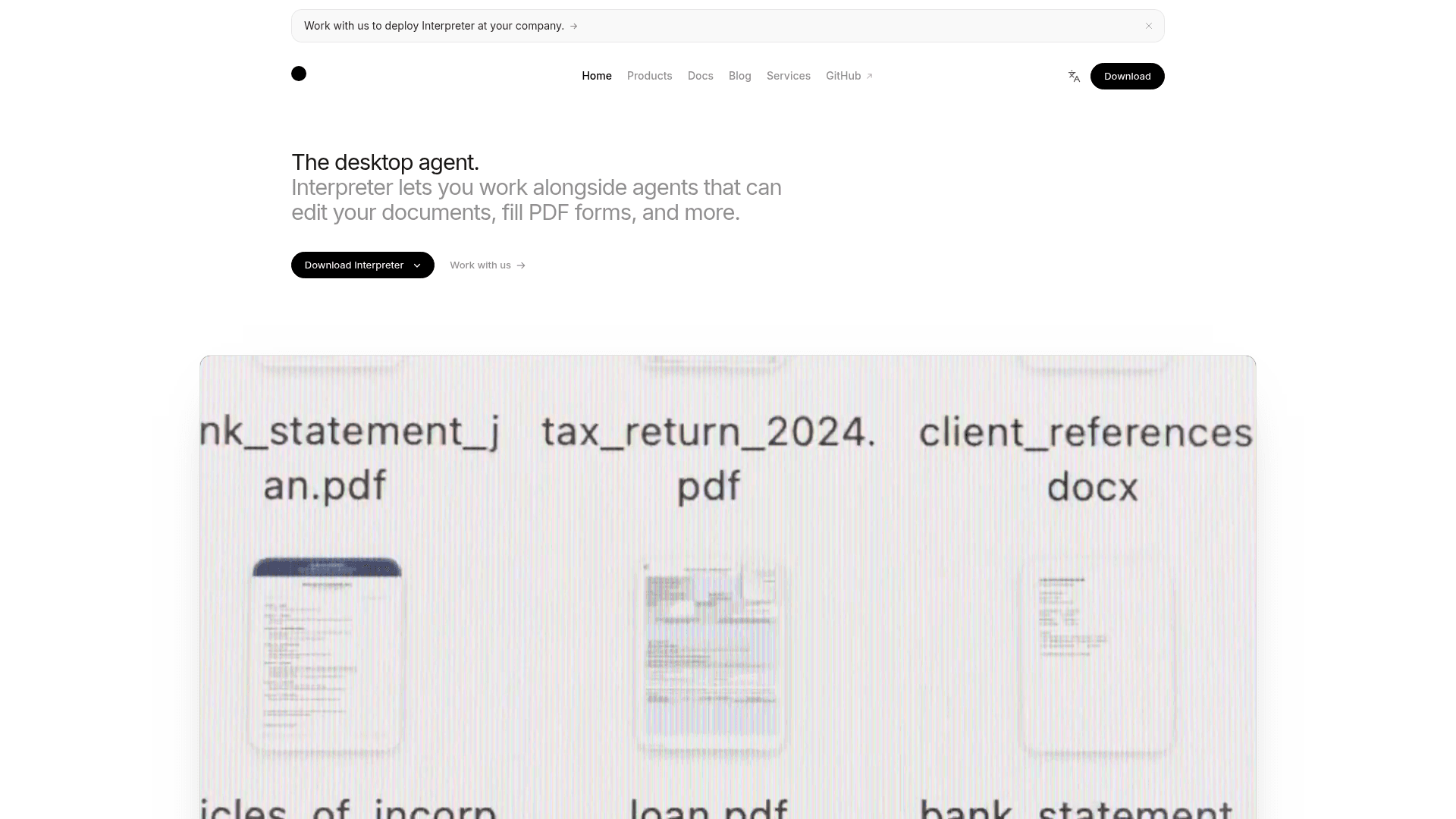
Open Interpreter sits at the intersection of desktop automation and AI coding agents. The desktop app embeds full-featured editors for Word, Excel, and PDF (powered by ONLYOFFICE) and lets an AI agent read, edit, and create files on your computer. The terminal agent is a Rust-native CLI tool forked from OpenAI's Codex that focuses on emulating the agent harnesses that get the best performance out of low-cost open models like DeepSeek, Kimi, and Qwen.
Two Products, One Project
The project explicitly separates its two surfaces:
- Desktop App — targets knowledge workers; handles PDF form filling, Excel pivot tables and charts, Word tracked changes, and browser control. Runs offline with no telemetry when using local models or your own API keys.
- Terminal Agent — targets developers; installs via a single
curlor PowerShell command, runs inside native sandboxing on macOS, Linux, and Windows, and supports switching model providers and harnesses from a TUI with/modeland/harnesscommands.
Harness Emulation and Model Flexibility
The terminal agent's standout architectural feature is harness emulation. Using /harness, users can switch between agent harnesses including native, claude-code, kimi-cli, qwen-code, deepseek-tui, swe-agent, and minimal. This lets any supported model run inside the prompt structure that was optimized for a different model or agent framework, which the project describes as a way to get better performance out of low-cost models.
Supported model providers include OpenAI, Anthropic, Groq, OpenRouter, and local models via Ollama. The desktop app also supports signing in with a ChatGPT account.
Computer Use and QA Skills
The terminal agent ships with a built-in QA skill that lets any model operate and test interfaces. It can drive web apps in a real browser via agent-browser and operate native apps via trycua/cua. The desktop app includes experimental browser control and experimental macOS control on paid plans.
Additional terminal agent capabilities include:
- Native sandboxing on all three major operating systems
- MCP support, skills, hooks, permissions, and
AGENTS.md - Agent Client Protocol (ACP) support via
interpreter acp - Config and session state stored locally under
~/.openinterpreter - Multi-tab sessions
Update: Open Interpreter 0.0.17
The latest release as of June 20, 2026 is version rust-v0.0.17 (Open Interpreter 0.0.17). The project notes this is the new Rust rewrite; the original Python project now lives as a community-maintained fork at endolith/open-interpreter. A blog post dated April 29, 2026 highlights lower peak memory usage compared to Claude Code and OpenCode at twelve concurrent tabs, signaling a focus on efficiency at scale. The February 2026 post "The New Knowledge Worker" introduced the desktop app's document-collaboration angle as a distinct product direction from the terminal agent.
Open-Source Lineage and Deployment
The core platform is Apache-2.0 licensed and the source is publicly available on GitHub. The editor component source is separately available at openinterpreter/oo-editors. Users can self-host or run entirely locally with no data leaving their device when using local models or their own API keys. The project offers professional services for teams that want deployment assistance, compliance options, or dedicated support.
Community Discussions
Be the first to start a conversation about Open Interpreter
Share your experience with Open Interpreter, ask questions, or help others learn from your insights.
Pricing
Free
Self-serve plan with your own API keys or ChatGPT sign-in.
- Bring your own API keys
- Experimental browser control
- Sign in with ChatGPT
Pro
Hosted models with more usage and macOS control.
- Everything in Free
- Use hosted models
- 4x more usage than Free
- Experimental macOS control
Business
Higher usage limits for power users.
- Everything in Pro
- 3x more usage than Pro
Enterprise
Dedicated support, compliance options, and automation services for teams.
- Dedicated support
- Compliance options
- Automation services
Capabilities
Key Features
- Desktop agent for Word, Excel, and PDF editing
- Terminal coding agent for developers
- Harness emulation (claude-code, kimi-cli, qwen-code, deepseek-tui, swe-agent, minimal)
- Native sandboxing on macOS, Linux, and Windows
- PDF form filling (including non-interactive forms)
- Excel pivot tables, charts, and formulas
- Word tracked changes, formatting, and images
- Experimental browser control
- Experimental macOS control
- QA skill for web and native app testing
- MCP support
- Agent Client Protocol (ACP) support
- Multi-tab sessions
- Local model support via Ollama
- Bring your own API keys (OpenAI, Anthropic, Groq, OpenRouter)
- Sign in with ChatGPT
- No telemetry with local or own-key usage
- Config and session state stored locally
- Skills, hooks, permissions, and AGENTS.md support