
Open WebUI Plugins
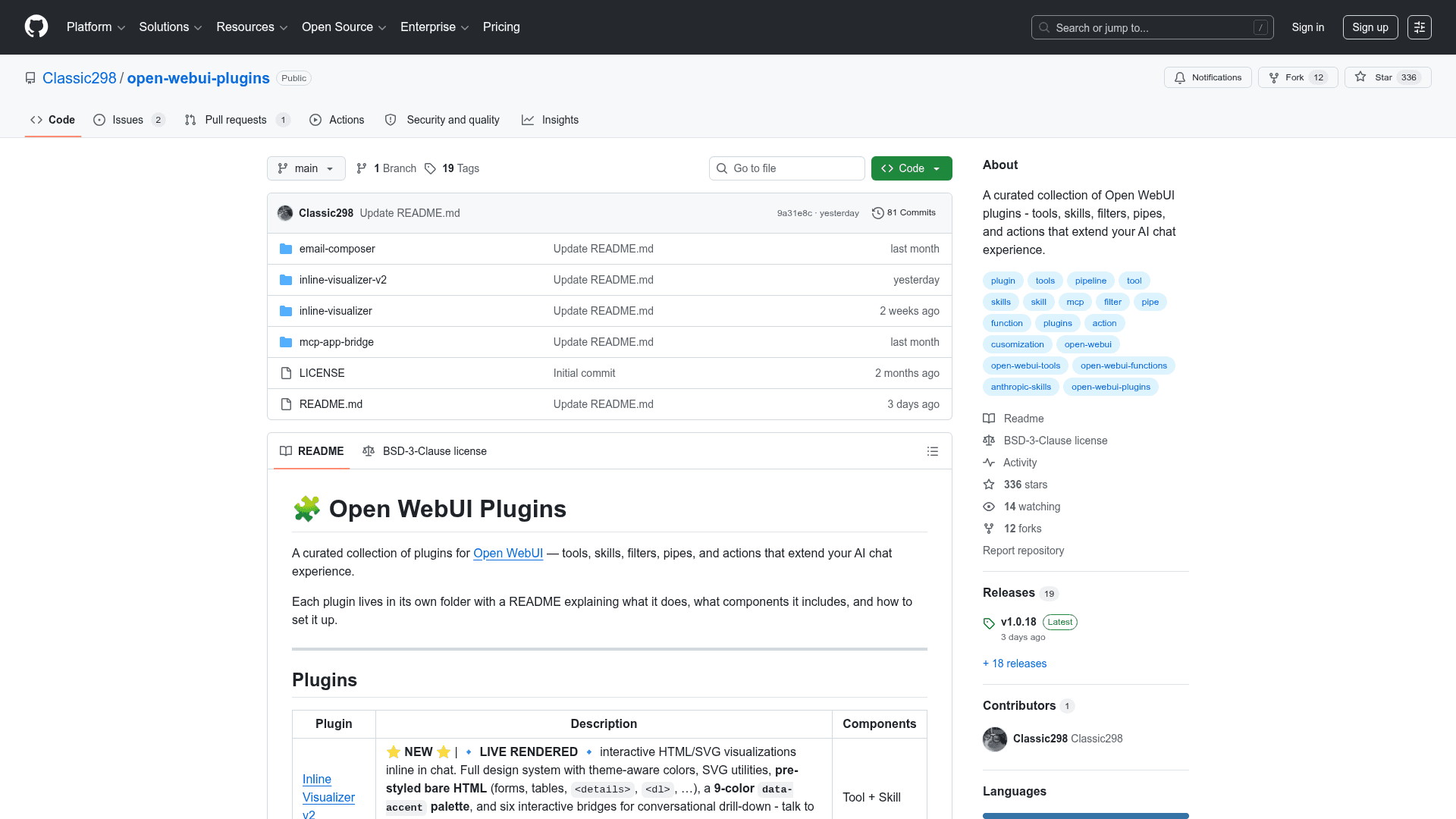
A curated collection of plugins for Open WebUI that extend AI chat with tools, skills, filters, pipes, and actions including inline visualizations, email composition, and MCP app bridging.
At a Glance
Fully free and open-source under BSD 3-Clause license. Free to use, modify, and distribute.
Engagement
Available On
Alternatives
Listed May 2026
About Open WebUI Plugins
Open WebUI Plugins is a curated, open-source collection of extensions for the Open WebUI AI chat platform, built primarily in Python and licensed under BSD 3-Clause. Each plugin lives in its own self-contained folder with a dedicated README covering installation steps and component details. The collection covers a wide range of capabilities — from live interactive visualizations rendered inline in chat to AI-powered email drafting and MCP server bridging.
- Inline Visualizer v2 — The flagship plugin renders live HTML/SVG visualizations directly in chat, featuring a full design system with theme-aware colors, a 9-color
data-accentpalette, pre-styled bare HTML components, and six interactive bridges for conversational drill-down. Supports Chart.js, D3, Vega-Lite, ECharts, Plotly, vis-network, and Tone.js. - Email Composer — An AI-powered email drafting tool with a Rich UI card, supporting rich text editing, To/CC/BCC chips, priority flags, .eml download, and one-click mailto sending.
- MCP App Bridge — Renders MCP Apps (SEP-1865) as Rich UI embeds by connecting to MCP servers, calling tools with
ui://resources, injecting server-declared CSP, and rendering HTML inline — no middleware changes required. - Inline Visualizer v1 (Legacy) — The original interactive HTML/SVG visualization plugin with Chart.js/D3 support and a sendPrompt bridge for conversational drill-down.
- Plugin Types Supported — The collection covers all major Open WebUI extension points: Tools (new model capabilities), Skills (structured task instructions), Filters (message transformations), Pipes (custom model endpoints), and Actions (quick-action buttons below messages).
- Easy Installation — Each plugin folder is self-contained; install by reading the plugin's README, then adding components via Workspace → Tools or Admin Panel → Functions as directed.
- Open Source — Licensed under BSD 3-Clause, free to use, modify, and distribute. Contributions via GitHub issues are welcome.
Community Discussions
Be the first to start a conversation about Open WebUI Plugins
Share your experience with Open WebUI Plugins, ask questions, or help others learn from your insights.
Pricing
Open Source
Fully free and open-source under BSD 3-Clause license. Free to use, modify, and distribute.
- All plugins included
- Inline Visualizer v2
- Email Composer
- MCP App Bridge
- BSD 3-Clause license
Capabilities
Key Features
- Inline HTML/SVG visualizations rendered live in chat
- Theme-aware design system with 9-color data-accent palette
- Support for Chart.js, D3, Vega-Lite, ECharts, Plotly, vis-network, Tone.js
- AI-powered email drafting with Rich UI card
- Rich text editing with To/CC/BCC chips and .eml download
- MCP App Bridge for rendering MCP Apps as Rich UI embeds
- Conversational drill-down via interactive sendPrompt bridges
- Tools, Skills, Filters, Pipes, and Actions plugin types
- Self-contained plugin folders with individual READMEs
- BSD 3-Clause open-source license