
OptiLLM
OpenAI API-compatible optimizing inference proxy that applies 20+ inference-time techniques to improve LLM reasoning accuracy without training.
At a Glance
Self-hosted OptiLLM inference proxy released under the Apache License 2.0. Upstream LLM provider API costs (e.g. OpenAI API keys) are external and not sold by OptiLLM.
Engagement
Available On
Listed Oct 2026
About OptiLLM
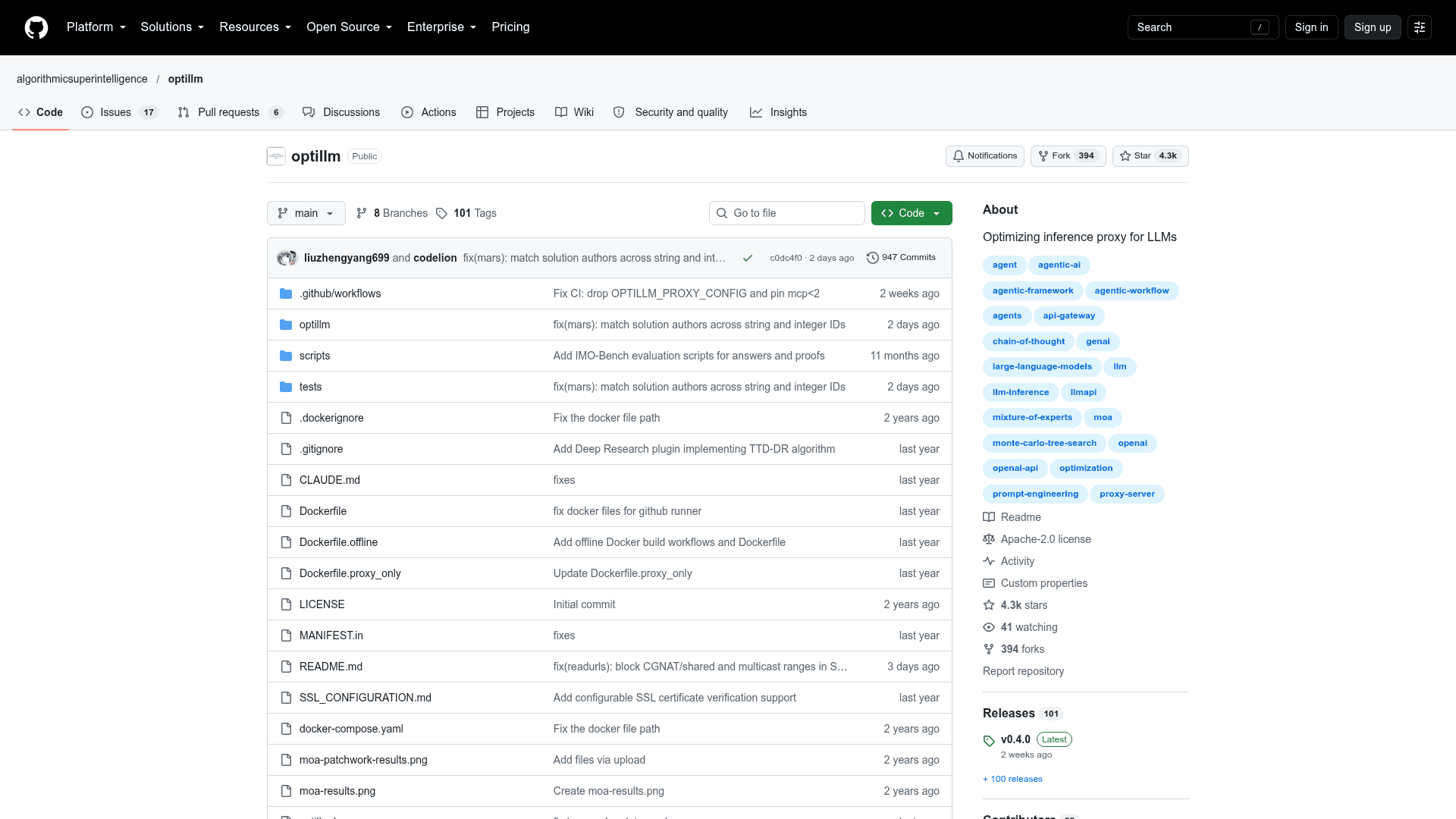
OptiLLM is an open-source, OpenAI API-compatible inference proxy published under the algorithmicsuperintelligence GitHub organization. It sits between an existing client and any OpenAI-compatible LLM endpoint and applies inference-time techniques such as Mixture of Agents, Monte Carlo Tree Search, best-of-N, and planning-based methods. The project is released under the Apache 2.0 license, and its latest listed release is v0.4.0.
What It Is
OptiLLM is an optimizing proxy for large language models. Instead of training or fine-tuning, it spends additional compute at inference time to improve answers on reasoning tasks such as math, coding, and logic. It exposes the same chat completions endpoint as OpenAI, so existing tools, frameworks, or custom code can point their base URL at it and keep working.
How the Workflow Works
After installing via pip, Docker, or from source, you start the server and set the provider API key as an environment variable. You select a technique by prefixing the model name with a slug (for example moa-gpt-4o-mini), by passing optillm_approach in extra_body, or by adding <optillm_approach> tags in the prompt. Techniques can be chained with & in a pipeline or run in parallel with |. The README reports benchmark gains for techniques such as MARS, CePO, AutoThink, and PlanSearch; these are project-published results.
Techniques and Plugins
The project implements approaches including MARS, CePO, CoT with Reflection, PlanSearch, ReRead, Self-Consistency, Z3 solver, R*, LEAP, Round Trip Optimization, Best of N, Mixture of Agents, MCTS, and PV Game. Decoding techniques (CoT Decoding, Entropy Decoding, Thinkdeeper, AutoThink, Deep Confidence) run on the built-in local inference server. Plugins add capabilities such as an MCP client, memory, privacy (PII anonymization), URL reading, code execution, structured JSON output, web search, deep research, a router, and provider load balancing and failover.
Providers and Local Inference
OptiLLM supports OpenAI, Azure OpenAI, Cerebras, and other providers via LiteLLM, and can front servers such as llama.cpp or ollama. Some of these backends do not support multiple sampled responses, which limits the available approaches. A built-in inference server loads HuggingFace models with optional LoRA adapters.
Deployment and Security Options
Docker images come in full, proxy-only, and offline variants. The server binds to localhost by default, supports an optional API key for client authentication, and offers SSL verification settings. The readurls plugin blocks requests to non-public destinations to prevent SSRF, with a documented DNS rebinding limitation.
Community Discussions
Be the first to start a conversation about OptiLLM
Share your experience with OptiLLM, ask questions, or help others learn from your insights.
Pricing
Open Source (Apache-2.0)
Self-hosted OptiLLM inference proxy released under the Apache License 2.0. Upstream LLM provider API costs (e.g. OpenAI API keys) are external and not sold by OptiLLM.
- Apache License 2.0 (OSI-approved)
- OpenAI API-compatible optimizing inference proxy
- 20+ optimization techniques (MARS, CePO, MOA, PlanSearch, etc.)
- Install via pip or Docker
- Multi-provider support via LiteLLM
Capabilities
Key Features
- OpenAI API-compatible drop-in proxy
- 20+ inference-time optimization techniques
- Technique selection via model prefix, extra_body, or prompt tags
- Chaining (&) and parallel (|) technique combination
- Built-in local inference server with HuggingFace models and LoRA adapters
- MCP client plugin (stdio, SSE, streamable HTTP)
- Plugins for memory, privacy, readurls, code execution, JSON output, web search, deep research
- Provider load balancing and failover
- Docker images (full, proxy-only, offline)
- Optional API key authentication and SSL configuration