Otter.ai
AI meeting assistant that transcribes conversations, generates summaries and action items, and makes meeting knowledge searchable.
At a Glance
About Otter.ai
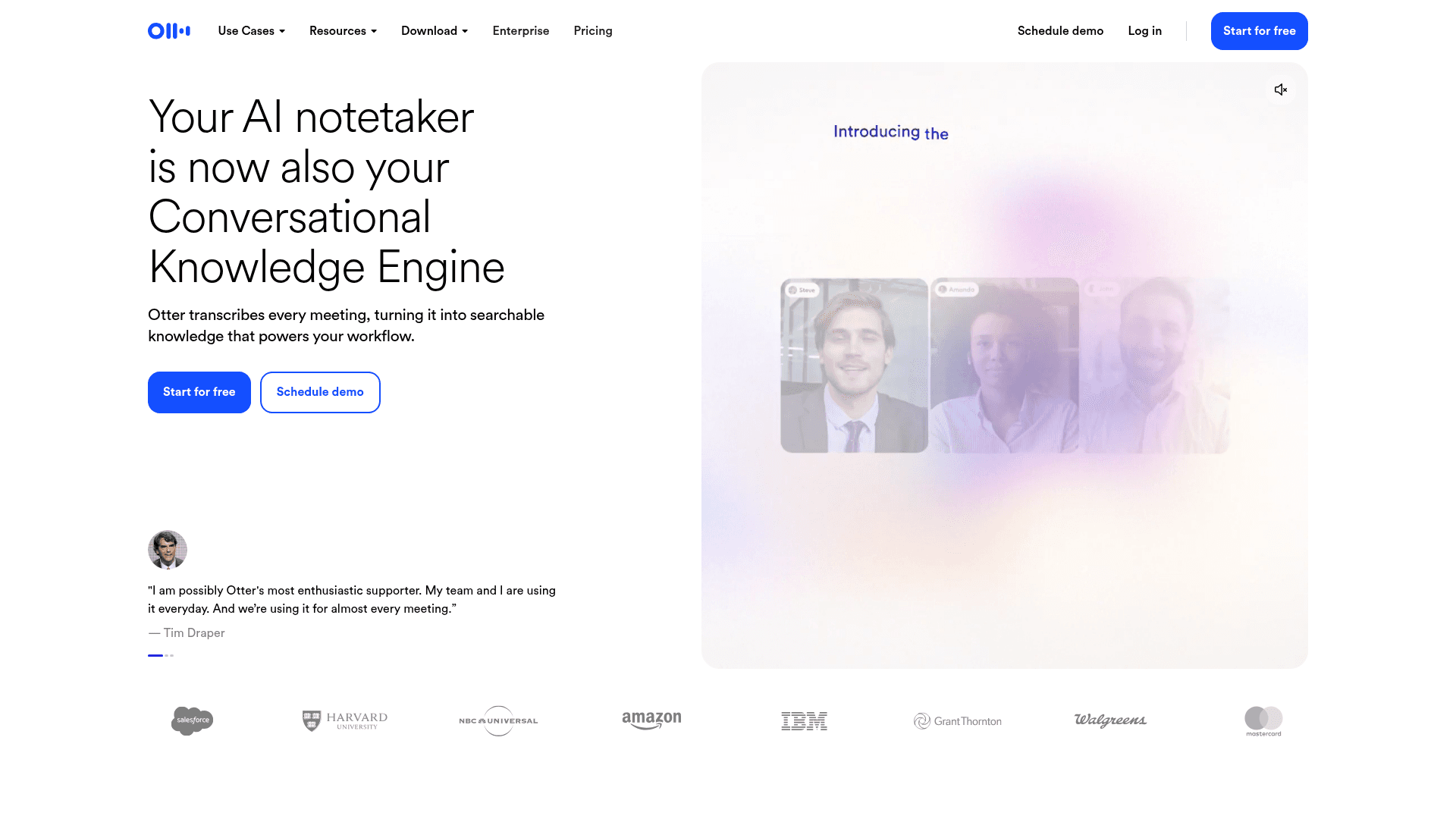
Otter.ai, made by Otter.ai Inc, is an AI notetaker that records and transcribes meetings, then turns them into summaries, action items, and searchable knowledge. It is available on web, desktop (Mac and Windows), iOS, Android, and as a Chrome extension. Otter describes itself as a Conversational Knowledge Engine.
What It Is
Otter is a meeting transcription and notetaking service. It can join Zoom, Microsoft Teams, and Google Meet calls through a connected calendar, or record directly from a desktop, Chrome, or mobile device without a bot joining the call. It produces live transcripts with speaker identification, automated summaries with decisions and action items, and notes that can be searched by keyword, speaker, or date.
How the Workflow Runs
Users capture a conversation, then review synced audio and text, edit text, speakers, and timecodes, highlight key points, and share through links or groups. Imported audio and video files can also be transcribed. Meetings can be organized into Channels by team, project, or topic. Otter AI Chat answers questions across meetings and connected apps and can draft follow-up emails, status updates, and other content.
Integrations and Role-Based Agents
The site lists integrations with Slack, Zoom, Salesforce, HubSpot, Jira, Notion, Asana, Google Drive, Google Docs, Dropbox, Glean, and Claude. Otter also offers an MCP Server so ChatGPT, Claude, and other AI chat tools can access meeting knowledge. Use-case pages cover Sales, Education, Media, Recruiting, and SDR agents, which handle CRM sync, lecture notes, interview transcripts, candidate insights, and lead qualification with booked meetings.
Admin and Security Controls
The features page lists centralized billing, user management, usage analytics, two-factor authentication, and single sign-on. Otter states it is built with security, governance, and compliance controls for enterprises.
Community Discussions
Be the first to start a conversation about Otter.ai
Share your experience with Otter.ai, ask questions, or help others learn from your insights.
Pricing
Basic
For those who want to give it a try
- 300 monthly transcription minutes
- Zoom, MS Teams, and Google Meet
- AI Chat within and across meetings
- AI meeting workflows
- 3 lifetime audio/video file imports
Pro
For individuals and small teams
- 1200 in-app recording minutes
- Advanced AI workflows
- 10 monthly audio/video file imports
- Up to 90 mins/meeting
- Advanced meeting templates
- Unlimited storage
- Salesforce, HubSpot, Zapier integrations
- Max workspace members: 5 billed users
Business
For medium-sized teams
- Unlimited meetings + in-app recordings
- Custom AI workflows
- Unlimited audio/video file imports
- Up to 4 hours/meeting
- Enhanced admin features: activity logs, usage analytics
- Join 3 concurrent meetings
- Prioritized support
- Max workspace members: 25 billed users
Enterprise
For large teams and companies
- Unlimited custom AI workflows
- Otter Sales Notetaker
- SSO, SCIM, Domain Capture
- Enterprise-grade security & controls
- Otter API & Webhooks
- HIPAA compliance (add-on)
- Customer Success Program
Capabilities
Key Features
- Live transcription in multiple languages
- Speaker identification
- Automated meeting summaries and action items
- Bot-free recording on desktop, Chrome, and mobile
- Auto-join Zoom, Teams, and Google Meet via calendar
- Otter AI Chat across meetings and connected apps
- Import and transcribe audio/video files
- Search by keyword, speaker, and date
- Channels for organizing meetings
- CRM sync of sales insights
- MCP Server for AI chat tools
- Custom vocabulary
- Export audio, text, and captions
- SSO and two-factor authentication
- Admin controls and usage analytics