
Palmier Pro
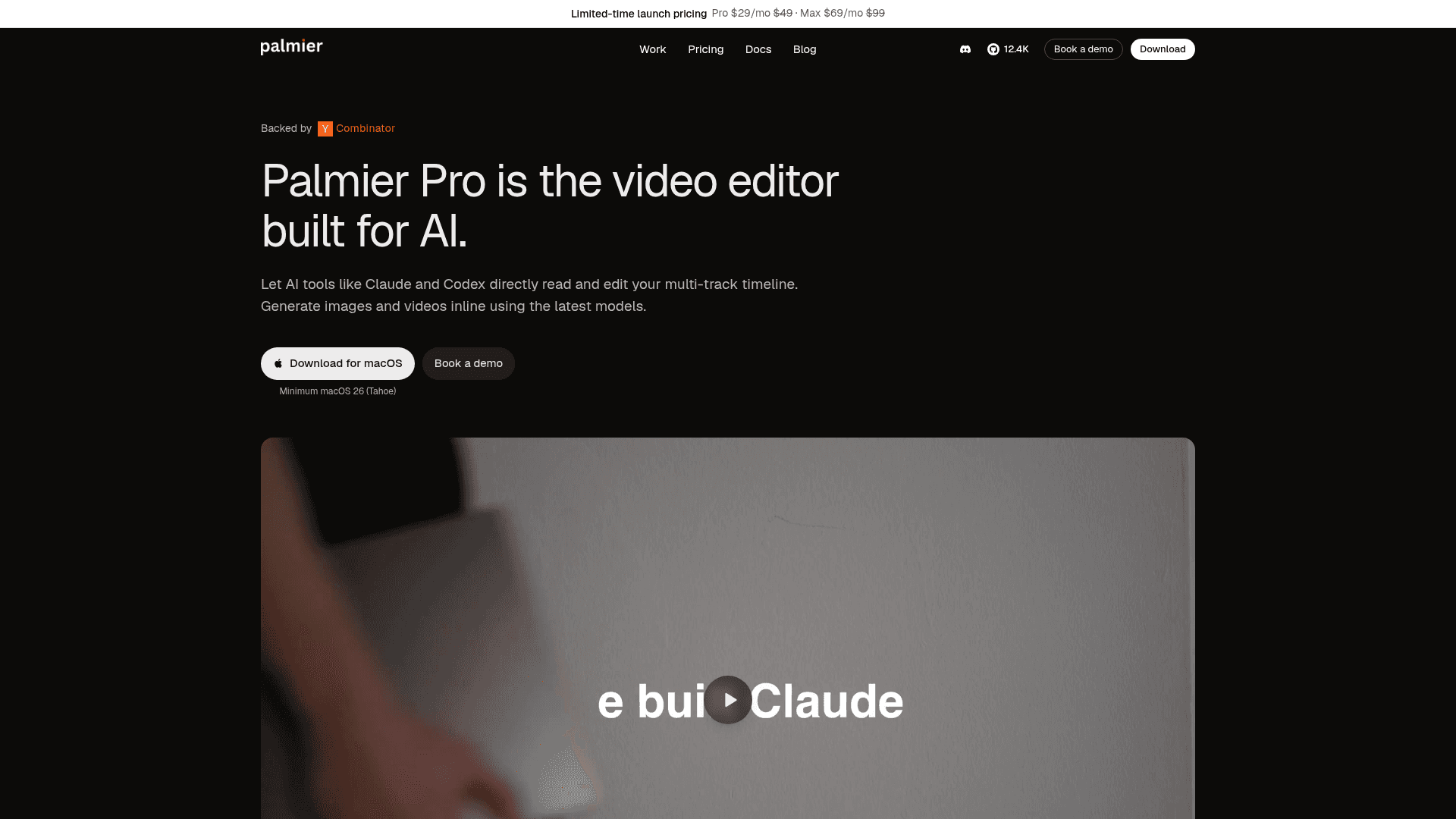
An open-source macOS video editor built for AI that lets you generate images, video, and audio directly in the timeline and connect AI agents via MCP.
At a Glance
Full professional video editor and MCP server with no account required.
Engagement
Available On
Listed Jul 2026
About Palmier Pro
Palmier Pro is an open-source macOS video editor built from scratch in Swift, designed to bring AI generation and agent control natively into the editing timeline. Backed by Y Combinator (S24), it targets creators who want to generate, iterate, and finish video cuts in a single project without bouncing between web-based generation tools and a separate editor. The core editor and MCP server are available under GPLv3; generative AI features require a subscription.
What It Is
Palmier Pro is a professional multi-track video editor for macOS that integrates AI image, video, and audio generation directly on the timeline. Unlike generation platforms such as Runway or Higgsfield — which the Palmier team describes as tools where you download clips and rebuild edits elsewhere — Palmier Pro keeps generation, iteration, trimming, and export inside one project. The editor supports MP4 (H.264, H.265, ProRes) export as well as NLE XML for Premiere Pro and DaVinci Resolve.
MCP Integration and Agent Workflow
A standout architectural choice is the built-in MCP server. When the app is open, it exposes an HTTP MCP server at http://127.0.0.1:19789/mcp, allowing external agents — Claude Desktop, Claude Code, Cursor, and Codex — to read the project and make edits directly on the timeline. Agents can:
- Generate images, video, and audio and place them on the timeline
- Trim, split, reorder, and adjust clips
- Rerun or tweak AI-generated clips by prompt
One-click install helpers for Cursor and Claude Desktop are available inside the app under Help → MCP Instructions. The MCP server itself is open source alongside the core editor.
Built-in Generative AI Models
Palmier Pro integrates with several state-of-the-art generation models directly in the media panel, including Kling V3 (Kling AI), Seedance 2.0 (ByteDance), Veo 3.1 (Google), and Grok Imagine (xAI), with more listed on the homepage. Users can set first and last frames for video generation, add reference images for style or subject consistency, and regenerate or swap clips without leaving the project. Generation consumes credits on paid plans; editing and export remain free.
Open-Source Architecture
The GitHub README states that the video editor (without generative AI features), the MCP server, and the agent chat are fully open source under GPLv3. Only the generative AI processing pipeline is closed source. The repository, written in Swift, had accumulated over 12,000 stars and 900 forks as of late July 2026, and appears on Trendshift. No account is required to download and use the editor or MCP server.
Platform and System Requirements
Palmier Pro runs exclusively on macOS 26 (Tahoe) on Apple Silicon. There is no Windows or Linux version, and no web app. The app is distributed as a .dmg download from the project website and GitHub releases.
Update: v0.6.15
The latest release as of July 26, 2026 is v0.6.15, published the same day. The repository was created in April 2026 and has seen rapid iteration, with the last push matching the latest release date. The project is in active development with 79 open issues tracked on GitHub, signaling an early but fast-moving product.
Community Discussions
Be the first to start a conversation about Palmier Pro
Share your experience with Palmier Pro, ask questions, or help others learn from your insights.
Pricing
Free
Full professional video editor and MCP server with no account required.
- Professional video editor
- MCP (Cursor, Claude Desktop, Codex)
- No account required
- Local transcription model
- Smart search over footage
Pro
Everything in Free plus AI generation credits and cloud transcription.
- Everything in Free
- 5,000 credits / month
- Image, video, and audio generation
- More accurate cloud based transcription model
Max
Everything in Pro with more credits and priority support.
- Everything in Pro
- 12,000 credits / month
- Priority support
Custom
Volume credits, private Slack channel, and security and procurement support.
- Volume credits
- Private Slack channel
- Security and procurement support
Capabilities
Key Features
- Multi-track video, audio, image, and text timeline
- AI image, video, and audio generation inline in the timeline
- MCP server for agent control (Claude, Cursor, Codex)
- First and last frame control for video generation
- Reference image support for style/subject consistency
- In-app Palmier AI chat assistant
- Local transcription model (free)
- Cloud-based transcription model (paid)
- Smart search over footage
- Trim, split, speed, opacity, and transform controls
- Export to MP4 (H.264, H.265, ProRes)
- NLE XML export for Premiere Pro and DaVinci Resolve
- No account required for editor and MCP
- Upscale and AI edit clips on the timeline
- Regenerate and swap AI clips without leaving the project