
Paxper
Visual infrastructure-as-code workspace for designing AWS cloud architecture, reviewing plans, and applying approved changes in your own cloud account.
At a Glance
For individuals and small teams getting started.
Engagement
Available On
Alternatives
Listed Nov 2026
About Paxper
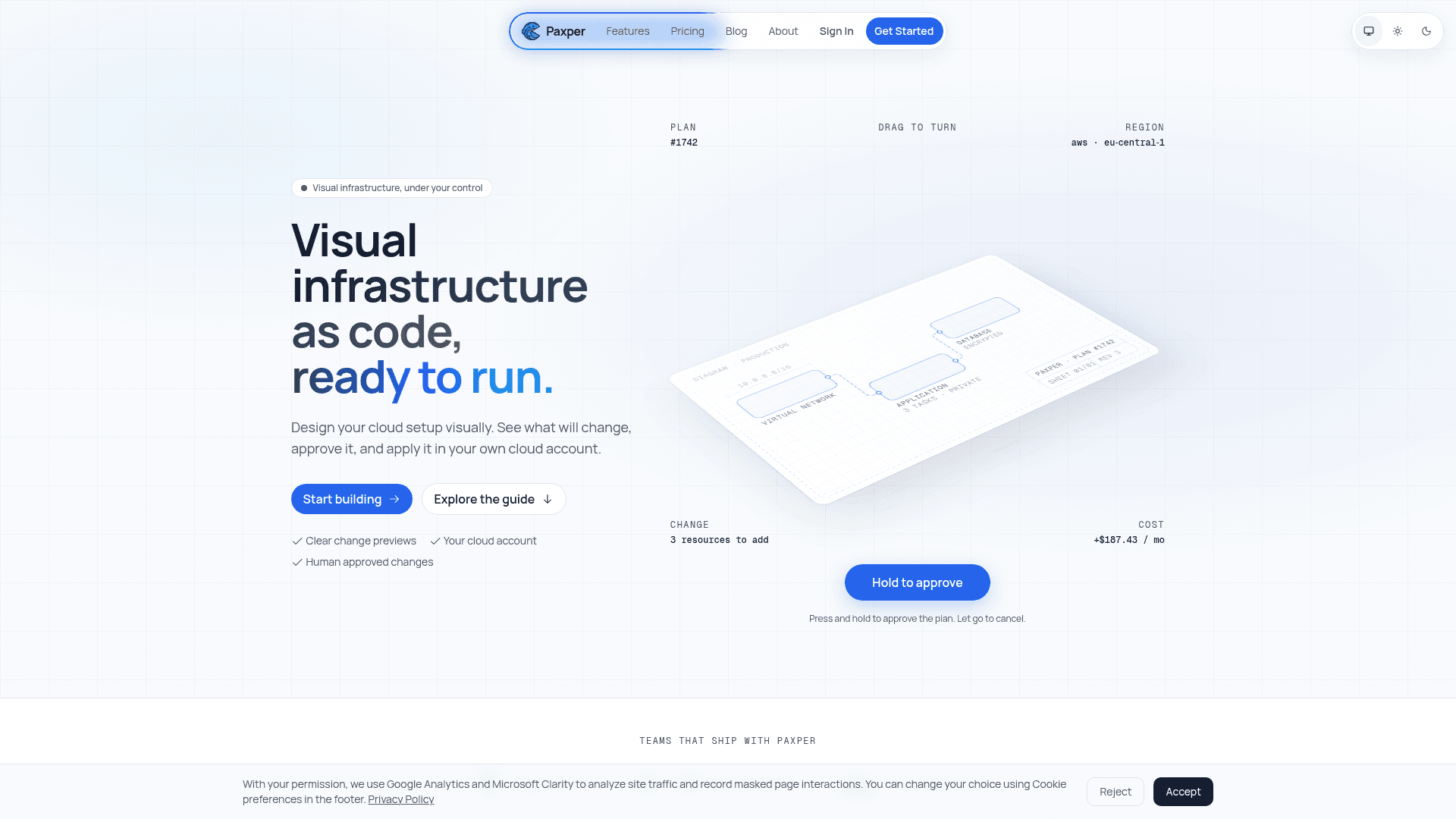
Paxper is a visual workspace for designing cloud infrastructure on a canvas, reviewing proposed changes, and applying them in a connected cloud account. It generates standard OpenTofu configurations from the diagram, and every change is shown as a plan before anything is applied. Paxper currently supports AWS.
What It Is
Paxper is a visual infrastructure-as-code tool. Teams arrange resources and their relationships on a diagram, which acts as the source of truth, and Paxper generates OpenTofu configuration from it. Each edit produces a short plan listing what will be added, changed or destroyed, with a cost estimate shown alongside. Nothing reaches the cloud account until someone approves the plan.
Workflow: connect, design, validate, deploy
Users connect an AWS account with an access key or IAM role, then build in a workspace starting from a blank canvas. The generated plan is reviewed and an approval is requested before applying. Approved changes are applied to the connected account. Workspaces can be organized by environment, and drift checks report whether infrastructure is in sync. Infrastructure state is kept in storage the user controls.
AI assistance and MCP
Paxy and AI Analyze help users explore a workspace, ask questions about how resources connect, and interpret deployment issues. Paxper also provides an MCP server so assistants such as Claude, Claude Code, Codex and Gemini CLI can read diagrams, look up valid AWS values for a region and make canvas edits in plain language. User roles still apply over MCP, so a Viewer stays read-only, and applying to the cloud account remains in Paxper behind review and approval.
Free tools and security
Paxper offers browser-based IAM policy and S3 policy generators that work without an account. The vendor states that data is encrypted in transit with TLS 1.3 and at rest with AES-256, and that cloud credentials are encrypted at rest. Enterprise features listed include SSO and an audit trail.
Community Discussions
Be the first to start a conversation about Paxper
Share your experience with Paxper, ask questions, or help others learn from your insights.
Pricing
Free
For individuals and small teams getting started.
- Unlimited projects
- 1 workspace
- 1 cloud provider
- 1 apply per project
- AI support with AI credits
Team
For product teams shipping changes every week.
- Everything in Free
- 2 workspaces included
- +$50 / month for each applied workspace beyond 2
- Unlimited applies
- Email support with a standard SLA
Enterprise
For companies that need their own controls and hosting.
- Everything in Team
- Unlimited workspaces
- SSO and audit trail
- Dedicated support with on call engineers
- Migration help
Capabilities
Key Features
- Visual canvas for designing cloud architecture
- OpenTofu configuration generation
- Plan previews of resources to add, change or destroy
- Cost estimates before apply
- Human approval workflow before apply
- Drift checks
- AI assistant (Paxy) and AI Analyze
- MCP server for AI assistants
- Role-based access respected over MCP
- Free IAM and S3 policy generators
- Workspaces organized by environment
- SSO and audit trail (Enterprise)