
ProtoNote
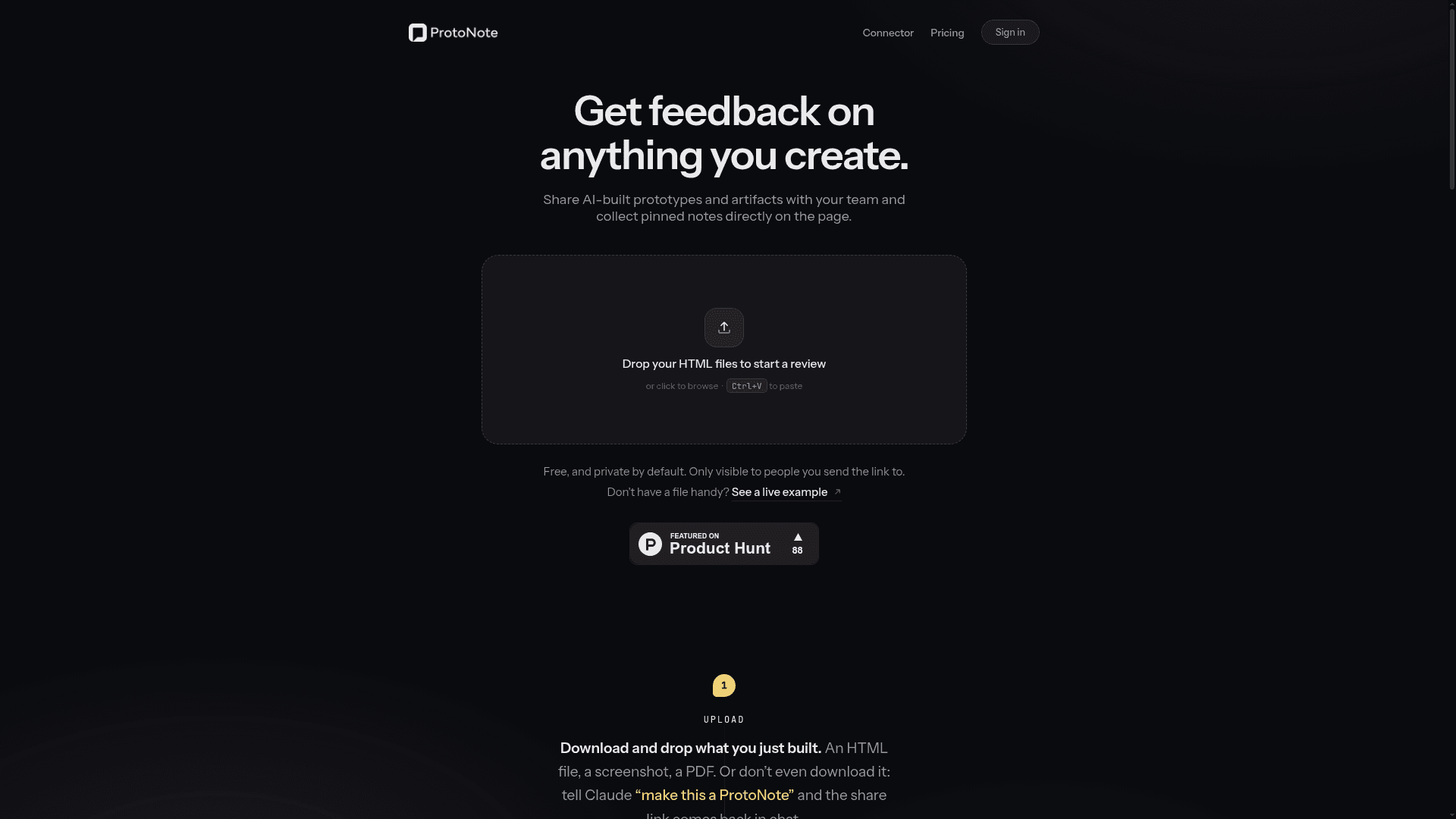
ProtoNote lets you share HTML prototypes, screenshots, and PDFs with your team and collect pinned feedback notes directly on the page.
At a Glance
Get started with up to 3 active prototypes, unlimited reviewers and notes.
Engagement
Available On
Alternatives
Listed Aug 2026
About ProtoNote
ProtoNote is a lightweight prototype-sharing and feedback tool that lets creators upload HTML files, screenshots, PDFs, or Markdown and instantly share them via a single link. Reviewers can pin notes directly to the exact spot on the page without creating an account, and the creator is notified as notes come in. It integrates with Claude as a connector, enabling an AI-assisted feedback loop where notes can be pulled back into chat and applied automatically.
What It Is
ProtoNote sits in the prototype review and design feedback category. Its core job is to replace the friction of sharing work-in-progress — no more emailing attachments, no signup walls for reviewers, and no losing context across chat threads. Creators upload a file (or tell Claude to "make this a ProtoNote"), get a permanent hosted link, and share it. Reviewers open the link, type their name, and start leaving pinned notes on the exact element they're commenting on.
How the Workflow Works
The tool is built around a three-step loop:
- Upload: Drop an HTML file, screenshot, PDF, or Markdown file. Multiple files become pages of one project. All prototypes get a permanent home organized into folders.
- Share: One link is generated. It previews properly in Slack (with an unfurl showing the creator's name and a note about what to review), opens on any device, and requires no account from the reviewer.
- Get notes: Notes pin to the exact spot on the exact version. When a new version (v2, v3) is uploaded, old notes stay attached to their original version. The creator is notified in real time as notes and replies arrive.
The feedback loop closes when the creator pulls open ProtoNotes back into Claude and applies the changes — the connector fetches notes, Claude applies them, and a new version is uploaded.
Claude Connector Integration
ProtoNote works as a Claude connector, set up in about 30 seconds. Once connected, a creator can tell Claude "make this a ProtoNote" and receive a share link directly in chat. Going the other direction, the creator can ask Claude to "pull my open ProtoNotes for the onboarding page and apply the changes," and the connector fetches the notes, applies them, and uploads the next version — all without leaving the chat interface. The connector is fully free regardless of plan.
Audience and Design Philosophy
ProtoNote is explicitly designed for individual creators and small teams sharing work-in-progress with stakeholders. Key design decisions reflect this:
- Reviewers never pay, never see upgrade prompts, and never create accounts — the site describes this as "a promise, not a plan."
- Private by default: only people with the link can open a prototype; links can be disabled or regenerated instantly.
- The dashboard shows view tracking ("Viewed by Maya · 2h ago") so creators know when their work has landed.
- Folders and version history keep prototypes organized rather than lost across chat sessions.
Current Status
ProtoNote is live and publicly available, with a free tier and a paid Pro tier. It was featured on Product Hunt (post ID 1227394). The site references 2026 in its copyright notice, indicating active maintenance. A team plan with shared folders and workspaces is described as not yet available, with the team soliciting input via email to shape future development.
Community Discussions
Be the first to start a conversation about ProtoNote
Share your experience with ProtoNote, ask questions, or help others learn from your insights.
Pricing
Free
Get started with up to 3 active prototypes, unlimited reviewers and notes.
- 3 active prototypes
- HTML, Markdown, images & PDFs
- Unlimited reviewers & notes
- Email notifications
Pro
Unlimited prototypes with folders, version history, and view tracking.
- Unlimited prototypes
- Folders & version history
- Know who viewed, and when
Capabilities
Key Features
- Upload HTML, Markdown, images, and PDFs
- Pinned notes on exact page locations
- Version history with notes attached per version
- Single shareable link per prototype
- No account required for reviewers
- Real-time notifications for notes and replies
- Slack unfurl preview with creator name and context
- Dashboard with folder organization
- View tracking (who viewed and when)
- Claude connector integration (MCP)
- Private by default with link control
- Multi-file projects (pages per project)
- Email notifications