
QMD
QMD is a local search engine that indexes Markdown files and combines BM25 keyword search, vector semantic search, and LLM re-ranking for AI agent memory and retrieval.
At a Glance
About QMD
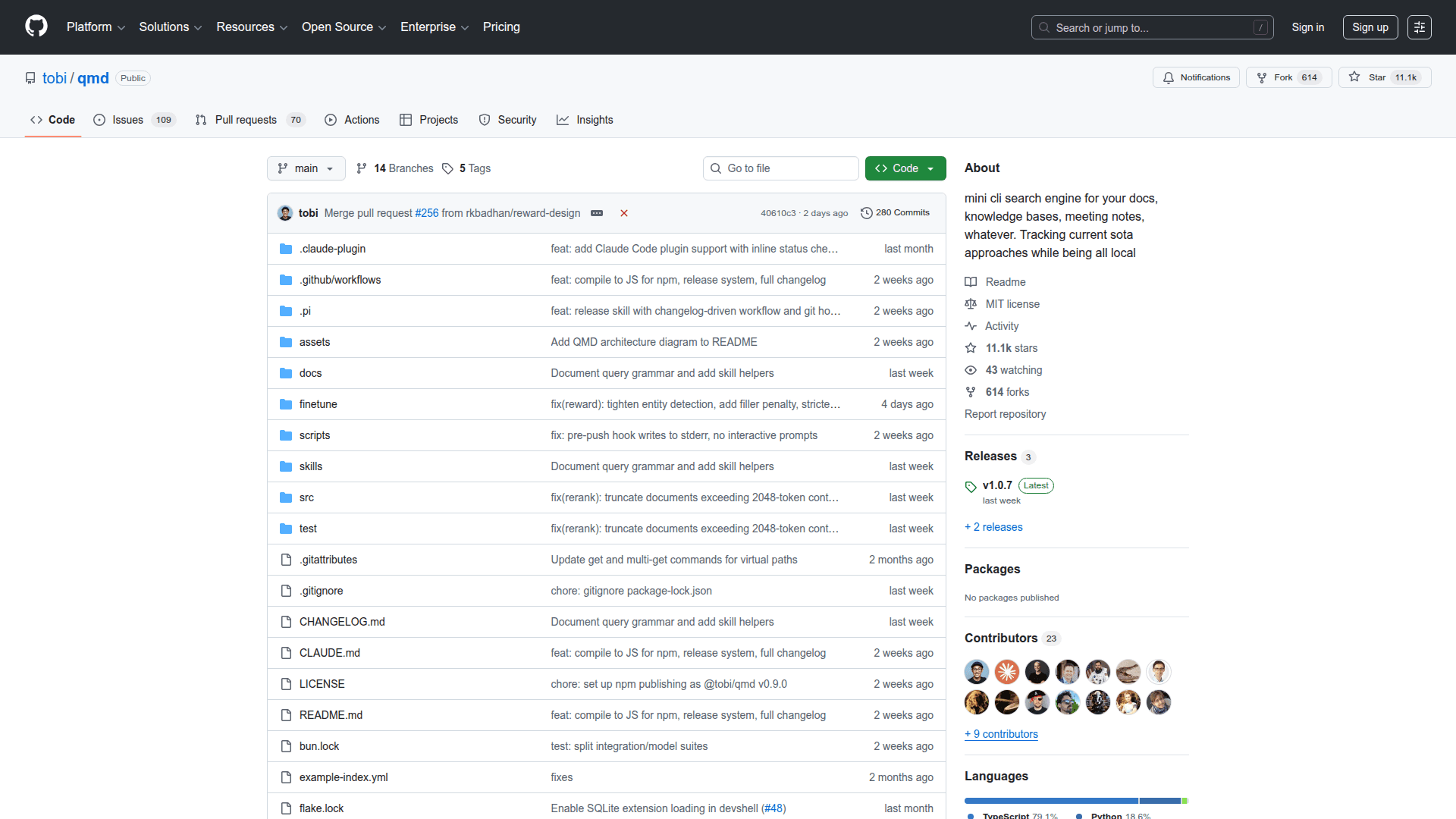
QMD (Query Markup Documents) is an open-source, on-device search engine that indexes Markdown files and provides hybrid retrieval combining BM25 full-text search, vector semantic search, and LLM re-ranking. Built by Tobi Lütke, it runs entirely locally using GGUF models via node-llama-cpp with no API keys or cloud dependencies required. QMD is widely adopted as a memory backend for AI coding agents such as Claude Code and OpenClaw, replacing basic keyword search with intelligent, context-aware retrieval.
- Hybrid search pipeline - Combines BM25 keyword matching via SQLite FTS5 with vector semantic search and LLM-based re-ranking for high-quality results across different query types.
- Query expansion - Uses a fine-tuned 1.7B parameter model to generate alternative phrasings of your search query, broadening recall without sacrificing precision.
- LLM re-ranking - A local Qwen3 reranker model re-scores the top candidates using yes/no classification with log-probability confidence, improving result ordering.
- Collection and context management - Organize documents into named collections with glob patterns and attach hierarchical context descriptions that are returned alongside search results, giving LLMs richer information for decision-making.
- MCP server integration - Exposes search, retrieval, and status tools via Model Context Protocol over stdio or HTTP transport, enabling direct integration with Claude Desktop, Claude Code, and other MCP-compatible agents.
- Smart document chunking - Splits documents into approximately 900-token chunks with 15 percent overlap using a scoring algorithm that finds natural Markdown break points rather than cutting at arbitrary token boundaries.
- Multiple output formats - Supports JSON, CSV, Markdown, XML, and file-list output modes designed for agentic workflows where structured data is needed.
- Document retrieval by ID - Each indexed document receives a six-character hash identifier, enabling fast retrieval by docid, file path with optional line offset, or glob pattern via multi-get.
- Fully local and private - All three GGUF models (embedding, reranker, query expansion) totaling approximately 2 GB run on-device. No data leaves the machine.
To get started, install with npm install -g @tobilu/qmd or bun install -g @tobilu/qmd, add collections pointing to your Markdown directories, run qmd embed to generate vector embeddings, and search with qmd search, qmd vsearch, or qmd query for the full hybrid pipeline.
Community Discussions
Be the first to start a conversation about QMD
Share your experience with QMD, ask questions, or help others learn from your insights.
Pricing
Open Source
Fully free and open-source CLI tool available on GitHub under the MIT license.
- BM25 full-text search via SQLite FTS5
- Vector semantic search with local embeddings
- LLM re-ranking with Qwen3 reranker
- Query expansion with fine-tuned model
- MCP server with stdio and HTTP transport
Capabilities
Key Features
- Hybrid search combining BM25, vector, and LLM re-ranking
- Local vector embeddings via embeddinggemma-300M GGUF model
- LLM re-ranking with qwen3-reranker-0.6b
- Fine-tuned query expansion model for broader recall
- Reciprocal Rank Fusion with position-aware blending
- MCP server for Claude Desktop and Claude Code integration
- HTTP transport mode with daemon support for shared server
- Collection-based document organization with glob patterns
- Hierarchical context annotations for search results
- Smart ~900-token chunking with natural Markdown break points
- Document retrieval by path, docid hash, or glob pattern
- Multi-get for batch document retrieval
- JSON, CSV, XML, Markdown, and file-list output formats
- Runs fully on-device with no API keys or cloud services
- Auto-downloads GGUF models from HuggingFace on first use