
RedCat
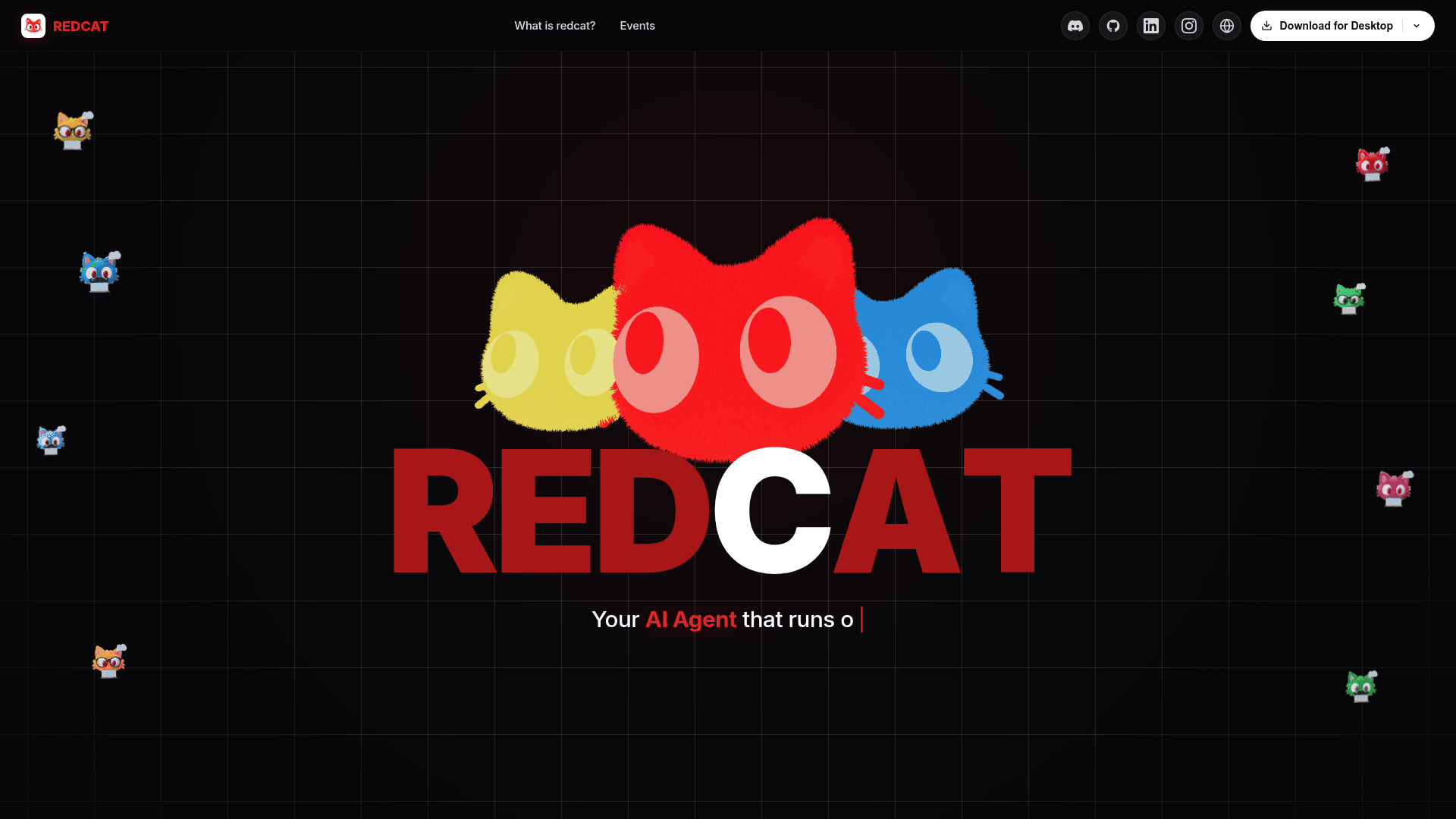
A free, open-source desktop AI agent that runs locally with your own API key and asks approval before consequential actions.
At a Glance
Free, MIT-licensed desktop AI agent that runs locally; users bring their own API key (external provider costs not included).
Engagement
Available On
Listed Nov 2026
About RedCat
RedCat is an open-source desktop AI agent built by Ali Ahmad (manamaliahmad). It runs on your own computer, uses an API key you supply, and carries out tasks such as building websites, researching, writing and coding, asking for approval before consequential actions. The latest release listed is v1.0.18, with installers for Windows, macOS (Apple Silicon) and Linux.
What It Is
RedCat is an Electron desktop app that starts a local server on your PC. That server acts as the agent: it holds chats, memory, skills and connectors, and calls the AI model you chose through your own API key. The README positions it as beginner-first, with no terminal, Docker or configuration file needed. Chats, memory and keys are stored locally, and the project is MIT licensed.
How the Agent Loop Works
The agent works step by step. It receives your message along with memory and its available skills and tools, then replies with a tool call or a final answer as JSON. The server runs the tool and returns the real result. The agent verifies results against actual output such as a file, a page or a command result. Running commands, changing files, posting or installing all wait for your approval, and a rejection stops the work. After a run it writes what it learned into local memory.
Skills, Connectors and Channels
- Skills are plain Markdown files, for example website building, deep research, video and code review, and a scan gate returns BLOCK, REVIEW or ALLOW before a new skill is trusted.
- MCP connectors cover a catalog of 145 services such as Notion, GitHub, Slack and Linear, with one-click Connect where the service supports it.
- A built-in browser panel reads live pages and researches topics; you log in to sites yourself.
- A Discord bot lets you chat with RedCat from Discord while approvals still wait on your PC.
- A personality profile adapts replies to how you write and can be edited, disabled or reset in Settings.
Setup Path
Install from the releases page, open Settings, choose a provider (for example OpenRouter, Gemini, DeepSeek, Groq, Claude or OpenAI), pick a model and paste your key. The app checks GitHub Releases for updates and downloads one only after you accept. Developers can add skills, MCP connector entries, tools in server.js, or edit character.md, and can run from source with npm.
Community Discussions
Be the first to start a conversation about RedCat
Share your experience with RedCat, ask questions, or help others learn from your insights.
Pricing
Open Source
Free, MIT-licensed desktop AI agent that runs locally; users bring their own API key (external provider costs not included).
- MIT License
- Runs locally on your PC
- Bring your own API key (BYOK)
- Approval-first actions
- Memory, skills, and Discord integration
Capabilities
Key Features
- Local-first agent with chats, memory and API keys stored on your PC
- Approval-first handling of commands, file changes, posting and installs
- Reusable Markdown skills with BLOCK/REVIEW/ALLOW scan gate
- Persistent local memory updated after each run
- Personality profile that mirrors your style
- Discord bot integration
- Built-in browser panel for live research
- MCP connector catalog of 145 services with one-click Connect
- Research with cross-checked sources and website artifact output
- Auto-update check via GitHub Releases
- Bring-your-own API key with multiple providers
- Extensible tools, skills, connectors and character file