
Remtoloc
Sync databases and files from your server to your Mac with just two clicks using SSH/SSL, Rsync, and S3 support.
At a Glance
About Remtoloc
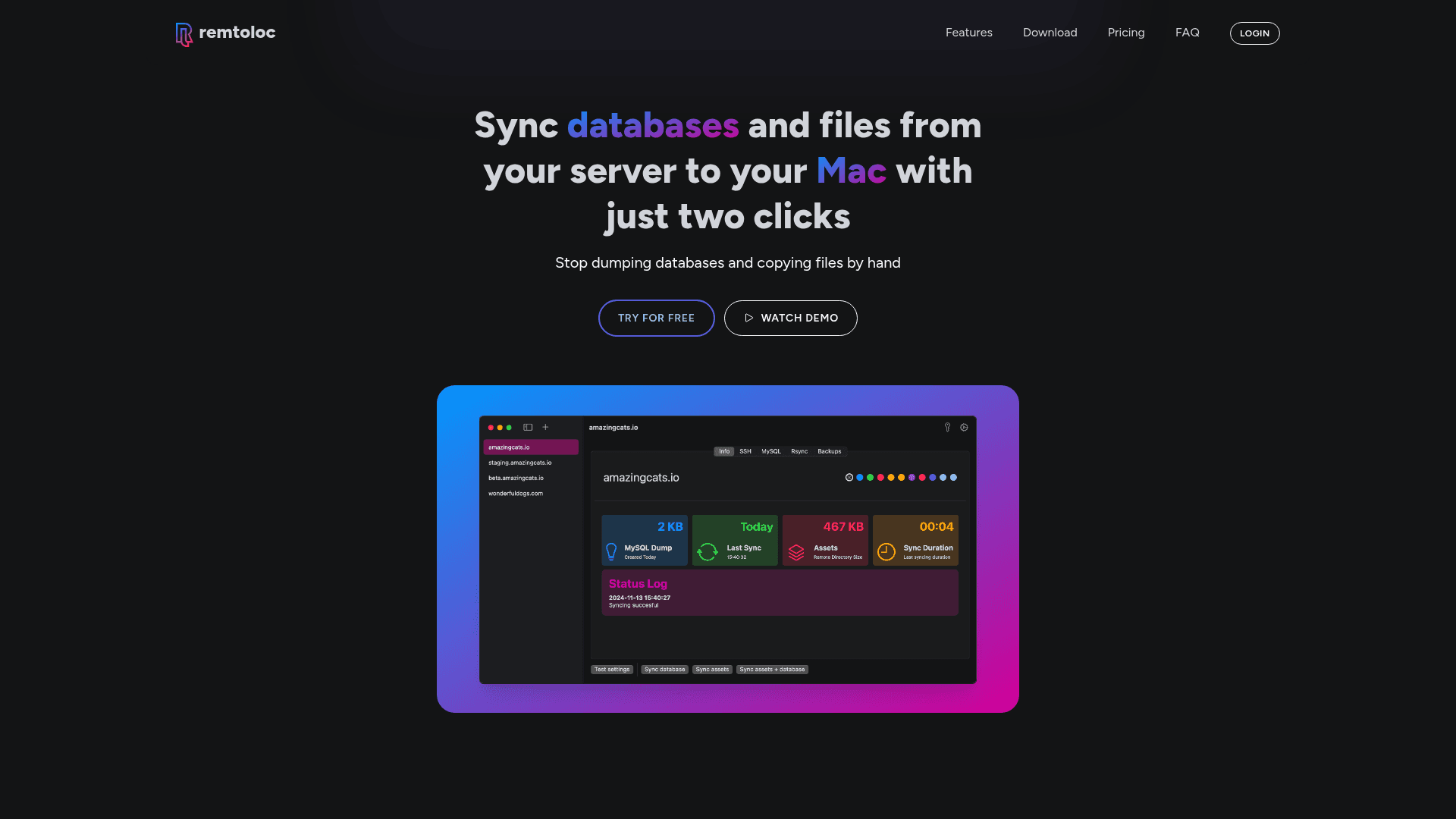
Remtoloc is a macOS menu bar application that automates database and file synchronization from remote servers to your local Mac. It eliminates the need for manual database dumps and file copying by providing a two-click workflow accessible directly from the Mac top bar. Built with security in mind, it uses SSH key authentication and SSL connections to protect data in transit, and it never shares your credentials with third parties.
- Two-Click Synchronization: Access Remtoloc from the macOS top bar dropdown and start syncing any configured project instantly.
- Secure Database Import: Connect to remote databases using SSH/SSL keys; SSH password authentication is intentionally unsupported for security.
- Rsync-Powered File Sync: Synchronize files and directories using Rsync, transferring only new or changed files to save time and bandwidth.
- S3 Bucket Sync: Sync files and directories from AWS or DigitalOcean S3 buckets to your local machine using S3cmd.
- Local Database Backups: Keep versioned database backups on your Mac and revert to any previous snapshot with ease.
- Dashboard Management: Add and manage multiple projects from a central dashboard; free tier supports up to 3 projects.
- Docker & Managed Database Support: Connect to Docker containers via TCP and managed databases (e.g., DigitalOcean) without requiring an SSH tunnel.
- Cross-Architecture Support: Available for both Apple Silicon and Intel Macs running macOS 14 or higher.
To get started, download the app for macOS, create a project in the dashboard, configure your SSH/SSL credentials and database details, then click your project from the menu bar dropdown to begin syncing.
Community Discussions
Be the first to start a conversation about Remtoloc
Share your experience with Remtoloc, ask questions, or help others learn from your insights.
Pricing
Starter
Free tier for individuals with up to 3 projects.
- Add up to 3 projects
- Sync databases
- Sync assets
- Sync S3 buckets
- Keep local database backups
Pro
One-time payment for individual developers with unlimited projects and one year of updates.
- One-time payment
- Add unlimited projects
- Sync databases
- Sync assets
- Sync S3 buckets
- Keep local database backups
- Pro license
- One year of updates
Business
One-time payment for teams, covering up to 6 macOS devices with one year of updates.
- One-time payment
- Add unlimited projects
- Sync databases
- Sync assets
- Sync S3 buckets
- Keep local database backups
- Business license
- One year of updates
- 6 macOS devices
Capabilities
Key Features
- Two-click database synchronization from menu bar
- SSH key authentication for secure connections
- SSL certificate support for managed databases
- Rsync-based file and directory synchronization
- AWS S3 and DigitalOcean Spaces bucket sync
- Local database backup with version history
- Support for Docker container databases
- Support for Apple Silicon and Intel Macs
- Up to 3 free projects on Starter plan
- Unlimited projects on paid plans