Repeato
No-code mobile and web UI test automation tool that uses computer vision and machine learning to record, run, and manage tests for iOS, Android, and web apps.
At a Glance
Forever free plan for getting started with mobile and web test automation.
Engagement
Available On
Listed Jul 2026
About Repeato
Repeato is a no-code test automation tool built for mobile and web applications, created by Stephan Petzl, a former CTO with a long background in software development. It lets testers and developers record UI tests on physical devices or simulators without writing code, then organize and run those tests as batches to catch regressions before each release. The tool is actively maintained and available as a desktop application for macOS, Windows, and Linux.
What It Is
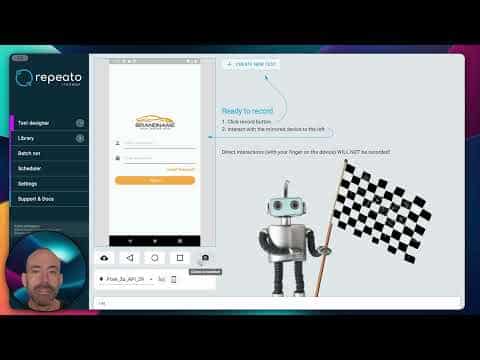
Repeato Studio is a regression testing tool that records and replays UI interactions on Android, iOS, and web apps. Instead of relying on the underlying DOM structure or element selectors, Repeato uses computer vision and machine learning algorithms to identify UI elements — making tests more resilient to UI changes. It supports a wide range of app frameworks including Flutter, React Native, Xamarin, and Unreal Engine, and can run tests on physical devices, emulators, simulators, or cloud devices.
How the No-Code Workflow Works
The core workflow follows a record-organize-run loop:
- Record: Connect a device or simulator, hit record, and interact with your app. All input actions are captured automatically and saved to a test library.
- Organize: Tests can be grouped into folders and batches. An intuitive UI helps structure the library and find tests quickly.
- Run: Select a batch and hit "Run." Repeato executes all tests, optimizes timing using its computer vision engine, and reports which tests passed or failed.
- Debug: Test run exports and PDF reports can be pushed directly into bug tracking systems. A Jira integration is available on higher tiers.
Tests can also be edited after recording — steps can be copied, pasted, cut, and reordered using standard keyboard shortcuts.
AI Vision and Assertion Methods
Repeato offers three ways to assert UI elements during a test:
- Fingerprint: Pixel-level image matching for stable UI elements.
- Text/Numbers: Text-based assertions for dynamic content.
- AI Vision: Uses computer vision to check dynamic or changing UI elements, with a monthly assertion quota depending on the plan.
The AI vision capability is described on the Repeato site as using "computer vision and machine learning algorithms" to enable robust test execution without requiring element locators or selectors.
CI/CD and Headless Execution
Repeato includes a CLI headless test runner that allows tests to be triggered from continuous integration pipelines. The documentation lists support for GitHub Actions, Bitrise, CircleCI, and Codemagic, as well as self-hosted servers. This makes it possible to run the full test suite on every pull request without manual intervention. The Enterprise tier adds full continuous integration support and project workspaces for team collaboration.
Target Audience and Accessibility
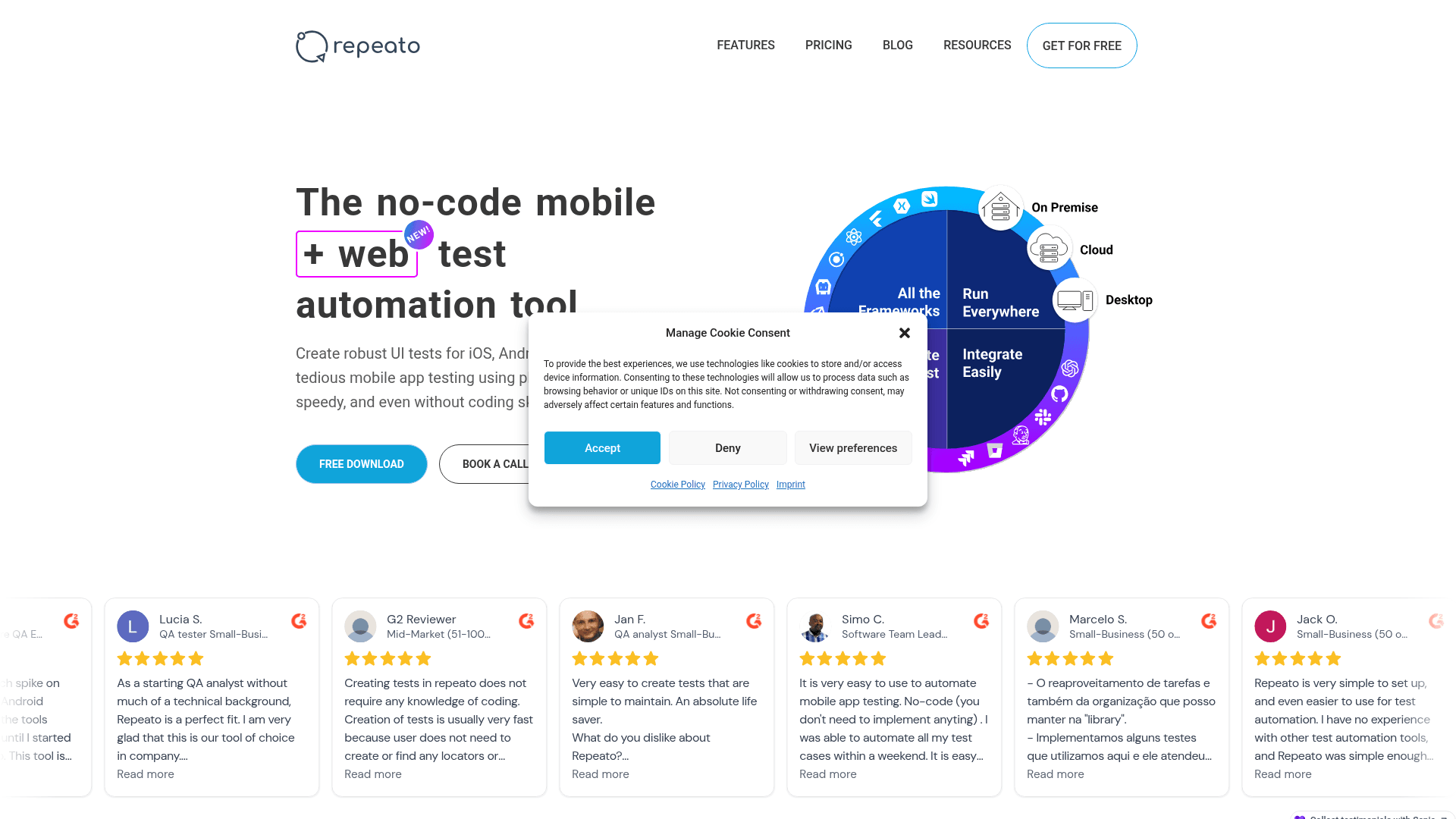
Repeato is explicitly designed for non-technical users — QA analysts, manual testers, and teams without dedicated automation engineers. The About page notes the tool was built by "software folks, for software folks," with a focus on simplicity. User reviews on G2 (quoted on the Repeato homepage) highlight that testers with no coding background were able to set up and run tests within minutes. JavaScript commands are also supported for users who want to extend tests with custom scripts.
Deployment and Infrastructure
Repeato Studio runs locally on the tester's machine and connects to physical devices or simulators. Both Repeato Studio and the Repeato CLI can run completely isolated on a team's own infrastructure, which the FAQ page notes is an option for teams with strict data security requirements. The company is based in Vienna, Austria, and states it operates under GDPR. Repeato participates in the Stripe Climate program, contributing 1% of each purchase to carbon removal.
Community Discussions
Be the first to start a conversation about Repeato
Share your experience with Repeato, ask questions, or help others learn from your insights.
Pricing
Free
Forever free plan for getting started with mobile and web test automation.
- 5 Android tests
- 5 iOS tests
- 5 Web tests
- Unlimited testing minutes
- Test batch composer
Basic
Unlimited tests for individual testers.
- Unlimited Android tests
- Unlimited iOS tests
- Unlimited Web tests
- Unlimited testing minutes
- Test batch composer
- ADB commands
- JavaScript commands
- Command line execution
- Text assertions
- Pixel perfect assertions
- 100 AI vision assertions per month
- 5 cloud device minutes per month
- 100MB cloud storage
- Email support
Pro
Advanced features for professional QA teams.
- Unlimited Android tests
- Unlimited iOS tests
- Unlimited Web tests
- Unlimited testing minutes
- Test batch composer
- ADB commands
- JavaScript commands
- Command line execution
- Text assertions
- Pixel perfect assertions
- 500 AI vision assertions per month
- 240 cloud device minutes per month
- PDF reports
- Jira integration
- Test batch reporting
- 1GB cloud storage
- Switch-device testing
- Screenshot testing
- Test batch scheduling
- Email support
Enterprise
Full-featured plan for teams with collaboration, CI, and priority support.
- Unlimited Android tests
- Unlimited iOS tests
- Unlimited Web tests
- Unlimited testing minutes
- 500 AI vision assertions per user per month
- 240 cloud device minutes per user per month
- PDF reports
- Jira integration
- Test batch reporting
- 10GB cloud storage
- Switch-device testing
- Screenshot testing
- Test batch scheduling
- Test sharing between users
- Project workspaces
- Test versioning
- Continuous integration
- Email support
- Priority support via Slack
Capabilities
Key Features
- No-code test recording on iOS, Android, and Web
- Computer vision and machine learning for element detection
- Test batch composer and batch runner
- AI Vision assertions for dynamic UI content
- Pixel-perfect and text-based assertions
- Test library organization with folders and batches
- CLI headless test runner for CI/CD pipelines
- GitHub Actions, Bitrise, CircleCI, and Codemagic integration
- PDF test run reports
- Jira integration for bug tracking
- Switch-device (multi-device) testing
- Screenshot testing
- Test batch scheduling
- Test sharing between team members
- Project workspaces
- Test versioning
- Cloud device support
- ADB commands support
- JavaScript commands support
- Launch arguments for app configuration
- Self-hosted infrastructure support
Integrations
Demo Video