EveryDev.ai
Subscribe
Home
Tools

5,007+ AI tools

  • New
  • Trending
  • Featured
  • Rate tools
  • Compare
  • Arena
Categories
  • Agents2546
  • Coding1875
  • Infrastructure880
  • Projects712
  • Research627
  • MCP598
  • Marketing495
  • Analytics485
  • Design416
  • Testing402
  • Data373
  • Security317
  • Integration257
  • Communication250
  • Prompts241
  • Extensions218
  • Commerce169
  • DevOps168
  • Voice168
  • Web123
  • Learning114
  • Finance33
AI Tools by Topic
  • AI Coding Assistants
  • Agent Frameworks
  • MCP Servers
  • AI Prompt Tools
  • Vibe Coding Tools
  • AI Design Tools
  • AI Database Tools
  • AI Website Builders
  • AI Testing Tools
  • LLM Evaluations
Follow Us
  • X / Twitter
  • LinkedIn
  • Reddit
  • Discord
  • Threads
  • Bluesky
  • Mastodon
  • YouTube
  • GitHub
  • Instagram
Get Started
  • Users
  • Rate Tools
  • About
  • Editorial Standards
  • Corrections & Disclosures
  • Community Guidelines
  • Advertise
  • Contact Us
  • Newsletter
  • Submit a Tool
  • Start a Discussion
  • Write A Blog
  • Share A Build
  • Terms of Service
  • Privacy Policy
Explore with AI
  • ChatGPT
  • Gemini
  • Claude
  • Grok
  • Perplexity
Agent Experience
  • llms.txt
Theme
With AI, Everyone is a Dev. EveryDev.ai ©
    1. Home
    2. Tools
    3. rl-env-use
    rl-env-use icon

    rl-env-use

    Human-in-the-Loop Training
    Featured

    Open-source tool that builds verified RL environments and hillclimbed prompts from real cases mined from the web by Browser Use agents.

    Visit Website

    At a Glance

    Pricing
    Open Source

    rl-env-use core tool is released under the MIT License and can be self-installed and used free of charge. Running it requires external Browser Use and OpenRouter API keys, which are separate costs.

    Engagement

    Available On

    API
    SDK
    CLI

    Resources

    WebsiteGitHubllms.txt

    Topics

    Human-in-the-Loop TrainingLLM EvaluationsBrowser Automation

    Alternatives

    WebMCP ToolsVerifiersOpenTraces
    Developer
    Browser UseSan Francisco, CAEst. 2024$17M raised

    Listed Oct 2026

    About rl-env-use

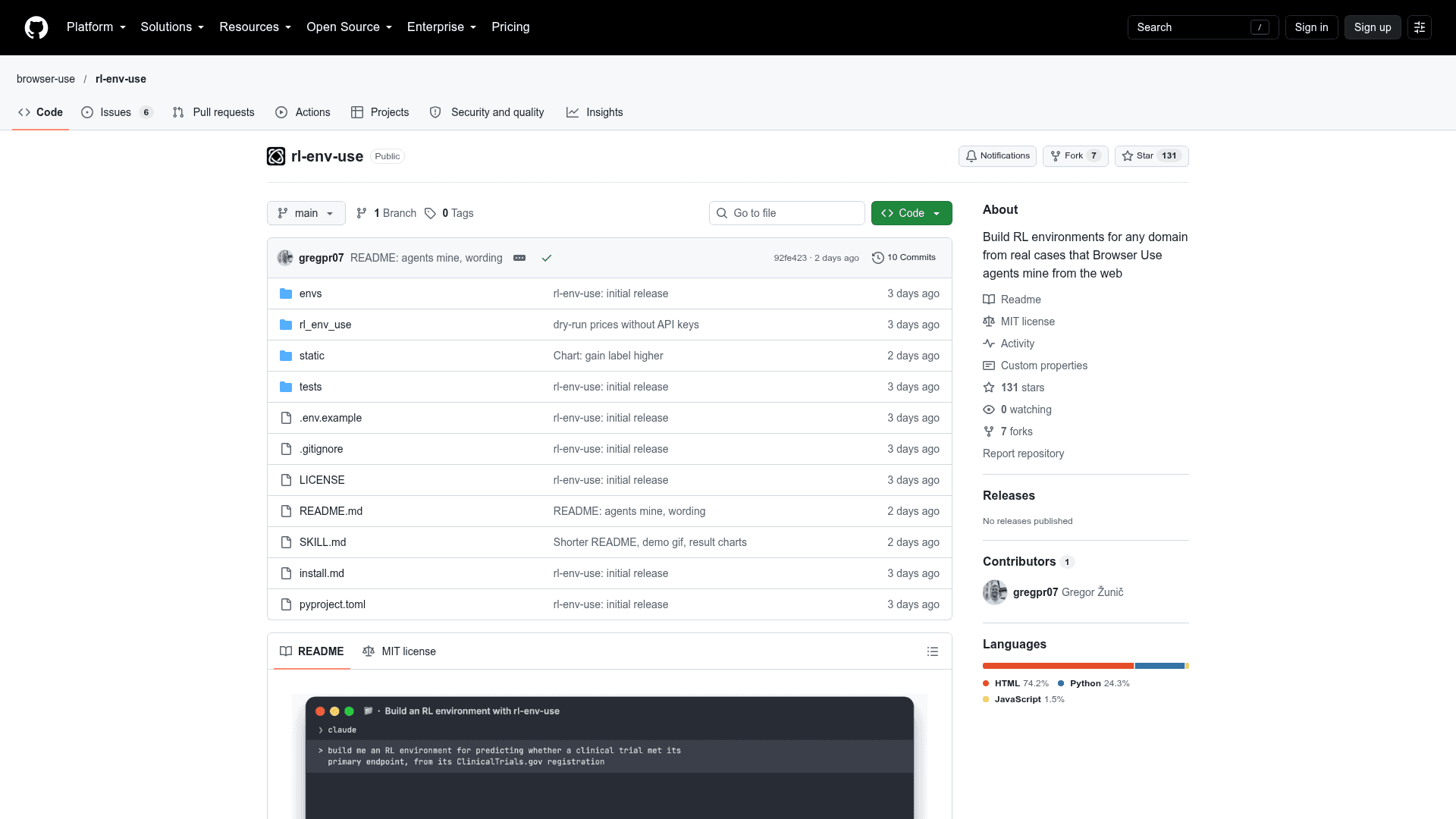
    rl-env-use is an open-source project from Browser Use that turns a one-line skill description into a verified reinforcement learning environment. Browser Use agents mine real cases from the web, and the tool pairs the resulting dataset with a hillclimbed system prompt for the model being trained. It is MIT licensed and installs from the GitHub repository.

    What It Is

    rl-env-use builds RL environments for any domain from real cases. It follows the workflow in Anthropic's "Automating eval design and hillclimbing", with one change: the tasks come from real cases that Browser Use agents find on the web. The README describes the goal as environments that frontier models do not saturate.

    How the Workflow Runs

    • Browser Use agents find source materials (such as a trial protocol or a 10-Q) and the outcome published later.
    • Gold answers are computed by code, and tasks that a frontier-model panel solves are rewritten to be harder.
    • Bad tasks are rejected, including leaked answers, memorized outcomes and ambiguous prompts.
    • A model's system prompt is hillclimbed using a train/test split, a noise floor and paired confidence intervals.
    • The dataset can be exported for an RL trainer or served in code with Env.

    Example Results

    The shipped example, envs/trial-forecast, contains 35 forecasts from 29 ClinicalTrials.gov trials whose results were posted after the models' training data. The README reports that a climbed Qwen 3.6 35B-A3B rose from 0.53 to 0.78 on held-out tasks, level with Opus 5.5. It notes that always answering 50% scores 0.75, so most of the gain is calibration.

    Setup Path

    It can be set up by asking Claude Code, Codex or OpenCode to read install.md and SKILL.md. Manual install needs Python 3.11+, optionally Node.js 18+ for HTML reports, and Browser Use and OpenRouter API keys. Commands such as rl-env-use create and rl-env-use climb run the build and prompt-climb steps.
    rl-env-use - 1

    Community Discussions

    Be the first to start a conversation about rl-env-use

    Share your experience with rl-env-use, ask questions, or help others learn from your insights.

    Pricing

    OPEN SOURCE

    Open Source (MIT)

    rl-env-use core tool is released under the MIT License and can be self-installed and used free of charge. Running it requires external Browser Use and OpenRouter API keys, which are separate costs.

    • MIT License
    • Self-hosted install via git clone
    • Requires user-provided BROWSER_USE_API_KEY and OPENROUTER_API_KEY (external costs)
    • Shipped example environment built for $72, $17 of it Browser Use (example run cost)

    Capabilities

    Key Features

    • Mines real cases from the web with Browser Use agents
    • Writes hard tasks with code-computed gold answers
    • Rewrites tasks that a frontier-model panel solves
    • Rejects leaked answers, memorized outcomes and ambiguous prompts
    • Hillclimbs system prompts with train/test split, noise floor and paired confidence intervals
    • Exports datasets for RL trainers
    • Serves environments in code via Env
    • Optional HTML reports

    Integrations

    Browser Use
    OpenRouter
    Claude Code
    Codex
    OpenCode
    ClinicalTrials.gov
    API Available

    Ratings & Reviews

    No ratings yet

    Be the first to rate rl-env-use and help others make informed decisions.

    Rate other tools you’ve used

    Developer

    Browser Use

    Browser Use builds AI-powered browser automation infrastructure for developers and enterprises. The platform combines stealth browsers, purpose-built LLMs, residential proxies, and a Skill API system that turns any website into a reliable REST endpoint. Browser Use offers both an open-source Python library with 79,000+ GitHub stars and a fully managed cloud API trusted by teams at Google, OpenAI, Anthropic, and Airbnb. The company is SOC 2 certified and serves use cases ranging from data extraction and QA testing to large-scale web automation.

    Founded 2024
    San Francisco, CA
    $17M raised
    6 employees

    Used by

    Hermes Agent / Nous Research
    OpenClaw
    Composio
    Vesta
    +2 more
    Read more about Browser Use
    WebsiteGitHubLinkedInX / Twitter
    6 tools in directory

    Similar Tools

    WebMCP Tools icon

    WebMCP Tools

    A collection of developer utilities and demos supporting adoption of the WebMCP API for exposing structured web page tools to AI agents.

    Verifiers icon

    Verifiers

    An open-source Python library by Prime Intellect for creating environments to train and evaluate LLMs using reinforcement learning.

    OpenTraces icon

    OpenTraces

    A CLI tool to parse, sanitize, and commit AI agent session traces to HuggingFace Hub for training, evaluation, and open data sharing.

    Browse all tools

    Related Topics

    Human-in-the-Loop Training

    Platforms that connect organizations with vetted human experts to annotate, label, evaluate, and align AI models, ensuring high-quality training datasets and accurate model evaluation through human judgment.

    57 tools

    LLM Evaluations

    Platforms and frameworks for evaluating, testing, and benchmarking LLM systems and AI applications. These tools provide evaluators and evaluation models to score AI outputs, measure hallucinations, assess RAG quality, detect failures, and optimize model performance. Features include automated testing with LLM-as-a-judge metrics, component-level evaluation with tracing, regression testing in CI/CD pipelines, custom evaluator creation, dataset curation, and real-time monitoring of production systems. Teams use these solutions to validate prompt effectiveness, compare models side-by-side, ensure answer correctness and relevance, identify bias and toxicity, prevent PII leakage, and continuously improve AI product quality through experiments, benchmarks, and performance analytics.

    198 tools

    Browser Automation

    AI-powered agents that autonomously navigate and interact with web applications to automate repetitive tasks, extract data, fill forms, and perform web-based workflows using intelligent understanding of page structure and content.

    175 tools
    Browse all topics
    Back to all toolsSuggest an edit
    ratings
    discussions