
Rodeo
Collaborative workspace combining docs, wikis and databases with AI features and a built-in MCP server.
At a Glance
Everything a small team needs to get going. Free forever, no credit card.
Engagement
Available On
Listed Nov 2026
About Rodeo
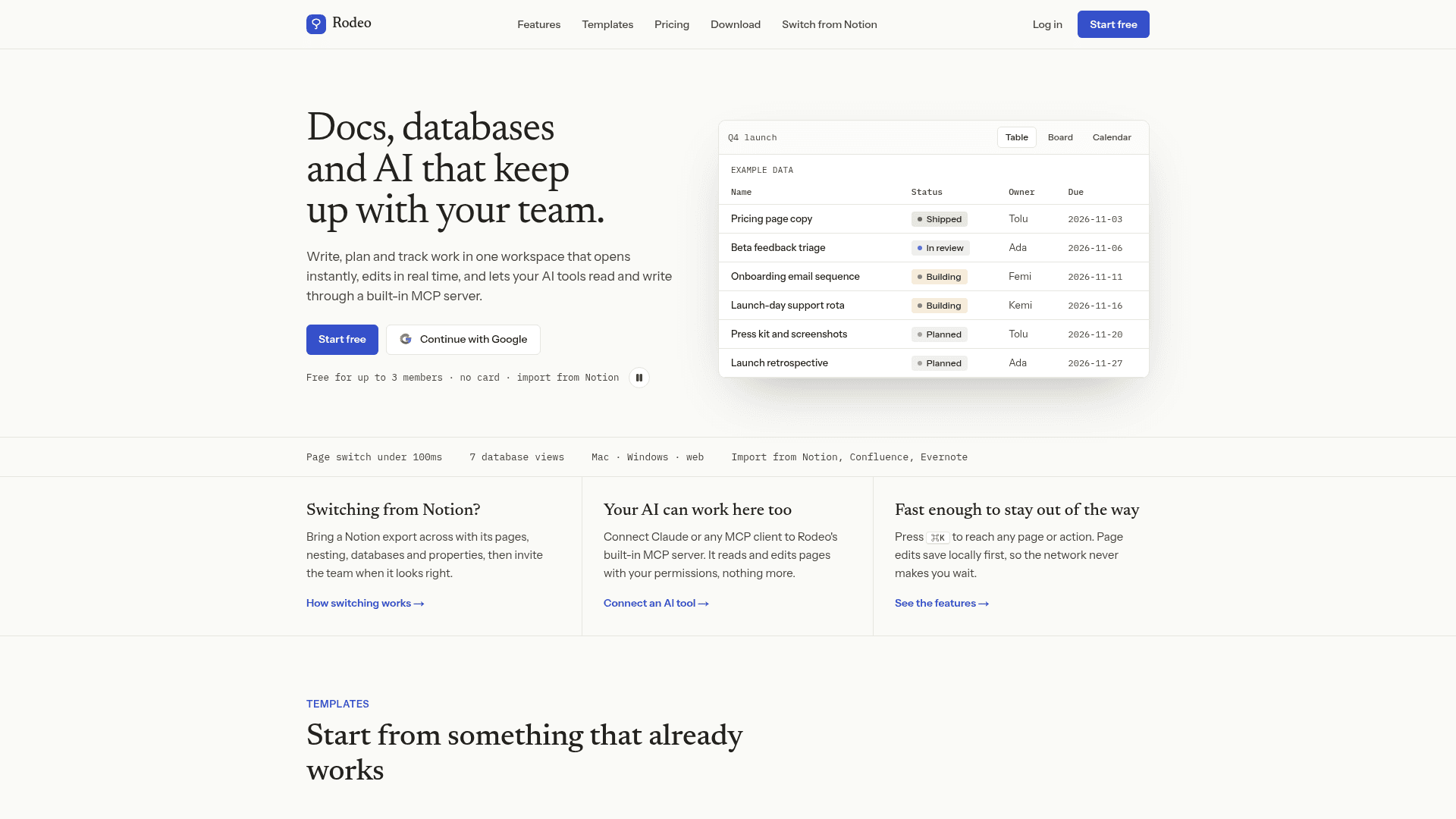
Rodeo is a keyboard-first team workspace that brings docs, wikis, databases and notes into one place. Pages edit in real time, and AI tools can read and write workspace content through a built-in MCP server using the connecting user's permissions. It is available on the web and as Mac and Windows desktop apps.
What It Is
Rodeo is a block-based workspace for writing, planning and tracking work. Pages nest inside pages with backlinks and @mentions, and databases hold rows that open as pages. A single database can be viewed as a table, board, calendar, timeline, gallery, list or chart, with formulas, relations, rollups, forms and automations that can set properties, notify people or AI-fill fields.
Collaboration and access control
Editing is multiplayer, with live cursors, presence, threaded comments, a notifications inbox, suggested edits that editors accept or reject, and synced blocks that update across pages. Workspaces are organized into open, closed or private spaces with owner, admin, member and guest roles. Pages can also be shared individually at view, comment or edit level, and search and AI respect the same permissions. Pages opened in the browser keep a local copy so edits continue offline and sync later.
AI and MCP
AI features include writing help on selected text, workspace Q&A with citations drawn only from pages the asker can open, an Ask AI block, database AI-fill automations, and AI meeting notes that produce a transcript, summary, decisions and action items. Claude, Cursor or any MCP client can connect to the OAuth-secured MCP server to search, read and edit pages. The site also describes a public REST API with personal access tokens, and HMAC-signed webhooks.
Importing and publishing
Rodeo imports Notion Markdown and CSV exports, Confluence HTML space exports, Evernote .enex notes, and CSV files, which become databases. Any page and its subpages can be published as a public website on a rodeopages.com address with navigation and search. Pages can be exported as Markdown or HTML.
Community Discussions
Be the first to start a conversation about Rodeo
Share your experience with Rodeo, ask questions, or help others learn from your insights.
Pricing
Free
Everything a small team needs to get going. Free forever, no credit card.
- Unlimited pages & databases
- Up to 3 members
- Real-time collaboration
- All database views & templates
- Basic automations
Starter
For growing teams that need spaces & guests.
- Everything in Free
- Up to 10 members
- Private team spaces
- Unlimited guests
- Basic automations
Team
For teams that need control at scale.
- Everything in Starter
- Up to 50 members
- Advanced automations
- Private team spaces
- Unlimited guests
Business
For organizations that need unlimited & priority support.
- Everything in Team
- Unlimited members
- Workspace audit log
- Advanced automations
- Priority support
Enterprise
For organizations that need identity, security and an agreement.
- Everything in Business
- SAML / OIDC single sign-on and SCIM provisioning
- Require SSO or two-factor
- IP allowlisting
- Audit log export and streaming to your SIEM
- Data retention policies and legal hold
- Annual contract, invoicing and PO
Capabilities
Key Features
- Block editor with slash menu and nested pages
- Real-time co-editing with live cursors and comments
- Databases with seven views, formulas, relations and rollups
- Database automations including AI fill
- Suggested edits and synced blocks
- Spaces, roles and per-page sharing
- Boards infinite canvas
- AI meeting notes
- Workspace Q&A with citations
- Built-in OAuth-secured MCP server
- Public REST API and webhooks
- Publish pages as websites
- Import from Notion, Confluence, Evernote and CSV
- Offline editing with sync
- Templates