Roger AI
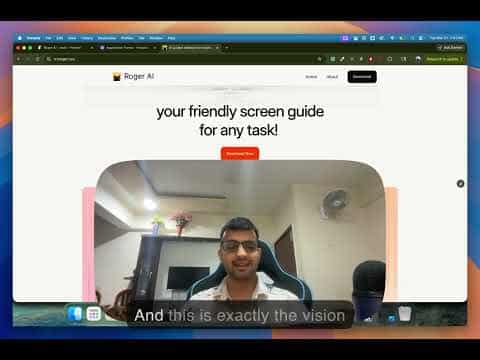
Roger AI is an AI-powered screen guidance assistant that walks users step-by-step through tasks in any software by watching the screen and providing real-time instructions.
At a Glance
About Roger AI
Roger AI is an AI-powered guidance assistant that acts as a friendly screen guide for any software task. It watches your screen in real time and provides step-by-step instructions, highlighting where to click, type, and navigate — without requiring any integrations or setup. Roger works across any desktop application, from Adobe Photoshop and Excel to Figma and Chrome, making it a universal copilot for digital tasks.
- Universal software compatibility — works with any desktop application including Adobe Creative Cloud, Excel, Figma, and Chrome without requiring integrations.
- Real-time screen guidance — Roger watches your screen and suggests exactly where to click, type, and go next, like sharing your screen with a friendly expert.
- Voice and natural language input — describe your task in your own language and Roger breaks it down into clear, actionable steps.
- Live interactive assistance — interrupt and ask questions at any point during a task; Roger adapts and keeps you on track.
- Task summaries — receive a summary at the end of every completed task to reinforce learning.
- Focus-first design — the interface is designed to keep you focused on the task at hand, reducing context-switching.
- macOS desktop application — download and run Roger directly on your Mac; Windows support is on the roadmap.
- Free plan available — get started with 5 guided tasks and unlimited screenshots at no cost before upgrading.
Community Discussions
Be the first to start a conversation about Roger AI
Share your experience with Roger AI, ask questions, or help others learn from your insights.
Pricing
Free Plan
Try out the product before buying!
- 5 Tasks
- Unlimited screenshots
- macOS Application
Pro Plan
Perfect for teams that are ready to scale.
- Unlimited Guided Tasks
- AI Video Streaming
- 24/7 priority support
Capabilities
Key Features
- Real-time screen guidance
- Step-by-step task walkthroughs
- Works with any software
- Natural language task input
- Interactive Q&A during tasks
- Task summary at completion
- Screen sharing-style live guidance
- macOS desktop application
- Unlimited screenshots (Free plan)
- AI video streaming (Pro plan)
- 24/7 priority support (Pro plan)
Integrations
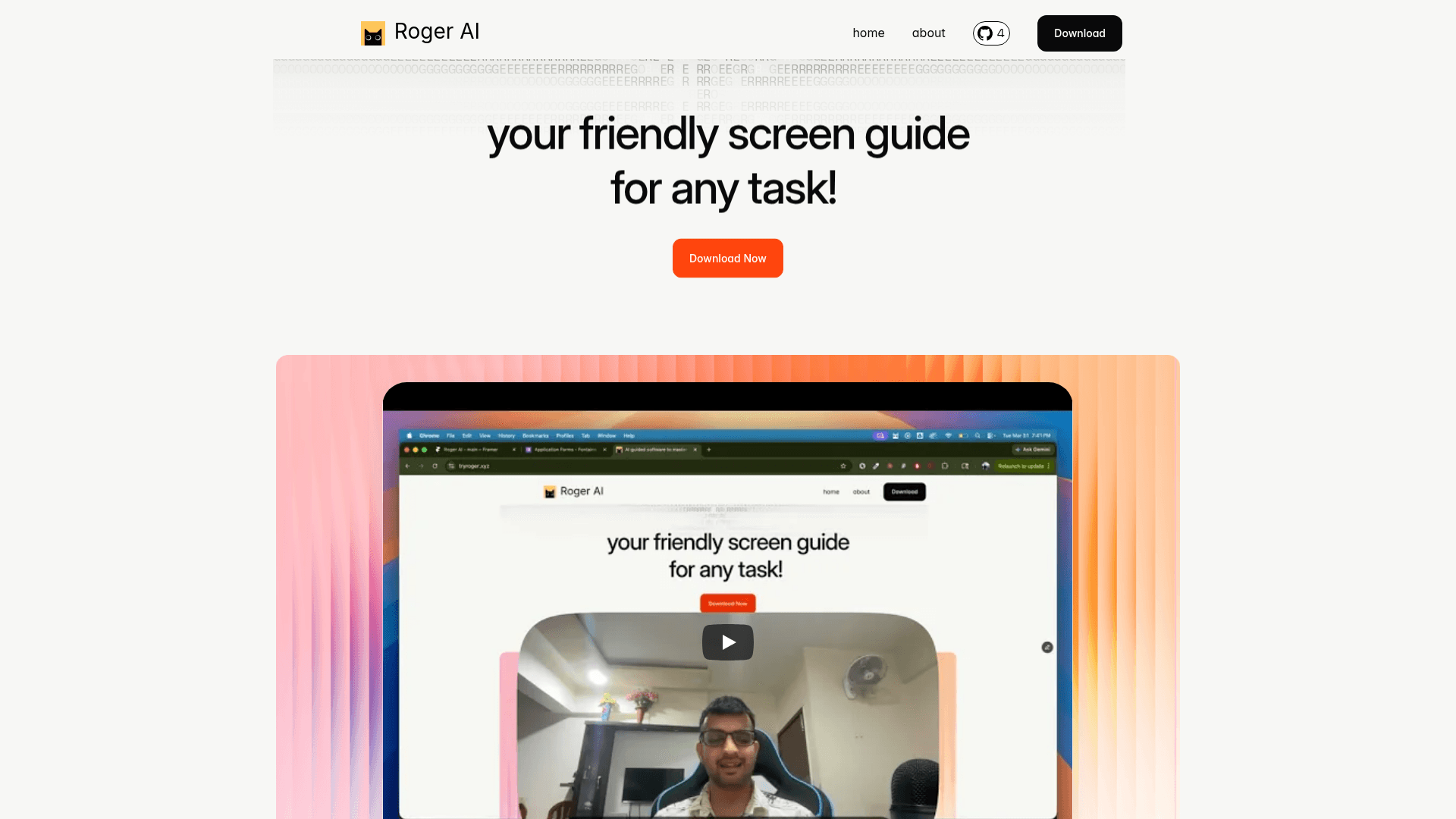
Demo Video