
Rubi
Knowledge graph and context manager for AI coding agents that compacts sessions early, saves handoffs, and recalls project memory.
At a Glance
Rubi core (plugin, MCP server and hooks) is released under the MIT license and runs locally with zero dependencies. Claude or other model usage costs are external.
Engagement
Available On
Alternatives
Listed Nov 2026
About Rubi
Rubi is an open-source knowledge graph and context manager for AI coding agents, published by Yuri Bedran under the MIT license. It keeps Claude Code sessions short by compacting early, saving a handoff before compaction and restoring it afterward. Its core is an MCP server, so it also connects to Codex, Gemini CLI, Cursor, Copilot and other agents. The latest listed release is v0.6.0.
What It Is
Rubi addresses the cost of long AI coding sessions, where the whole conversation is re-read on every message. It runs locally with no dependencies beyond Node and stores everything as plain markdown in a .rubi/ folder inside the project, which can be opened as an Obsidian graph. It builds a map of the code and a temporal knowledge graph of decisions, bugs, gotchas and concepts.
How the Session Life Cycle Works
Four hooks and a markdown vault drive the workflow:
- Compact early: Claude Code compacts at about 150k tokens instead of near the model limit.
- Meter: at 80% of the window, a hook asks Claude to save a handoff with goal, decisions, key files and next step.
- Record: before compaction, Rubi records requests, files changed and commands run.
- Restore: after compaction, the handoff is injected back so work continues from a much smaller context.
A recall hook also searches the graph on every request and injects relevant notes, and a read guard blocks reading very large files in full.
Memory and Search
The code map uses imports and PageRank centrality. The knowledge graph is written by the agent itself, through tools such as rubi_registrar, and superseded decisions are marked rather than deleted. Search combines BM25, Personalized PageRank and Reciprocal Rank Fusion within a token budget. An automatic graph built without model calls adds file comments, module summaries and git co-change edges.
Measured Results
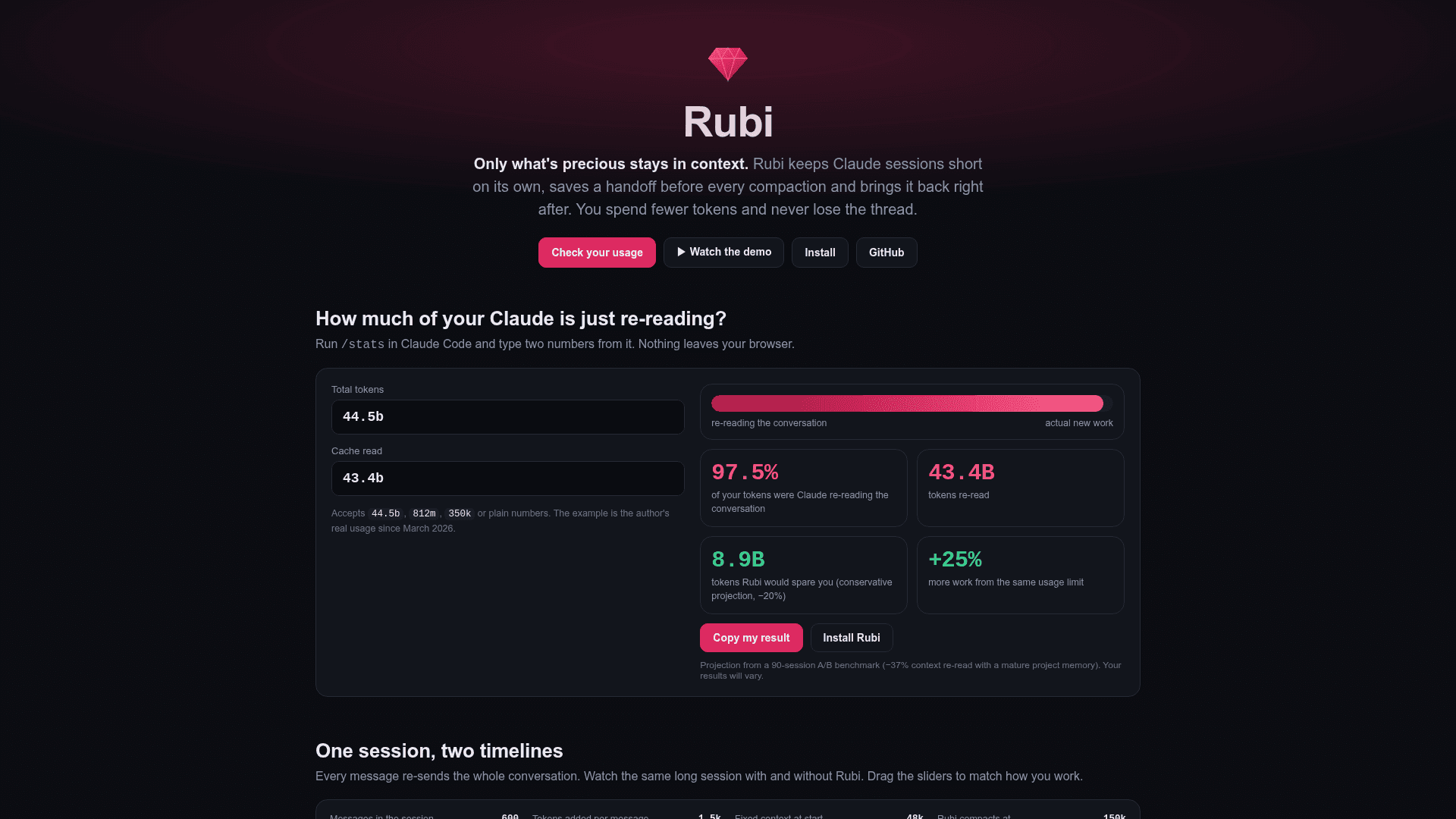
The README reports its own studies: early compaction replayed on 284 real transcripts showed an estimated saving of about 37%, and a 90-session A/B benchmark with a mature graph showed 37% fewer steps and 6% lower billed cost in short sessions. The author lists limitations, including a small benchmark and that the 26% real-usage figure is a projection.
Setup Path
Rubi installs as a Claude Code plugin, a Claude Desktop extension (rubi.mcpb), or via a connector script for other agents. It requires Node 18+. Claude Code and Codex were tested end to end; other agents are configured from their documentation. Support for claude.ai and mobile is listed as coming soon.
Community Discussions
Be the first to start a conversation about Rubi
Share your experience with Rubi, ask questions, or help others learn from your insights.
Pricing
Open Source (MIT)
Rubi core (plugin, MCP server and hooks) is released under the MIT license and runs locally with zero dependencies. Claude or other model usage costs are external.
- MIT License
- Runs locally with zero dependencies beyond Node
- Claude Code plugin, Claude Desktop extension, MCP server for Codex, Gemini CLI, Cursor and others
- Code map, temporal knowledge graph, hybrid search, early compaction with handoffs
Capabilities
Key Features
- Early compaction at a configurable threshold (default 150k tokens)
- Handoff saved before compaction and restored afterward
- Code map with imports and PageRank centrality
- Temporal knowledge graph of decisions, bugs, gotchas and concepts
- Hybrid search using BM25, Personalized PageRank and Reciprocal Rank Fusion
- Automatic recall of relevant knowledge on each request
- Token X-ray diagnostics of local Claude Code transcripts
- Read guard for very large files
- Automatic graph from file comments and git co-change
- Markdown storage compatible with Obsidian
- Local models support via tool-calling