
Runtime
Open-source sandboxed runtime for coding agents that gives teams guardrails, integrations, observability, and multi-agent orchestration across any AI coding tool.
At a Glance
For individuals exploring AI-powered development.
Engagement
Available On
Alternatives
Listed May 2026
About Runtime
Runtime (runtm) is an open-source control plane for coding agents, built by a Y Combinator P26 company. It provides sandboxed environments where Claude Code, Cursor, Codex, Gemini CLI, Copilot, Devin, and other agents can build and deploy software with full isolation, company context, and governance baked in. The project is publicly available on GitHub under a split license (AGPLv3 for server components, Apache 2.0 for CLI/shared libraries, MIT for templates).
What It Is
Runtime is an agent infrastructure platform that sits between a team's coding agents and their production systems. Rather than letting agents run loose against live environments, Runtime wraps every session in an isolated cloud sandbox pre-loaded with the company's repos, secrets, integrations, and custom instructions. Teams get a single control plane — accessible via browser dashboard, CLI, or API — to launch, monitor, and govern every agent session across the organization. The core job is to make it safe and practical for non-engineering teams (product, design, marketing, support, finance, people) to use coding agents alongside engineers.
Architecture and Open-Source Model
The repository is structured as a monorepo with distinct packages:
- api / worker — FastAPI control plane and build/deploy pipeline, licensed AGPLv3
- cli / shared — Python CLI (
runtm) and shared types, licensed Apache 2.0 - agent — Go CLI (
runtm-api) for AI agents driving the hosted Cloud API - templates — Starter projects licensed MIT
Local sandboxes use OS-level isolation via bubblewrap (Linux) or seatbelt (macOS), starting in under 100ms without containers. The hosted cloud version runs pre-warmed sandboxes that boot in seconds. Self-hosting is fully supported: teams can run Runtime on their own cloud with their own models, sandboxes, and storage.
How the Agent Workflow Works
Agents are configured once per environment — repos cloned, CLIs installed, MCP servers registered, secrets injected, guardrails set — then snapshotted so every subsequent session boots from that state. From there, agents can be triggered by:
- Tagging in Slack, Linear, GitHub, or Jira — e.g.,
@runtime fix the login timeout - Proactive channel monitoring — agents pick up new messages without being explicitly tagged
- Mission Control dashboard — launch and manage sessions from the browser
- CLI or API —
runtm session start,runtm session deploy, and related commands
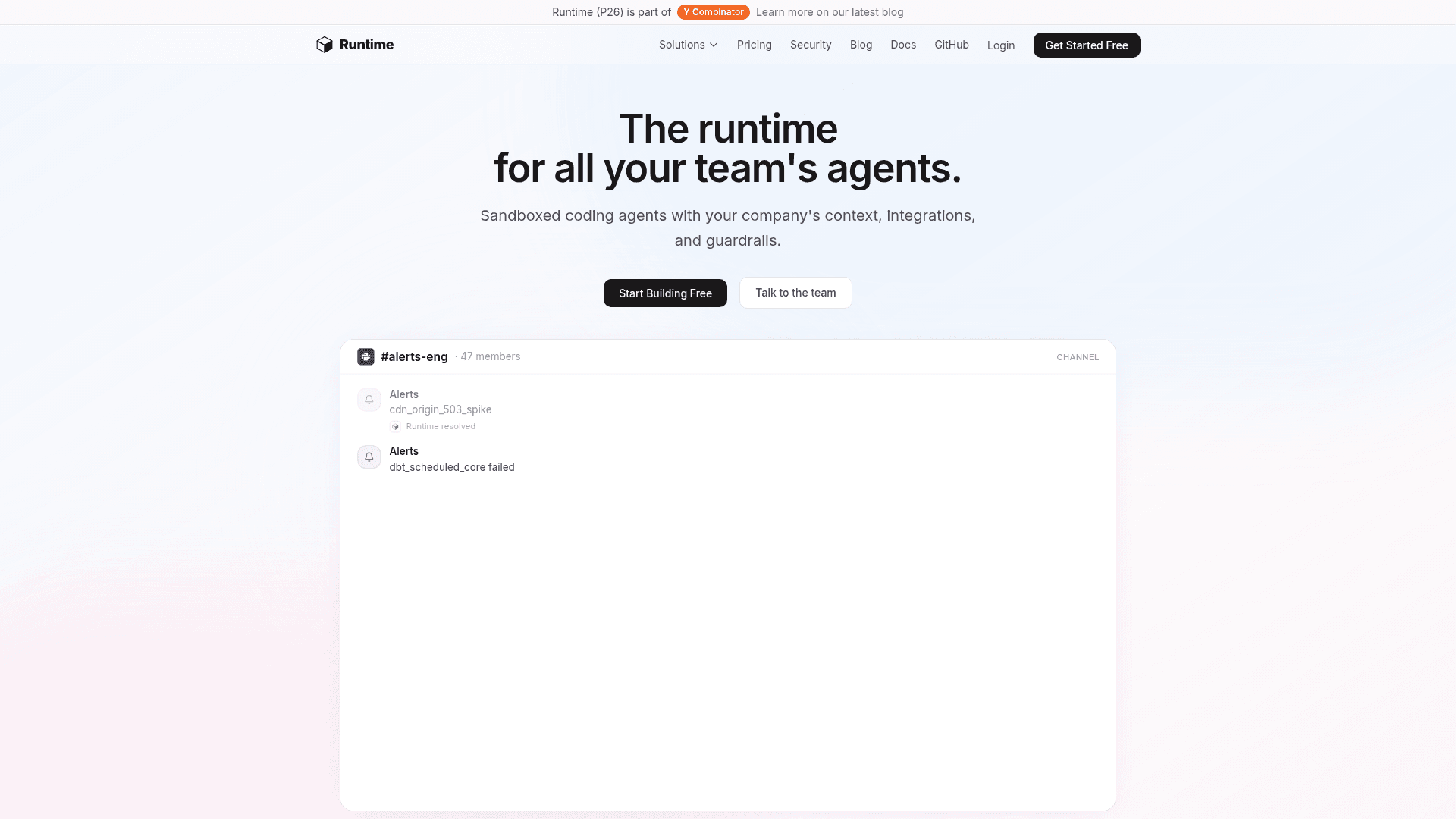
Each session produces a live HTTPS endpoint, terminal output, file diffs, chain-of-thought traces, and cost data. Results are delivered as PRs, deploys, Slack replies, tickets, or reports depending on configuration.
Governance and Observability
Runtime's governance layer is a first-class feature rather than an afterthought:
- Spend controls — per-session, per-day, or per-month cost limits; admins choose warn vs. block
- Allowlists and approval gates — network allowlists per agent, file-change rules, human-in-the-loop approval steps
- Audit logs — full trace of tool calls, file changes, and chain of thought per session
- Role-based access control — team-level permissions and shared secrets
- BYOK — teams bring their own Anthropic/OpenAI keys; Runtime handles orchestration
The activity dashboard surfaces sessions, total cost, per-user spend, and live status across the whole organization.
Integrations and Ecosystem
Runtime ships first-class connectors for data warehouses (Snowflake, BigQuery, Redshift), billing (Stripe, NetSuite, QuickBooks), HR (Rippling, Gusto, Workday, Deel), CRM and marketing (HubSpot, Segment, GA4), support (Zendesk, Intercom), alerting (PagerDuty, Sentry, Datadog), and engineering tools (GitHub, Linear, Notion). Any tool with an API key, CLI, MCP server, SDK, or REST API can be added to a sandbox environment.
Current Status
Runtime is an active, early-stage open-source project. The GitHub repository was created in January 2026 and last pushed in May 2026, with 162 stars and 16 forks as of that date. The company is a Y Combinator P26 participant. The CLI is installable via uv, pipx, or pip from PyPI (runtm), and the hosted cloud version is available at app.runtm.com.
Community Discussions
Be the first to start a conversation about Runtime
Share your experience with Runtime, ask questions, or help others learn from your insights.
Pricing
Free
For individuals exploring AI-powered development.
- 1 session
- Claude Code, Codex & OpenCode
- Base sandbox (4 vCPUs, 4 GB RAM)
- Live preview & terminal
- GitHub import & export
Builder
For developers shipping real projects faster.
- 10 parallel sessions
- All coding agents
- Standard sandbox (8 vCPUs, 8 GB RAM)
- Live preview & terminal
- GitHub import & export
- Custom templates
- BYOK (bring your own keys)
- SDK, CLI & API access
- Priority support
Teams
For teams collaborating on production software.
- Unlimited sessions
- All coding agents
- Standard sandbox
- Real-time collaboration
- Shared templates & secrets
- Team activity dashboard
- Role-based access control
- Spend controls & usage limits
- BYOK (bring your own keys)
- SDK, CLI & API access
- Priority support
Enterprise
For organizations with advanced security needs.
- Everything in Teams
- Self-host Runtime on your own infrastructure
- Bring your own sandbox provider
- Environment templates
- Custom sandbox resources (up to 32 GB RAM)
- Dedicated infrastructure
- Custom agent configurations
- Network allowlist per agent
- Audit logs & compliance
- SLA & uptime guarantee
- SSO (SAML) & SCIM
- Dedicated support engineer
Capabilities
Key Features
- Sandboxed coding agent environments
- Multi-agent support (Claude Code, Cursor, Codex, Gemini CLI, Copilot, Devin, OpenCode)
- Live HTTPS endpoints for deployed sessions
- OS-level sandbox isolation (bubblewrap/seatbelt)
- Pre-warmed cloud sandboxes booting in seconds
- Mission Control browser dashboard
- CLI and API access
- BYOK (bring your own AI provider keys)
- Real-time collaboration on sessions
- Slack, Linear, GitHub, Jira integrations
- Proactive agent channel monitoring
- Spend controls per session/user/team
- Network allowlists per agent
- Approval gates and guardrails
- Audit logs and chain-of-thought traces
- Role-based access control
- Shared templates and secrets
- Self-hosting support
- MCP server support
- Custom agent configurations
- SSO (SAML) and SCIM (Enterprise)
- Environment snapshots for fast session boot