
SafeSandbox
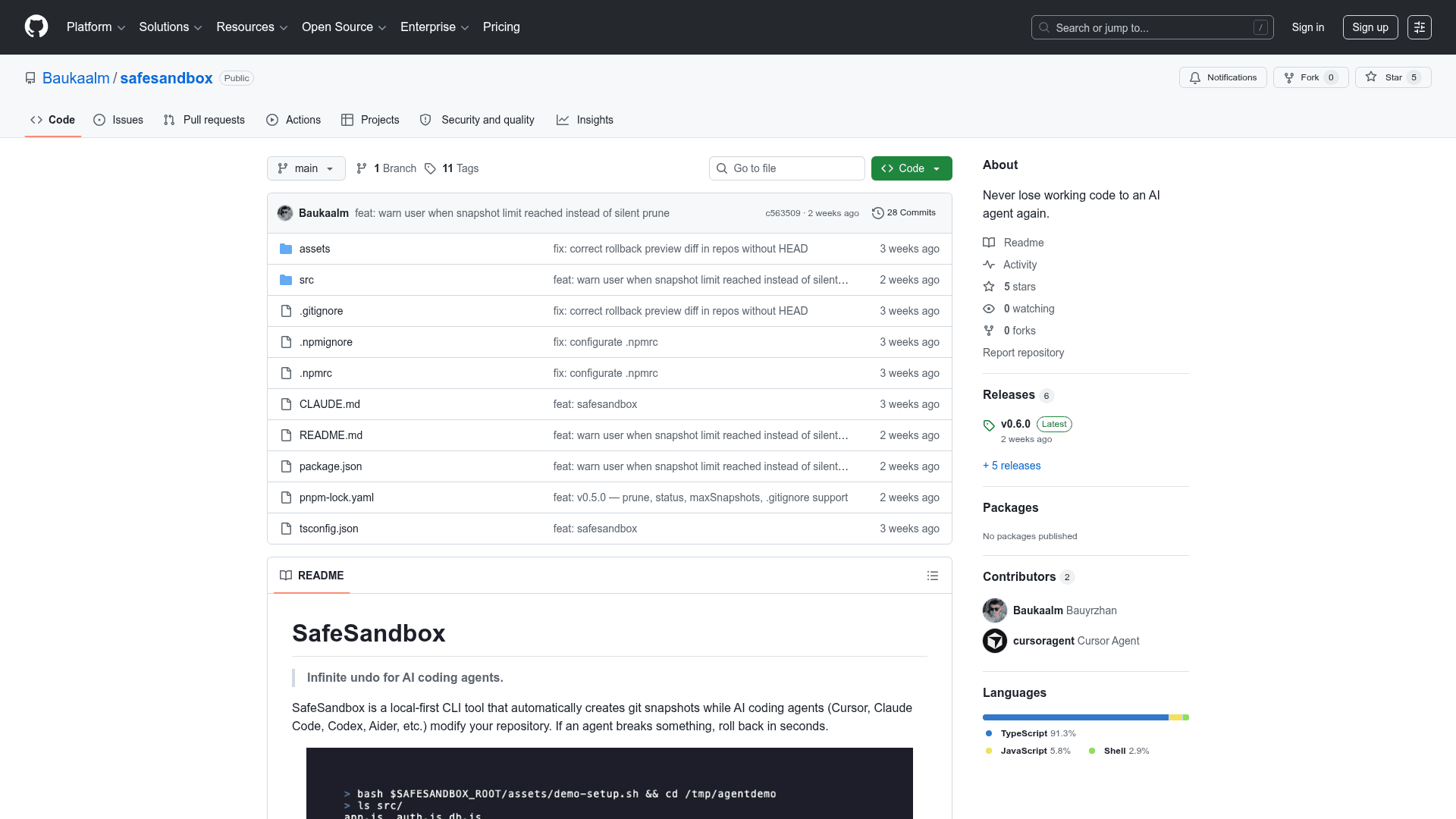
A local-first CLI tool that automatically creates git snapshots while AI coding agents modify your repository, enabling instant rollback if an agent breaks something.
At a Glance
Fully free and open-source CLI tool available via npm/pnpm/npx with no usage limits.
Engagement
Available On
Listed May 2026
About SafeSandbox
SafeSandbox is a local-first CLI tool built for developers who use AI coding agents like Cursor, Claude Code, Codex, and Aider. It runs in the background, watches for bursts of file changes, and automatically creates git-based restore points — giving you an "infinite undo" safety net without touching your main branch history. The project is written in TypeScript, hosted on GitHub under the handle Baukaalm, and is free to use.
What It Is
SafeSandbox sits in the category of developer safety tooling for AI-assisted coding workflows. Its core job is to protect your codebase from destructive or hard-to-reverse changes made by autonomous AI agents. Rather than relying on manual git commit discipline, SafeSandbox watches the filesystem and captures snapshots automatically whenever it detects a burst of edits — configurable by file count and time window. It is explicitly not a cloud service, remote IDE, Docker container, or AI model; everything runs locally using your existing git installation.
How It Works Under the Hood
SafeSandbox uses git internally with no extra storage format:
- A hidden branch (
safesandbox/snapshots) stores all snapshot commits, keeping them off your main branch git add --all+git write-treecaptures the full working tree, including untracked files- Rollback uses
git checkoutplus cleanup of files not present in the target snapshot - Metadata in
.safesandbox/meta.jsonmaps human-readable snapshot IDs to git commit hashes - The filesystem watcher is powered by chokidar
This approach means snapshots are stored in a format you already understand, with no proprietary lock-in.
Core Commands and Workflow
The tool exposes a small, focused command surface:
init— sets up the snapshot branch, metadata directory, and writes anAGENTS.mdguardrails file readable by all major AI agentswatch— starts background filesystem monitoring and auto-creates snapshots on detected change burstssnapshot [memo]— manually pins a named checkpoint before a risky prompttimeline— shows a human-readable history of snapshots, newest firstrollback <id>— restores the full codebase to any snapshot, including removing files that didn't exist at that point; creates an emergency backup snapshot if uncommitted changes are presentstatus— reports snapshot count, last snapshot, branch size, and configprune— deletes old snapshots by count or age and runsgit gcautomatically
Configuration
After initialization, behavior is tuned via .safesandbox/config.json. Key fields include thresholdFiles (default: 5 files to trigger auto-snapshot), thresholdSeconds (default: 10-second debounce window), maxSnapshots (default: 200, auto-prunes oldest), and ignoredPaths (respects .gitignore automatically). This makes the tool adaptable to both fast-moving agent sessions and slower, more deliberate workflows.
Update: v0.6.0
The latest release is v0.6.0, published on May 14, 2026, less than a week after the repository was first created on May 8, 2026. The rapid versioning cadence suggests active early development. The project currently has 5 stars and 0 forks on GitHub, indicating it is in early community discovery. No license has been formally specified in the repository despite the README referencing MIT.
Community Discussions
Be the first to start a conversation about SafeSandbox
Share your experience with SafeSandbox, ask questions, or help others learn from your insights.
Pricing
Open Source
Fully free and open-source CLI tool available via npm/pnpm/npx with no usage limits.
- Automatic git snapshots
- Manual named snapshots
- Full codebase rollback
- Timeline history
- Snapshot pruning
Capabilities
Key Features
- Automatic git snapshots on detected file change bursts
- Manual named snapshots before risky prompts
- Full codebase rollback to any snapshot by ID
- Human-readable timeline of snapshot history
- Snapshot pruning by count or age with git gc
- Status command showing snapshot count, branch size, and config
- AGENTS.md guardrails file for AI agent compatibility
- Configurable file threshold and debounce window
- Emergency backup snapshot before rollback if uncommitted changes exist
- Respects .gitignore for ignored paths
- No cloud dependency — fully local git-based storage