
ScreenClip
A macOS menu bar app that turns screenshot notes into pull requests via Codex, Claude Code, or Grok Bot.
At a Glance
ScreenClip 1.0.0 is free for noncommercial use; source-available under PolyForm Noncommercial 1.0.0 (not OSI open source). Commercial licensing available on request.
Engagement
Available On
Alternatives
Listed Nov 2026
About ScreenClip
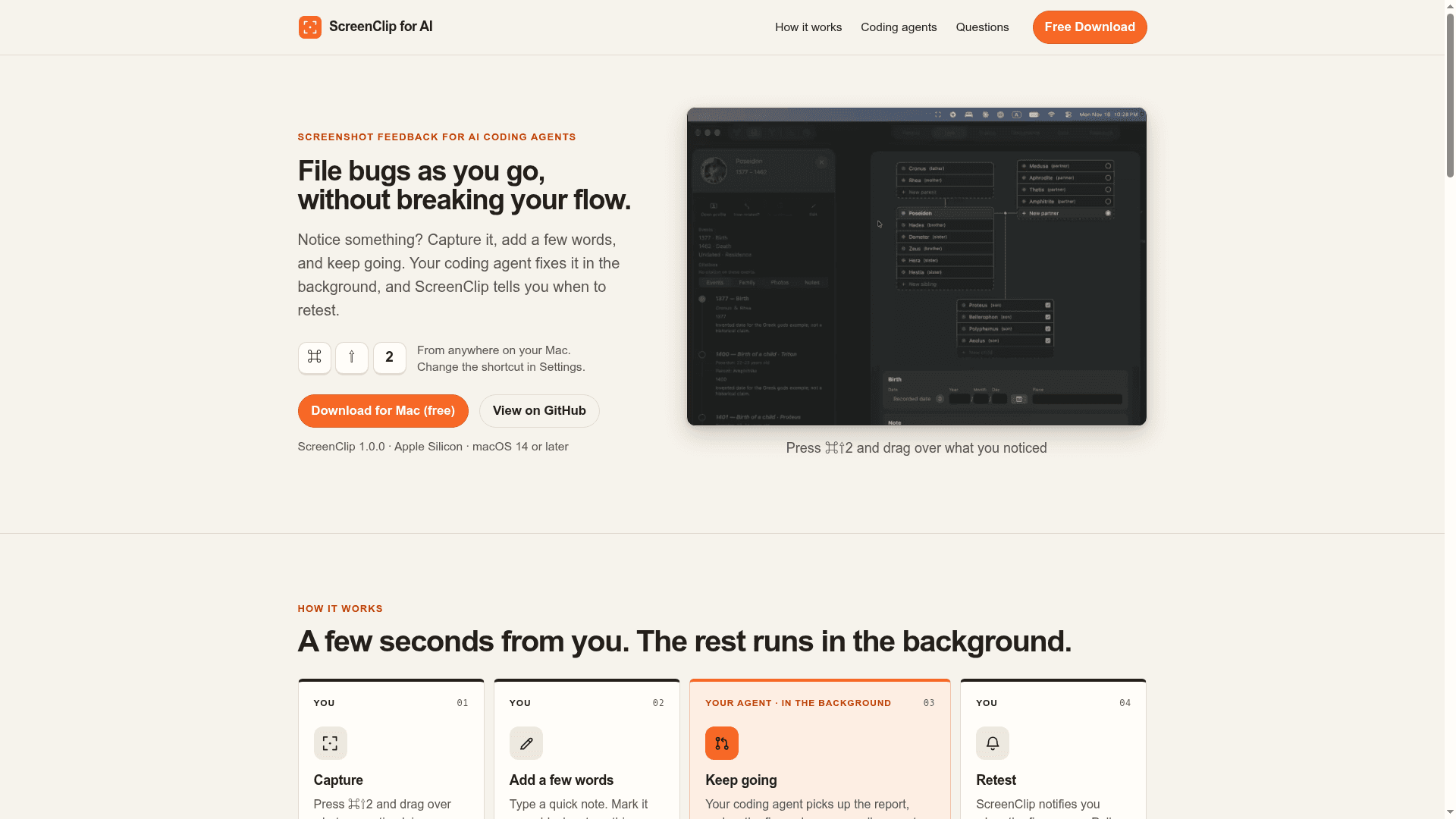
ScreenClip is a native macOS menu bar app by Ludo Landry for filing bugs and small observations while testing. Press a global shortcut, select a region, add a note, and a coding agent (Codex, Claude Code, or Grok Bot) handles the follow-up and opens a GitHub pull request. Version 1.0.0 is available as a notarized disk image for Apple Silicon Macs running macOS 14 or later.
What It Is
ScreenClip is a screenshot-to-fix feedback tool for people testing their own apps or websites. Capture a region of any Mac app or website with the default Command-Shift-2 shortcut, type a short note, optionally mark it up or redact private areas, then pick a project and agent. The report, image, and agent conversation are kept together in a queue instead of scattered screenshots on the desktop.
How the workflow runs
Each project is registered with a local Git repository, base branch, routing (website addresses or app bundle IDs), and a validation command. Codex and Claude Code run locally in isolated Git worktrees; ScreenClip runs the validation command and opens the pull request. Grok Bot is remote: after a webhook is saved, ScreenClip pushes approved screenshots to a branch and Grok Bot opens the pull request. Progress is visible from the menu bar or the queue, and notifications signal when a fix has merged and is ready to retest. Pull requests for visual fixes include before and after screenshots. Automatic merge happens only if enabled per project and after validation, checks, and review rules pass.
Privacy and redaction
The site states ScreenClip has no server of its own and no analytics. Redactions are drawn rectangles flattened to opaque black, and the unredacted crop is not kept or sent. Flattened screenshots are committed to the pull request, so anyone who can read the repository can see them.
Requirements and licensing
It needs macOS 14 or later, a local Git repository, GitHub CLI, Screen Recording permission, and at least one supported agent. The source is available under the PolyForm Noncommercial 1.0.0 license, with commercial licensing on request. Intel Macs must build from source with Xcode 16 or later.
Community Discussions
Be the first to start a conversation about ScreenClip
Share your experience with ScreenClip, ask questions, or help others learn from your insights.
Pricing
Free (Noncommercial)
ScreenClip 1.0.0 is free for noncommercial use; source-available under PolyForm Noncommercial 1.0.0 (not OSI open source). Commercial licensing available on request.
- Free for noncommercial use
- Source-available under PolyForm Noncommercial 1.0.0
- macOS 14 or later, Apple Silicon download
- Works with Codex, Claude Code, or Grok Bot
- Optional tip separate from download
Capabilities
Key Features
- Global Command-Shift-2 screenshot capture (configurable)
- Region capture of websites and native Mac apps
- Notes, markup, and black-box redaction
- Routing to Codex, Claude Code, or Grok Bot
- Isolated Git worktrees per report
- Automatic GitHub pull request creation
- Report queue with status tracking and menu bar progress
- Notifications when fixes merge and are ready to retest
- Before and after screenshots in visual-fix pull requests
- Optional automatic merge after checks pass