Shadow
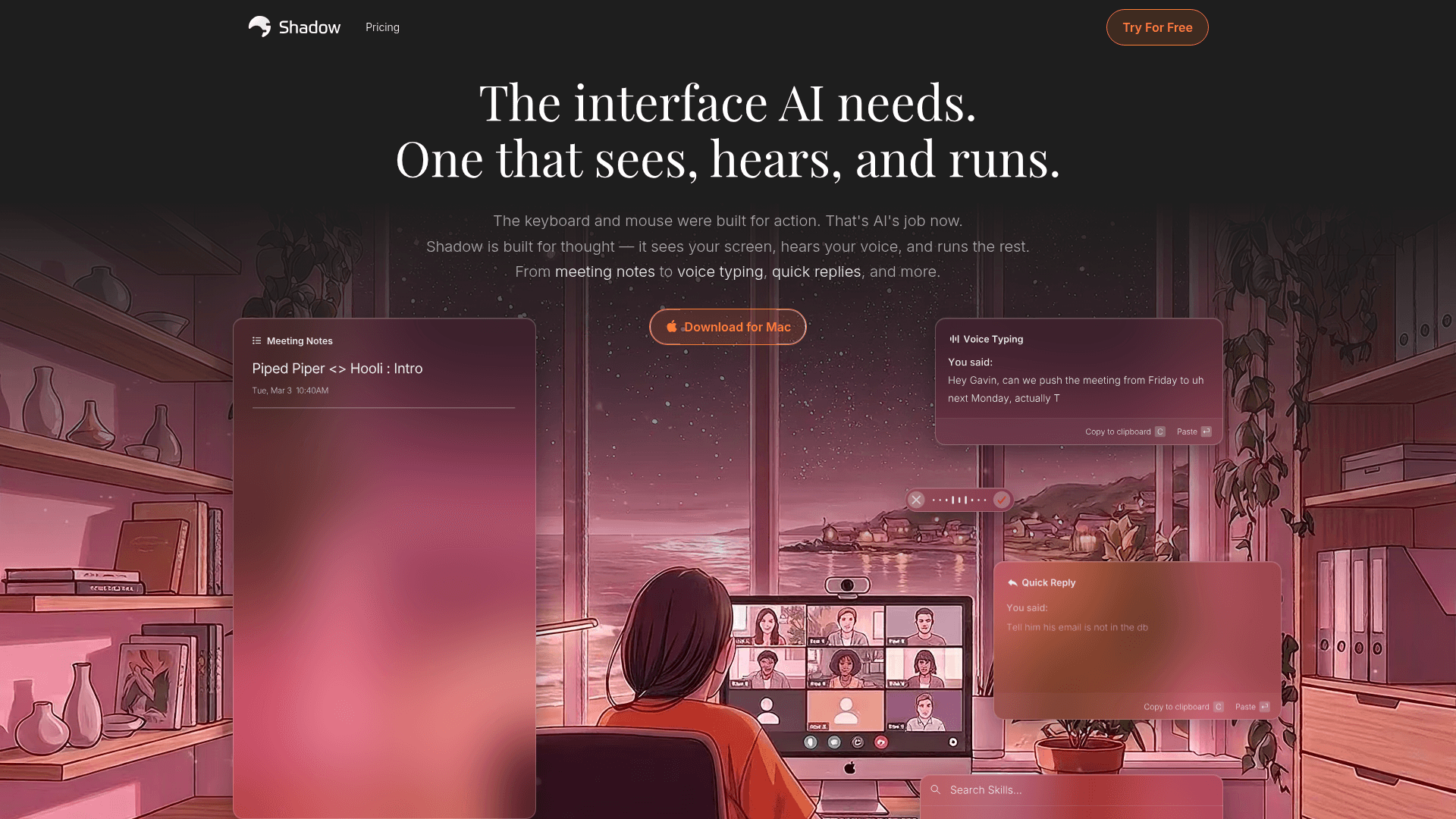
Shadow is a Mac-native AI assistant that sees your screen, hears your voice, and runs custom AI Skills for meeting notes, voice typing, quick replies, and more — without ever joining calls as a bot.
At a Glance
About Shadow
Shadow is a macOS desktop application built by Taper Labs, Inc. that positions itself as "the interface AI needs." It operates entirely in the background, capturing audio, screen content, and voice input to run user-defined AI prompts called Skills — without joining meetings as a bot or sending audio off-device by default.
What It Is
Shadow sits in the category of AI productivity assistants, but with a specific architectural angle: it runs locally on your Mac, transcribing audio on-device and only hitting LLM APIs when you explicitly trigger a Skill. The core job is to turn ambient context — what you said, heard, or saw — into structured outputs like meeting notes, follow-up emails, code snippets, or voice-typed text.
How Skills Work
Every output Shadow produces is driven by a "Skill," which is essentially a configurable prompt paired with input sources and an output destination. Users can edit any built-in Skill or write their own from scratch. Two types exist:
- Meeting Skills — run automatically when a call ends, processing the full transcript and any captured screenshots to produce notes, BANT breakdowns, action items, customer feedback summaries, or any other prompt-defined output.
- Action Skills — triggered by a keyboard shortcut at any moment, capturing the active window screenshot, selected text, or voice input, then pasting the result directly into the focused app field.
This prompt-as-Skill model means the tool is highly customizable without requiring any coding.
Privacy and Local-First Architecture
Shadow's privacy model is a deliberate differentiator from cloud-first meeting recorders. Key design choices include:
- Transcription runs on-device; audio never leaves the Mac.
- Meetings are stored locally by default.
- LLM APIs are only called when a Skill is triggered — not passively.
- Meeting content and Skill outputs are never used to train AI models, according to the vendor.
This positions Shadow against tools like Otter.ai, Fireflies, and Fathom, which the FAQ explicitly names as comparisons.
Platform and Integration Scope
Shadow currently runs on macOS only. It works passively with any meeting platform — Zoom, Slack Huddle, Google Meet, Microsoft Teams, Webex, Discord — by detecting the meeting window rather than joining as a participant. Webhook support lets users pipe transcripts and Skill results to automation tools including Zapier, n8n, and Make. Transcripts and Skill outputs can also be saved as Markdown files.
Audience and Use Cases
Shadow targets knowledge workers who spend significant time in meetings or context-switching between apps. The homepage describes voice input as "4× faster than typing" and highlights use cases spanning sales (BANT breakdowns, follow-up emails), engineering (code generation from screen context), and general productivity (voice typing, quick replies). The vendor's homepage displays logos of companies including Vercel, Mercury, Rippling, Intercom, Block, Zapier, NVIDIA, and Spotify, though these are presented as logo marks without explicit attribution of named customers.
Community Discussions
Be the first to start a conversation about Shadow
Share your experience with Shadow, ask questions, or help others learn from your insights.
Pricing
Free
Everything you need to get started. Free, forever.
- Unlimited Transcription
- Unlimited Audio Recording
- Unlimited Smart Screenshots
Plus
Everything in Free, plus unlimited AI features.
- Unlimited Action Skills
- Unlimited AI Meeting Notes
- Unlimited Meeting Skills
- Unlimited AI Chat
Capabilities
Key Features
- Local-first transcription (audio never leaves device)
- Meeting auto-detection and recording without bots
- Custom AI Skills (prompt-based, editable)
- Meeting Skills for notes, BANT, action items, follow-up emails
- Action Skills triggered by keyboard shortcut
- Voice input (4× faster than typing per vendor)
- Smart screenshot of active meeting window
- Speaker identification and labeling
- Webhook output to Zapier, n8n, Make
- Markdown export of transcripts and Skill outputs
- AI Chat to ask questions about meetings
- Autopilot mode for automatic meeting detection
- No AI model training on user data