
Slideshot
AI agent that records polished product demo videos by driving your web app from a natural-language prompt and returning a ready-to-use MP4.
At a Glance
About Slideshot
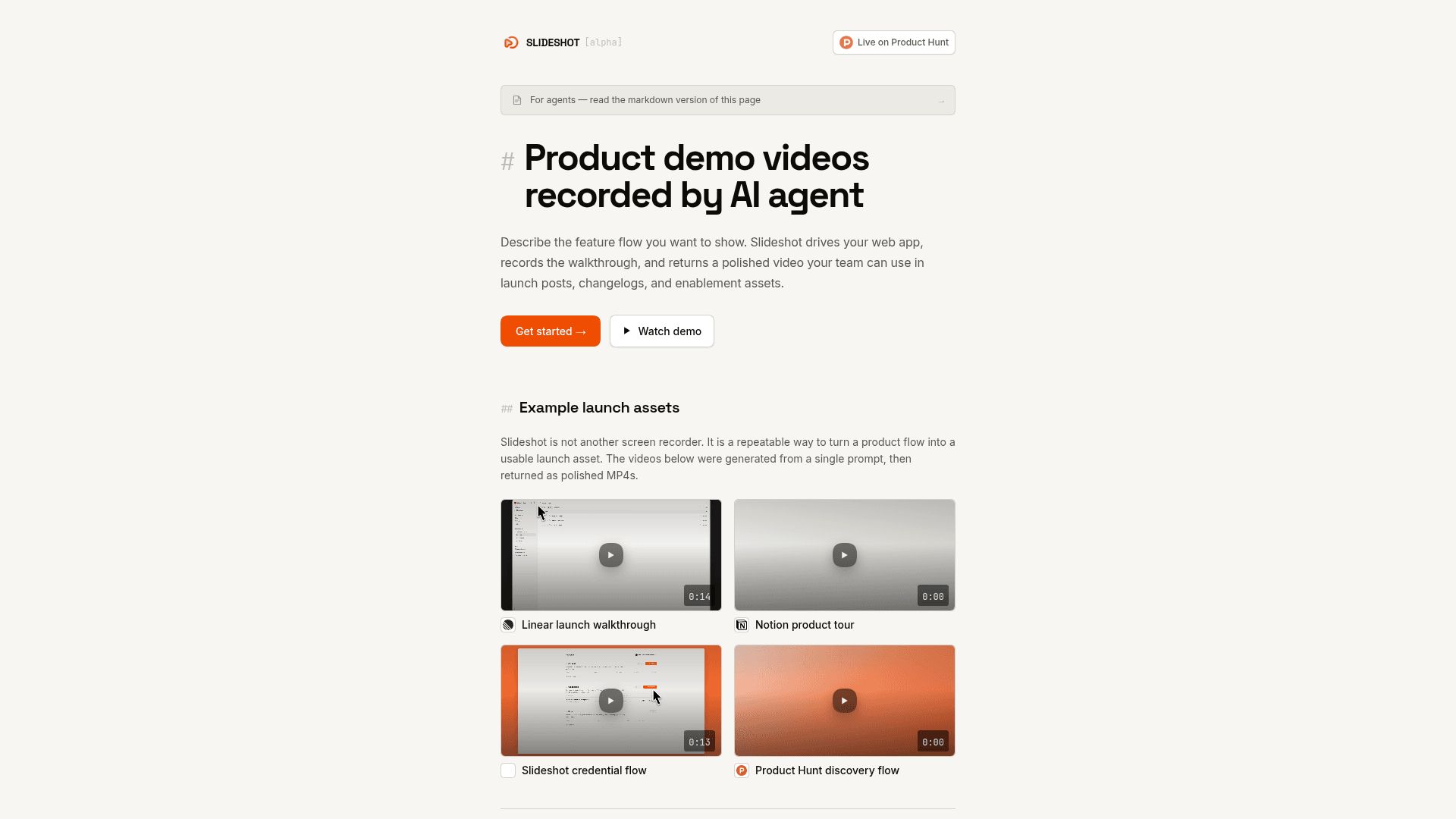
Slideshot is an AI-driven product demo video tool currently in alpha. It takes a natural-language description of a product flow, drives a browser through the target web app, and returns a polished MP4 — complete with optional intro cards, background framing, blur effects, and keyboard shortcut overlays — without any manual recording or editing.
What It Is
Slideshot sits in the category of automated demo generation tools, distinct from screen recorders like Loom or ScreenStudio. Instead of a human manually capturing a walkthrough, Slideshot's agent executes the described flow in a browser — including authenticated product areas — and produces a launch-ready video asset. The tool is designed for product teams who need repeatable, up-to-date demo videos as their UI evolves.
How the Agent Workflow Works
The core loop is three steps: describe the flow (product URL + goal written like a PMM brief), let Slideshot drive the app in a browser, then download the finished MP4. The agent handles navigation, interaction, and post-processing automatically. Runs are asynchronous — most complete in under 5–10 minutes, though longer demos can take 20+ minutes.
Slideshot supports saved credentials so the agent can sign into target apps and record real in-product workflows, not just public marketing pages.
Integration Paths
The docs describe three ways to connect:
- MCP server — Add Slideshot to Claude Code, OpenAI Codex, ChatGPT, Cursor, or any MCP-capable agent. The agent discovers Slideshot tools and drives recording from natural language.
- CLI — Install the
slideshotnpm package for scripts, CI jobs, and scheduled automation vianpx slideshot runs create. - HTTP API — Call
POST /v1/agent/runsdirectly with any HTTP client using an API key; poll for status and download artifacts when the run succeeds.
Video Customization Options
Each run supports a range of visual controls:
- Intro/title card templates for branded demos
- Solid or gradient background canvas framing the recorded UI
- Configurable output dimensions and inner content scale
- Email blur to hide private identifiers during recording
- Keyboard shortcut overlays surfaced as on-screen annotations
Why It Matters for Agent-Driven Teams
The homepage explicitly frames the API as a core product promise: "launch demos should be generated from workflows, agents, and automation, not only from a human opening a recorder." This positions Slideshot as infrastructure for teams that want demo video generation embedded in CI pipelines, changelog automation, or agent-driven launch workflows — not just a faster manual recorder.
Current Status
Slideshot is currently in alpha, as indicated by the [alpha] label on the homepage. It is live on Product Hunt and accessible via app.slideshot.ai. The API, CLI, and MCP server integration paths are all documented and available.
Community Discussions
Be the first to start a conversation about Slideshot
Share your experience with Slideshot, ask questions, or help others learn from your insights.
Pricing
Pay Per Recording
No monthly subscription or seat pricing. Pay only for recording requests used.
- AI agent drives browser through product flow
- Polished MP4 output
- Authenticated web app recording
- Background framing and intro card options
- Email blur and shortcut overlays
- API, CLI, and MCP server access
Capabilities
Key Features
- AI agent drives browser to record product flows
- Natural-language goal input
- Authenticated web app recording with saved credentials
- Polished MP4 output with no manual editing
- Optional GIF export
- Branded intro/title card templates
- Solid or gradient background canvas framing
- Configurable video and content dimensions
- Email blur for privacy during recording
- Keyboard shortcut overlays
- Asynchronous run API with polling
- MCP server integration for AI agents
- CLI via npx for scripts and CI
- HTTP API for direct integration
- Brand asset extraction endpoint