Smart Connections
An Obsidian plugin that uses local embeddings to surface semantically related notes in your vault, helping you rediscover and connect ideas without manual tagging or linking.
At a Glance
Free, source-available core plugin installable from Obsidian Community plugins. Includes local embeddings, Connections view, Lookup view, Smart Environment, and mobile support.
Engagement
Available On
Alternatives
Listed May 2026
About Smart Connections
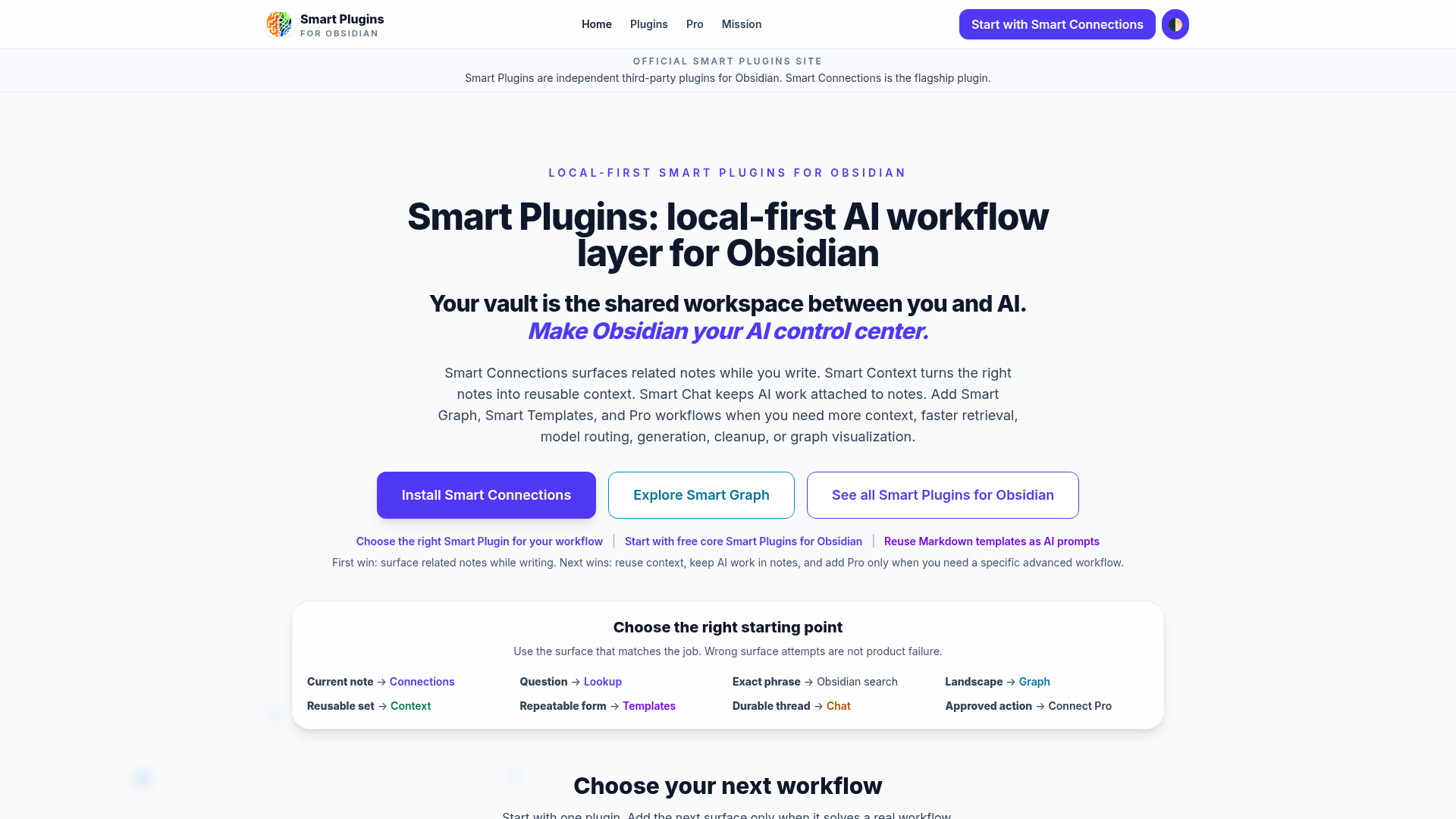
Smart Connections is an Obsidian community plugin built by Brian Petro that uses local embeddings to automatically surface notes semantically related to whatever you are currently working on. It ships with a built-in local embedding model, requires no API key or external setup, and keeps all note data on your machine by default. The project is source-available under the Smart Plugins License and is actively maintained as part of a broader Smart Ecosystem of local-first, user-aligned tools.
What It Is
Smart Connections sits in the knowledge-management and personal PKM category. Its core job is to close the gap between capturing notes and actually using them: as you write or navigate your vault, the Connections view automatically updates to show notes that are semantically similar to your current note — not just keyword matches, but meaning-level relationships. A companion Lookup view lets you run ad hoc semantic searches across the entire vault on demand. The plugin is installable directly from the Obsidian Community plugins directory.
How the Core Workflow Operates
The day-to-day loop is designed to be frictionless:
- Install and enable — a local model begins indexing the vault immediately; no CLI tools, no API key, no extra apps required.
- Keep writing — the index updates automatically as notes change.
- Open the Connections view — semantically related notes appear in a sidebar panel; results update when you switch notes.
- Act on results — drag a result into a note to create a link, hold Cmd/Ctrl to trigger Obsidian's Hover Preview, right-click to hide or pin individual results, or use "Send to Smart Context" to copy all related content to the clipboard for use with any external AI chat.
Additional controls include a pause button to freeze results while navigating, a random-connection command to jump to a strongly related note, and the ability to copy all connection links to the clipboard in one action.
Update: Smart Connections v4 and Pro Plugins
Version 4 refocused the core plugin on a single promise — install, enable, and connections just work — while moving advanced configuration into a new Pro plugins layer. Key changes in v4 include:
- Pinned and hidden connections that feed into improved ranking algorithms available in Connections Pro.
- A new Events and Notifications system surfaced via the status bar (desktop) or a notice panel (mobile), replacing most native Obsidian notifications.
- Smart Chat was separated into its own dedicated plugin (Smart Chat), keeping the core plugin lean.
- Connections Pro adds inline connection badges in the editor, footer connections, configurable scoring and reranking, Obsidian Bases integration via
score_connectionandlist_connectionscolumns, and early-release experiment access.
Privacy and Local-First Architecture
The project's stated design constraint is that privacy is not a premium feature. Embeddings are created locally by default using the bundled model; notes never leave the machine unless the user explicitly opts into a cloud provider. The Smart Environment — the shared local core powering Smart Connections, Smart Chat, and other Smart Plugins — maintains the vault index, listens for Obsidian events to keep embeddings in sync, and provides a single configuration surface for models, sources, and exclusions across all Smart Plugins. The codebase is described by the project as having minimal third-party dependencies, which the README states allows it to be audited more than three times faster than comparable AI plugins.
Audience and Ecosystem Fit
Smart Connections targets Obsidian power users — researchers, writers, lifelong learners, and knowledge workers — who have large vaults (hundreds to thousands of notes) and struggle to surface past work at the right moment. The plugin works on both desktop and mobile. It is one piece of the broader Smart Ecosystem, which also includes Smart Chat (AI chat grounded in vault notes) and Smart Context (assembling multi-note context bundles for AI prompts). The Smart Environment shared core is positioned by the project as a local-first PKM backend that could eventually support custom frontend components built on top of personal note data.
Community Discussions
Be the first to start a conversation about Smart Connections
Share your experience with Smart Connections, ask questions, or help others learn from your insights.
Pricing
Core Smart Connections
Free, source-available core plugin installable from Obsidian Community plugins. Includes local embeddings, Connections view, Lookup view, Smart Environment, and mobile support.
- Local embedding model (no API key required)
- Connections view with auto-updating related notes
- Lookup view for semantic search
- Pause, pin, and hide connections
- Send to Smart Context
Connections Pro
Advanced Pro plugin for power users, available to active project supporters. Adds inline connections, footer connections, configurable scoring/reranking, Bases integration, and early-release experiments.
- Inline connection badges in the editor
- Footer connections panel
- Configurable scoring and reranking algorithms
- Obsidian Bases integration (score_connection, list_connections)
- Advanced filters and model controls
- Early-release experiment access
- Hidden and pinned connections feed improved ranking algorithms
Capabilities
Key Features
- Local embedding model included — no API key required
- Connections view: auto-updating sidebar of semantically related notes
- Lookup view: ad hoc semantic search across the vault
- Pause/freeze connections while navigating
- Pin and hide individual connection results
- Send to Smart Context: copy all related note content to clipboard
- Copy all connection links to clipboard
- Random connection command
- Mobile support (iOS and Android)
- Smart Environment: shared local index and configuration for all Smart Plugins
- Connections Pro: inline connection badges in the editor
- Connections Pro: footer connections panel
- Connections Pro: configurable scoring and reranking algorithms
- Connections Pro: Obsidian Bases integration (score_connection, list_connections)
- Connections Pro: advanced filters and model controls
- Zero third-party dependencies in core codebase
- Private by default — notes stay on device
Integrations
Demo Video